What matters when choosing?
Choose the platform your complete development stack can use, then size memory and storage for the tools you run together and check how the laptop connects to your desk setup.
Intel/x86 Windows laptop
Consider it when: Your project requires Windows-native tools or x86/amd64 software and images.
Check before buying: Compact models can have fixed memory; confirm the exact configuration rather than assuming a later upgrade.
Apple-silicon Mac
Consider it when: Your database tools, extensions and container images work on macOS and Apple silicon.
Check before buying: Docker says amd64 emulation is slow with Docker VMM, so an x86-only container workflow needs particular attention.
Windows-on-ARM laptop
Consider it when: The required clients, drivers, plug-ins, virtualisation tools and images have been checked for Windows on ARM.
Check before buying: Windows on ARM is not the same processor platform as Intel/x86; PostgreSQL's general platform support does not establish compatibility for every surrounding tool.
| Concern |
What to check |
Who this matters to |
| Memory headroom |
Compare configured 16GB and 32GB options against the database, IDE, browser and any container VM you will run together. Check whether memory is upgradeable. |
I need my database and development tools open at the same time without choosing a laptop solely by the database's requirements. Around 40% of consumers put memory headroom first. |
| Platform compatibility |
Confirm operating-system and processor support for required images, extensions, drivers and tools. Docker reports slow amd64 emulation with Docker VMM on Mac. |
My project depends on particular tools or container images, so a smaller laptop is of little use if that stack cannot run as intended. Around 30% of consumers make compatibility their primary concern. |
| Desk fit and connections |
Check the laptop's dimensions and its exact monitor, dock, charging and storage connections. |
I have limited desk space but still need a workable display and peripheral layout. For around 30% of consumers, the compact setup and its connections come first. |
Joybuy product options
These laptops include compact Intel-based and Windows-on-ARM options, plus larger-screen models for consumers who can give more desk space to the laptop. Compare their stated memory and storage with your workload, then check platform compatibility and the connections your setup requires.
 No image available
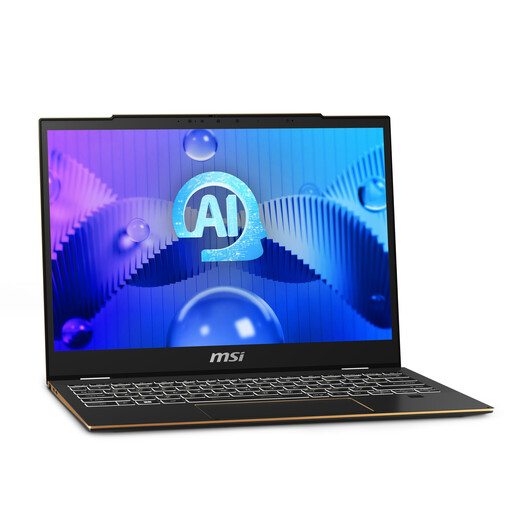
MSI Summit E13 AI Evo, Core Ultra 7 155H, 32GB RAM, 1TB SSD
Consider this Intel-based option if you want 32GB of configured memory for several local services in a small-desk setup.
The product name lists a 13-inch FHD+ touch display, Intel Core Ultra 7 155H, 32GB LPDDR5 RAM and a 1TB SSD. Confirm the exact display dimensions and the connections needed for your desk before buying.
View on Joybuy
 No image available
HP OmniBook Ultra Flip 14-fh0006na, 16GB RAM, 1TB SSD
This Windows 11 Home 2-in-1 is worth considering for a local database alongside everyday development tools, provided 16GB meets your concurrent workload.
The product name specifies 16GB RAM and a 1TB SSD. Check the required database tools, drivers and container images against the selected configuration.
View on Joybuy
 No image available
ASUS Vivobook 14 X1407QA-LY003W, Snapdragon X, 16GB RAM, 512GB SSD
Consider this Windows-on-ARM model only after checking that your database tools, drivers and container images work with the required processor architecture.
The product name specifies a Snapdragon X processor, 16GB RAM and a 512GB SSD. Assess whether that memory and storage fit the services and local data you intend to keep on the laptop.
View on Joybuy
 No image available
MSI Summit 16 AI Evo, Core Ultra 7 255H, 32GB RAM, 1TB SSD
This is an alternative when 32GB of memory matters more to you than keeping the laptop itself in the 13- or 14-inch size class.
The product name lists a 16-inch QHD+ display, Intel Core Ultra 7 255H, 32GB LPDDR5 RAM and a 1TB SSD. Allow for the larger screen on your desk and confirm the ports needed for a monitor or dock.
View on Joybuy
 No image available
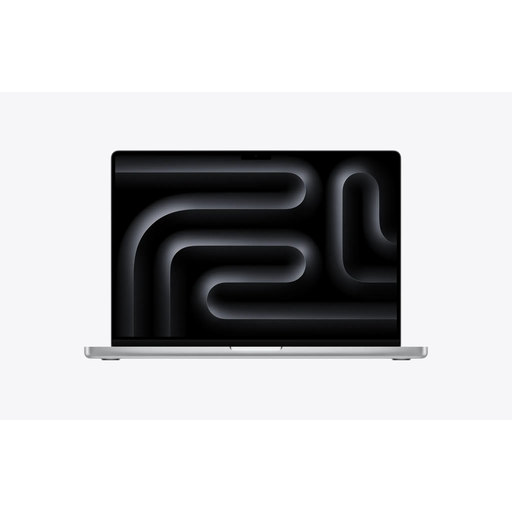
Apple MacBook Pro 16.2-inch, M5 Max, 36GB unified memory, 2TB SSD
This larger Apple-silicon model may suit a local workflow that needs its stated memory and storage, if your tools and images are compatible with macOS and Apple silicon.
The product name specifies an M5 Max model with 36GB unified memory and a 2TB SSD. Its 16.2-inch size takes more desk space than the compact options; Docker also warns that amd64 emulation is slow with Docker VMM on Mac.
View on Joybuy
Common questions
How much RAM should I choose for local database work?
Compare 16GB configurations for a modest database, IDE and browser setup; consider 32GB if you expect several services, larger datasets or virtual machines at once. Docker's 4GB minimum for Docker Desktop on Mac is a software minimum, not a complete laptop recommendation, and you should check whether the selected model's RAM can be upgraded.
Can PostgreSQL run locally on macOS or Windows?
Yes: the PostgreSQL Global Development Group lists current macOS and Windows versions among the platforms on which PostgreSQL can be expected to work. Check the separate requirements of any extensions, client drivers, IDE plug-ins and container images your project uses.
Is an Apple-silicon Mac suitable for a database running in Docker?
It can be suitable if your database images and surrounding tools work on Apple silicon and macOS. Docker supports Docker Desktop on Apple-silicon Macs but says amd64 emulation is slow with Docker VMM, so check any x86/amd64-only part of your workflow before choosing a Mac.
How much SSD space should I allow for containers and local data?
Allow space beyond the operating system and source code for database files, container images, volumes, dumps and backups; the amount depends on your own datasets and retention needs. Docker says Linux containers and images on Mac are stored in a large disk-image file, so include that storage in your capacity plan.


