
24/7 Customer Support

Free returns

Same-day & Next-day Delivery

Quality Guaranteed

Unlock Your Welcome Offers: FREE Delivery | Up to 80% OFF | Free 30-day JoyPlus trial
Download the APP
Buying computer monitors can become confusing when product pages focus on headline numbers rather than everyday usability. A high refresh rate may sound attractive, but it is less useful if your computer cannot deliver enough frames. A 4K monitor can show fine detail, yet text and interface elements may appear small without suitable scaling. Even a wide colour gamut can create problems for design work if the monitor is not calibrated for the colour space you use.
The following guide explains the specifications that matter, the marketing traps to avoid and which types of monitor suit different UK users.
Gaming monitors with 180Hz, 240Hz or higher refresh rates can produce smoother motion, but the benefit depends on the game, graphics card and connection used. A screen may support a headline refresh rate through DisplayPort while offering a lower limit over HDMI. Always check the specification for each input.
For office work, browsing and general entertainment, a 75Hz or 100Hz monitor may provide a comfortable improvement over a basic 60Hz display. Competitive players, however, may benefit more from high refresh rate monitors, provided their system can generate the required frame rate.
A quoted 0.5ms or 1ms response time may refer to a particular measurement mode, such as GtG minimum or MPRT. It does not automatically mean that every transition will look identical. Excessive overdrive can also introduce visible inverse ghosting. Look for a monitor with adjustable response settings and consider reviews or return policies if motion clarity is a priority.
HDR monitors can accept HDR signals, but the visual result depends on brightness, contrast, local dimming and the content itself. VESA DisplayHDR 400 indicates a certification level, not the same performance as a display with advanced local dimming or OLED technology. Treat HDR as one part of the picture rather than the sole reason to buy.
Screen size affects pixel density and viewing distance. A 32-inch QHD monitor offers a spacious image, while a 27-inch QHD model generally produces crisper-looking text at a typical desk distance.
IPS monitors usually offer wide viewing angles and consistent colour across the screen, making them suitable for office work, graphic design and mixed use. Rapid IPS monitors add faster pixel response for gaming while retaining the general viewing-angle advantages of IPS technology.
VA panels can provide stronger native contrast, which may suit films and darker games. Curved VA screens are common among ultrawide monitors, but curvature is a matter of preference rather than a guarantee of better image quality.
For monitors for graphic design and other professional monitors, check the stated colour space, calibration information and bit depth. A display covering 100% sRGB may suit web graphics, while video workflows may require Rec.709 or DCI-P3 coverage. Colour accuracy figures such as Delta E should be considered alongside calibration status and your own calibration equipment.
A USB-C monitor can simplify a laptop setup by carrying video, data and power through one cable. Check the power-delivery figure carefully: 15W is suitable for some accessories or light charging, while 96W or 98W may support many compatible laptops more effectively. USB-C video also requires a laptop with DisplayPort Alt Mode.
Look for:
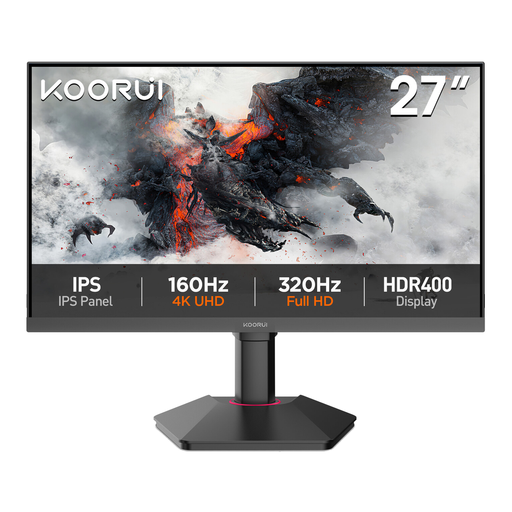
Why This Fits Their Persona: A sensible starting point for home offices, study areas and general desktop use where QHD detail matters more than extreme gaming speed.
Its 75Hz refresh rate avoids paying for a specification many everyday users may not need, while HDMI, DisplayPort and VGA provide broad compatibility.
27-inch QHD IPS panel, 99% sRGB coverage, Adaptive-Sync and VESA 100 × 100mm support.
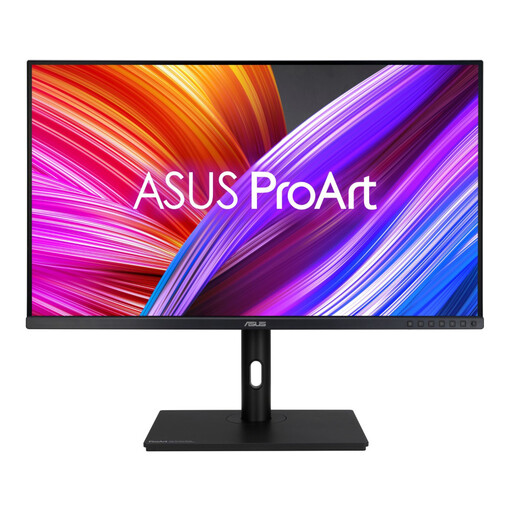
Why This Fits Their Persona: Designed for photographers, editors and graphic designers who need a larger working canvas and documented colour specifications.
It provides calibration information, 100% sRGB and 100% Rec.709 coverage, helping buyers assess colour suitability instead of relying on vague “vivid colour” language.
31.5-inch WQHD IPS panel, Calman Verified status, ΔE < 2 specification and 130mm height adjustment.
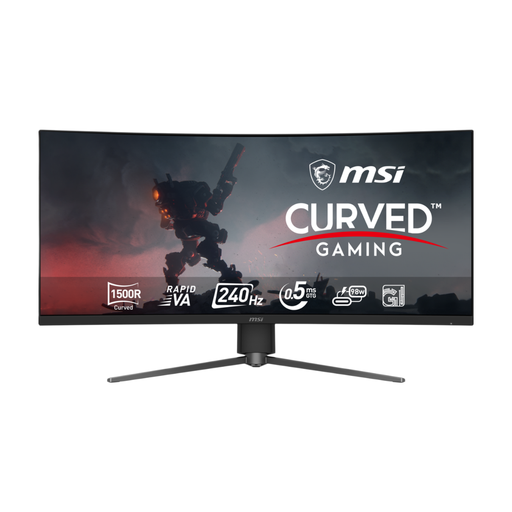
Why This Fits Their Persona: Suits esports players and PC gamers who want an ultrawide curved display with fast motion handling and a broad field of view.
The listing specifies 3440 × 1440 at 240Hz through its listed video connections, rather than presenting refresh rate without resolution context.
34-inch UWQHD curved Rapid VA panel, 240Hz refresh rate, 0.5ms GtG minimum response time and 98W USB-C power delivery.
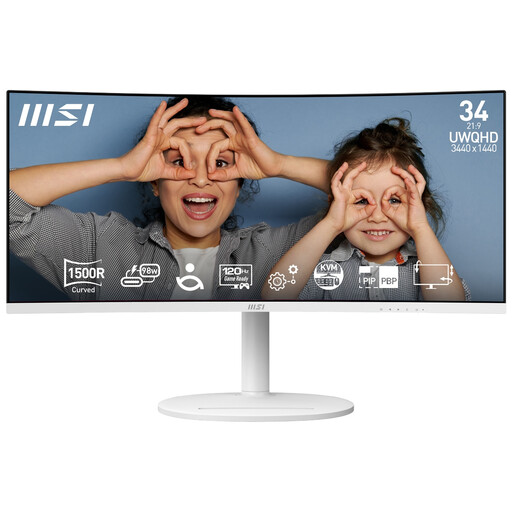
Why This Fits Their Persona: A practical match for remote workers, creators and home users who regularly arrange several windows side by side.
The 21:9 layout offers workspace for multiple windows, while the built-in KVM and USB-C connection reduce the need for separate desk peripherals.
3440 × 1440 resolution, 120Hz refresh rate, 98W USB-C power delivery, KVM function and 1500R curvature.
We have compiled a complete, real-time list of products that fully satisfy these strict selection criteria and UK safety regulations.
They can be useful for detailed images, large spreadsheets and multiple windows, particularly on a 32-inch screen. However, your computer must support the resolution, and operating-system scaling may be needed to make text comfortable to read.
A monitor’s usable life depends on operating hours, heat, power conditions and component quality. Keeping ventilation clear, avoiding direct sunlight and using a suitable power connection can help protect it. Check the manufacturer’s warranty and retain proof of purchase for UK consumer rights.
Running cost depends on screen size, brightness, refresh rate and usage hours. A monitor’s energy label and stated power consumption provide a more useful guide than size alone. Reducing brightness and enabling standby settings can lower electricity use during long working days.