
24/7 Customer Support

Free returns

Same-day & Next-day Delivery

Quality Guaranteed

Unlock Your Welcome Offers: FREE Delivery | Up to 80% OFF | Free 30-day JoyPlus trial
Download the APP
By Joybuy Product Recommendation Officer
Choosing between computer monitors can seem straightforward until specifications, marketing terms and hidden compatibility issues start to overlap. A low-cost display may look suitable online but prove awkward where desk space is limited, unsuitable for a laptop or disappointing in fast-moving games.
This guide explains the practical details UK buyers should check before purchasing, from screen size and panel type to refresh rate, ports and mounting options.
A 27-inch monitor with 1920 × 1080 Full HD resolution has the same number of pixels as a 24-inch Full HD monitor. Text and icons may therefore appear less tightly defined on the larger display, particularly when viewed close up. A 27-inch monitor can still suit work, streaming and casual gaming, but buyers wanting sharper text may prefer a smaller Full HD model or a higher-resolution display.
A 100Hz monitor can make scrolling and compatible video appear smoother than a 60Hz model. However, your computer, console, cable and selected resolution must support the advertised refresh rate. Some products also achieve their highest figure only through a particular connection or overclocking mode. Check the technical details for HDMI and DisplayPort limits rather than relying only on the headline number.
Flicker-free operation, low-blue-light modes and matte anti-glare coatings can be useful for long sessions, but they do not replace sensible screen positioning and regular breaks. Avoid placing a monitor opposite a bright window, and adjust brightness to suit the room. Certifications such as TÜV Rheinland may verify particular technical characteristics, but they are not a guarantee that every user will experience the same level of comfort.
An IPS monitor generally offers wide viewing angles and consistent colour across the screen, making it suitable for office collaboration and creative tasks. The ASUS ProArt PA247CV, for example, provides 100% sRGB and Rec.709 coverage with factory calibration details listed by the manufacturer.
A VA panel typically prioritises contrast and deeper blacks. This can suit films, games and darker rooms, although viewing consistency and motion performance vary by model. Curved monitors, including 1500R, 1800R or 3000R designs, may feel more immersive but need enough desk space and a central seating position.
A 60Hz monitor is adequate for documents, email and general browsing. A 100Hz monitor can provide smoother scrolling and movement for everyday use. Gaming monitors may offer 144Hz, 165Hz or higher, but the benefit depends on the frame rate produced by your graphics hardware.
Response-time figures also need context. MPRT, GTG and overdrive measurements are not directly interchangeable. Adaptive Sync technologies can help coordinate the display and graphics output, reducing visible tearing when supported by compatible hardware.
Check your devices before buying:
For long home-office sessions, height, tilt, swivel and pivot adjustments can be more useful than a slim bezel alone.
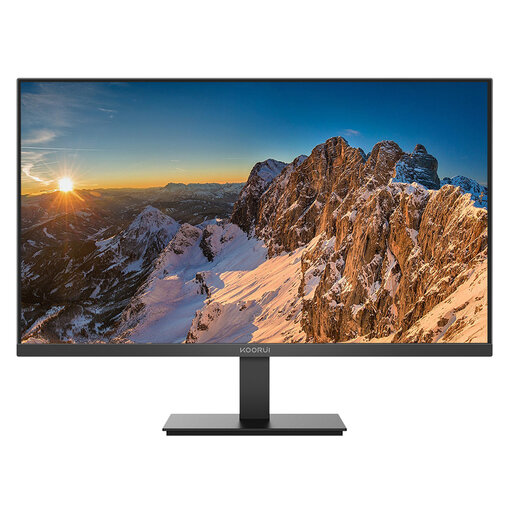
Why This Fits Their Persona: A compact option for students, first home offices and UK desks with limited space, with Full HD resolution and everyday connectivity.
Its 24-inch size keeps Full HD text relatively dense, while HDMI and DisplayPort avoid dependence on older VGA-only connections.
IPS panel, 60Hz refresh rate, low-blue-light and flicker-free features, plus tilt adjustment.
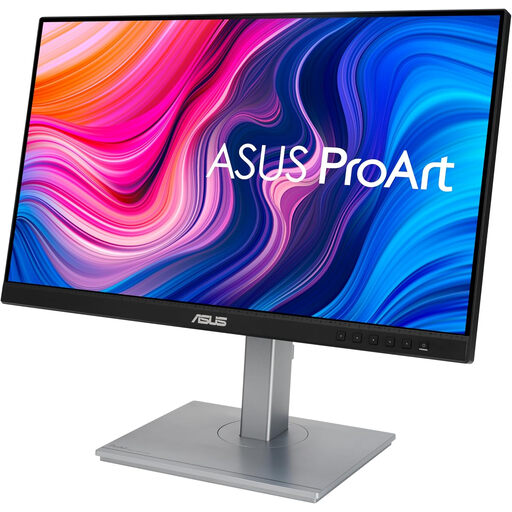
Why This Fits Their Persona: Suits photographers, designers and professionals who prioritise colour coverage, adjustment and one-cable laptop connectivity.
The listed colour coverage and factory-calibration details provide more useful information than vague colour claims.
100% sRGB and Rec.709 coverage, USB-C with 65W Power Delivery, USB hub and height-adjustable stand.
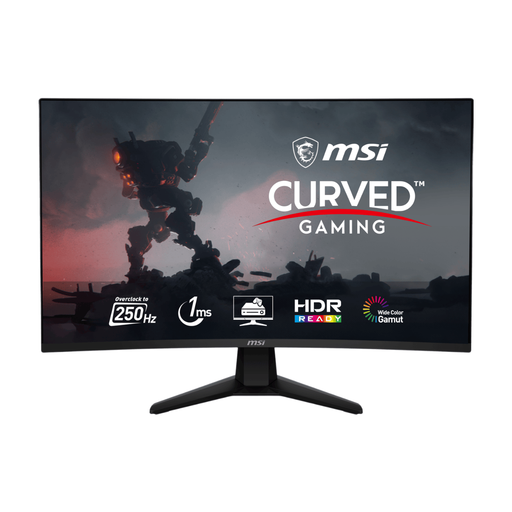
Why This Fits Their Persona: Designed for competitive gamers with a suitable graphics card, a fast connection and sufficient desk depth for a 32-inch curved display.
The specification identifies its DisplayPort and HDMI refresh-rate limits, helping buyers match the monitor to their system.
250Hz overclocked refresh rate, 1ms MPRT, Adaptive Sync, 1500R VA panel and VESA support.
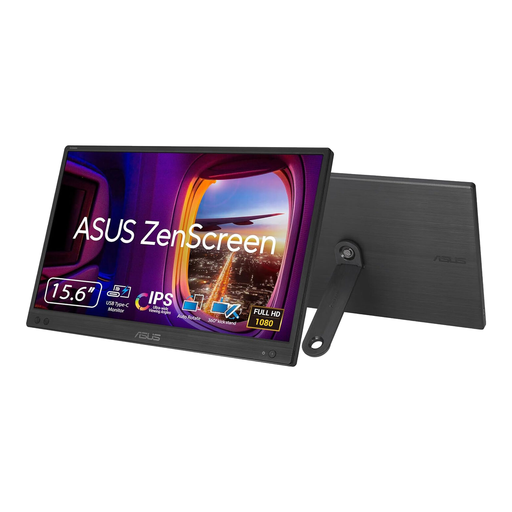
Why This Fits Their Persona: A lightweight second screen for hybrid workers, university students and professionals moving between home, office and travel locations.
Its USB-C video connection is clearly specified as requiring DisplayPort Alt Mode, so buyers can verify laptop compatibility before ordering.
15.6-inch IPS Full HD screen, 780g weight, 11.8mm thickness and single-cable USB-C operation.
We have compiled a complete, real-time list of products that fully satisfy these strict selection criteria and UK safety regulations.
It can make cursor movement, scrolling and compatible video feel smoother than 60Hz. It is not essential for word processing, but it may be a practical upgrade if the price difference is modest and your computer supports 100Hz.
Position the screen far enough away that you can read text without leaning forward. The correct distance depends on screen size, resolution and your eyesight. Place the top of the display around eye level or slightly below, and keep the screen directly in front of you to reduce neck turning.
Lifespan varies with usage, heat, power conditions and panel quality. A monitor may remain usable for several years, but ports, backlights and pixels can develop faults over time. Keep ventilation clear, use a suitable mains connection, avoid pressing the panel and check the warranty and returns information before purchase.