Choose a connected home device for the job it needs to do, then check the exact model’s published minimum security-update period and the phone, account, internet connection and paid services its essential functions require. The UK National Cyber Security Centre says manufacturers of covered UK consumer smart devices must state the minimum period for important security updates; that disclosure does not promise that the hardware or every service will last as long. For Tapo cameras, local SD-card recording can continue after a router connection is lost, but initial setup still needs internet access and firmware updates use the app.
Who should consider ongoing support?
People planning to keep a device for years
If you expect to keep a speaker, TV or appliance for years, check the exact model’s stated security-update period against how long you intend to use it. The Information Commissioner’s Office advises consumers to pay attention to manufacturers’ stated update support.
Households choosing a home camera
Check whether the camera saves footage locally or to the cloud, and what its setup and ongoing use require. TP-Link and Google describe different app, account and recording arrangements for their specific camera products.
People deciding whether to keep older smart technology
If a device has reached its published support end date, check which connected functions remain available before deciding whether to keep or replace it. The National Cyber Security Centre recommends considering support dates when choosing smart devices.
What should you check before buying?
| Concern |
What to check when buying |
Who this matters to |
| Security-update support |
Check the exact model’s stated end date and any purchase-condition wording that affects the commitment. |
I expect to keep a speaker, TV or appliance for years and want its stated update period to cover that time; around 40% of consumers put the model-specific update commitment first. |
| App, account and phone requirements |
Check the setup instructions for the required app, account and supported phone platform. |
I need to know that my household can set up and manage the device with the phones and accounts we use; around 30% of consumers prioritise manageable setup and account requirements. |
| Core functions during interruptions |
For a camera, check what records locally after setup and what still needs an internet connection. |
If I rely on a camera recording during a connection interruption, I want that specific function confirmed for the model; around 20% of consumers put continued access to core functions first. |
| Ongoing services and storage |
Compare included recording history and storage with the features that require a subscription or separate storage. |
I want to know whether the recording history or storage I plan to use depends on an ongoing service or a separate accessory; around 10% of consumers prioritise predictable service and storage requirements. |
Common buying pitfalls
-
Treating an update period as a promise that every feature will continue
An update commitment concerns security updates; it does not by itself establish how long hardware, connected services or every feature will remain available.
Check the exact model’s update commitment separately from the service terms and functions you expect to use.
-
Assuming local camera storage removes setup and maintenance requirements
For Tapo cameras, TP-Link says initial setup requires internet access, and firmware updates use the Tapo app. Local SD-card recording after setup does not remove those requirements.
Check setup, updates and recording during an outage as separate functions for the specific camera.
Some Tapo camera listings require a separately obtained microSD card for local recording.
-
Choosing a camera without checking how much footage is available
Included event history, extended cloud history and continuous recording can have different terms. Google specifies that extended or continuous history for the Nest Cam with floodlight requires a subscription.
Decide how much footage you need to revisit, then check which recording option provides it and whether it requires a subscription.
Relevant brands to compare
Google
Relevant if you are considering an app-managed Nest camera.
- Google specifies the Google Home app and a Google Account for the Nest Cam with floodlight.
- Its app and account requirements apply to that camera model; check the requirements for any other product separately.
TP-Link
Relevant when comparing Tapo camera recording options with app-based setup and management.
- TP-Link says Tapo SD-card recording can continue after a router connection is lost, once the camera has been set up.
- Initial setup requires internet access, setup uses the Tapo app and a TP-Link ID, and firmware updates use the app. Check the exact model’s support information.
Samsung
Relevant when the connected functions of a smart TV are part of a long-term purchase decision.
- Samsung documents TV software updates through the TV menu or, for applicable TVs, by USB.
- Samsung directs buyers to its security information for product support periods; check the applicable period for the exact TV rather than assuming one end date applies to every model.
Joybuy camera options
The products below are security cameras. Compare each model’s recording options, setup requirements and any separate storage or service needs; check its published security-update period if you expect to keep it for years.
 No image available
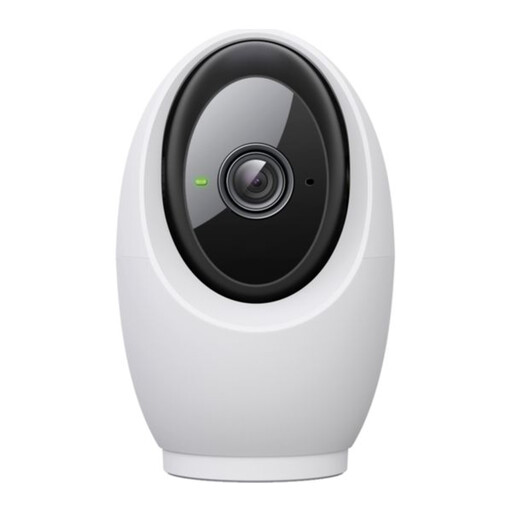
TP-Link Tapo C260 Pan/Tilt AI Camera
Consider it if you want an indoor camera with pan-and-tilt monitoring and a choice of local or cloud storage.
The listing specifies 4K resolution, a physical privacy mode and microSD storage. A microSD card is sold separately; Tapo Care cloud storage requires a subscription.
View on Joybuy
 No image available
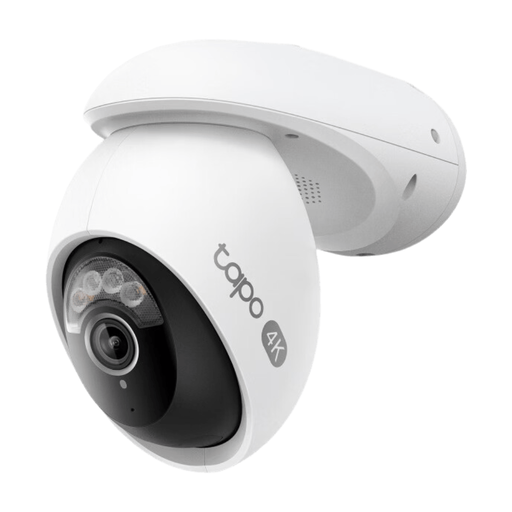
TP-Link Tapo C560WS Outdoor Pan/Tilt Camera
Consider it for outdoor monitoring if the listed storage capacity and weather rating suit your setup.
The listing specifies 4K resolution, microSD storage up to 512GB and an IP66 rating. It also describes local facial recognition.
View on Joybuy
 No image available
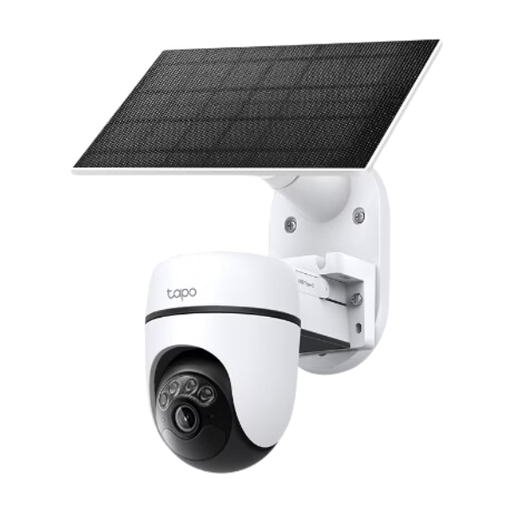
TP-Link Tapo C610 KIT Solar-Powered Pan/Tilt Security Camera Kit
Consider it if you need an outdoor camera kit with a separately mountable solar panel and local storage.
The listing specifies 360° pan, 130° tilt and microSD storage. It describes app and account setup; the solar panel needs suitable sunlight for charging.
View on Joybuy
 No image available
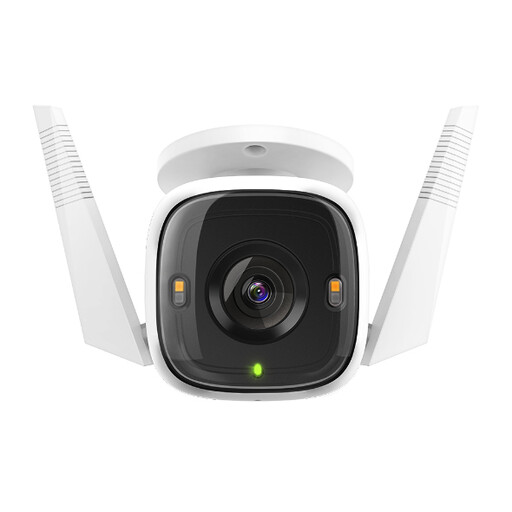
TP-Link Tapo C320WS Outdoor Security Wi-Fi Camera
Consider it if you want an outdoor camera with local microSD storage and a choice of Wi-Fi or Ethernet connectivity.
The listing specifies 2K QHD video. The microSD card is sold separately, and setup uses the Tapo app and a TP-Link account.
View on Joybuy
 No image available
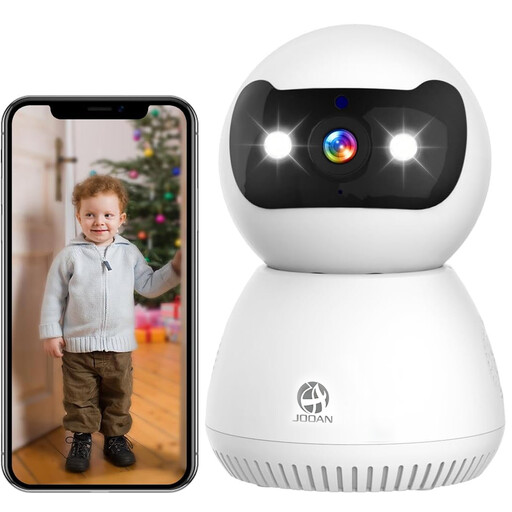
JOOAN 2K Full HD Security Camera
Consider it for indoor monitoring if its app setup and recording options match your household’s needs.
The listing specifies two-way audio, motion detection and microSD storage up to 256GB. It states that the camera is for indoor use only; cloud storage is not free.
View on Joybuy
Questions about connected devices
Does UK law set one fixed number of years for smart-device security updates?
No single duration applies to every covered device. The National Cyber Security Centre says manufacturers of covered UK consumer smart devices must state the minimum period for important security updates. Check the disclosure for the exact product; it does not promise that the hardware or every service will last for the same period.
How can I check whether my phone and account can set up a camera?
Check the exact model’s setup instructions before choosing it. TP-Link says Tapo camera setup requires the Tapo app and a TP-Link ID; Google specifies the Google Home app and a Google Account for the Nest Cam with floodlight. Those requirements do not necessarily apply to other cameras.
Does local camera recording mean I can avoid internet access and an app?
Not necessarily. TP-Link says Tapo cameras need internet access for initial setup and that SD-card recording can continue after the router connection is lost; firmware updates use the Tapo app. Check the individual camera’s setup, update and outage requirements.
Can domestic CCTV create data-protection obligations in the UK?
It can, depending on what the camera captures. North Lanarkshire Council’s guidance says UK GDPR and the Data Protection Act 2018 apply when domestic CCTV captures people beyond the boundary of private property, such as on a public footpath or in a neighbour’s garden. Check the proposed camera view and relevant Information Commissioner’s Office guidance before installation.
Does a camera include the recording history I want?
Check the exact model’s recording and service terms. Google specifies up to three hours of event history for the Nest Cam with floodlight; extended event history and continuous history require a separately sold subscription. TP-Link describes SD-card storage and its Tapo Care cloud subscription as options for Tapo cameras.


