What should you check before buying?
Start with the task—such as voice control, monitoring or appliance control—then check the requirements and support commitment for the particular device you would install.
| Priority |
What to check |
Your needs |
| Purpose and functions |
Decide whether you need voice interaction, remote viewing, scheduled control or another specific function. Check which features require an app, internet connection or continuing service. |
I want the device to do a particular job, rather than adding connected features I will not use. |
| Security-update support |
Find the exact model’s stated security-update period and end date. Check whether it is already out of support or nearing that date; do not treat an update period as a promise of hardware life or continued cloud features. |
If this device will stay in my home for years, I want to know how long its security updates are due to continue. |
| Setup and access |
Check the required phone or tablet, operating system, app, account and network connection. Decide who will administer the account and how other household members will get access. |
Everyone who needs to manage the device should be able to use the required setup and account. |
| Account security |
Check how to set a unique password, whether two-step verification is offered and how the device and app receive updates. The National Cyber Security Centre recommends changing default passwords and enabling two-step verification where available. |
I want an account that my household can secure and continue to manage after a phone is replaced. |
| Functions after service changes |
Separate controls on the device from app, cloud and remote features. Check the exact model’s documentation for what happens when support or a connected service ends. |
For a device I intend to keep installed, I need to know whether the functions I rely on require the manufacturer’s service. |
Brand documentation to compare
These examples show where model requirements and support terms may need checking; a brand reference does not establish that every product in its range has the same terms.
Amazon Echo
Echo speakers and displays are relevant when voice interaction and control of compatible home accessories are the main aims.
- Amazon Customer Service UK publishes security-update dates by Echo model family.
- Amazon’s minimum of four years from purchase applies to devices bought new with Amazon as seller on Amazon.co.uk, or until the later listed date. Check the stated terms for another seller or a refurbished device; the period does not guarantee device lifespan.
Ring
Ring’s doorbells and cameras are relevant to households considering remote monitoring and alerts.
- Ring provides a UK directory for software-security-update information and product compliance statements.
- Use the exact model’s information to check support, account access and storage terms; a range-wide directory is not a complete specification for an individual device.
Google Nest
Nest controls and other connected home products may suit households considering app-based management and automation.
- Google Home and Nest Help says Nest products with a stable internet connection receive software updates automatically.
- Google says first- and second-generation Nest Learning Thermostats lost app connection and software and security updates from 25 October 2025, although some on-device controls remain. That notice concerns those generations, not all Nest products.
Apple HomePod
HomePod is a platform-specific option for households using compatible Apple devices and accessories.
- Apple UK specifies that HomePod (2nd generation) setup requires a compatible iPhone or iPad with current software and 802.11 Wi-Fi internet access.
- Check security-update support for the exact HomePod model separately from its setup specifications.
Connected-device options on Joybuy
These options cover home cameras and connected controls, including a smart plug, radiator thermostat and hub. Choose by the task and setup your household needs, then check the exact model’s support and account information before buying.
 No image available
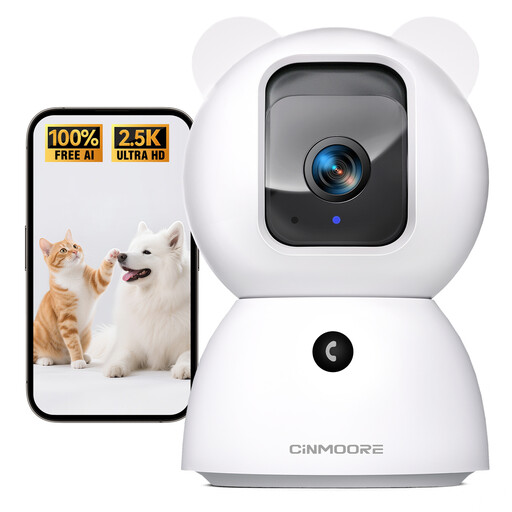
CINMOORE 2.5K 4MP Indoor Security Camera
For indoor monitoring, the listing describes person, pet and cry detection, two-way audio and phone-app viewing. It specifies 2.4GHz Wi-Fi rather than 5GHz; local microSD recording is offered but the card is not included, while cloud storage is paid. Check the exact model’s UK security-update period and account-security options.
View on Joybuy
 No image available
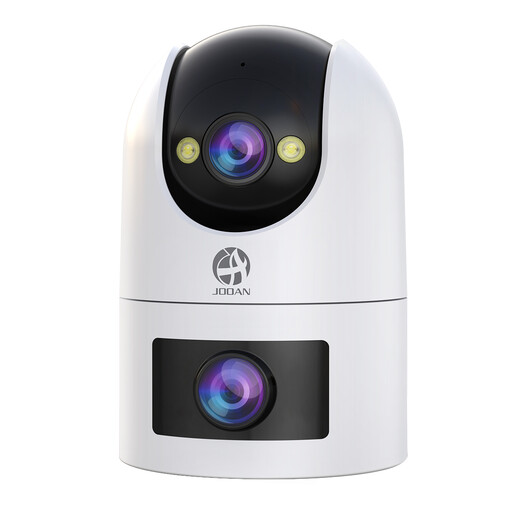
JOOAN Dual-Lens Security Camera, 2.4G/5G Dual WiFi, IP66
For monitoring an indoor or outdoor area, the listing describes app alerts, motion and person detection, and local recording alongside paid cloud storage. Confirm whether a microSD card is included. For outdoor installation, keep power connections dry; also check the exact model’s UK security-update period and account-security options.
View on Joybuy
 No image available
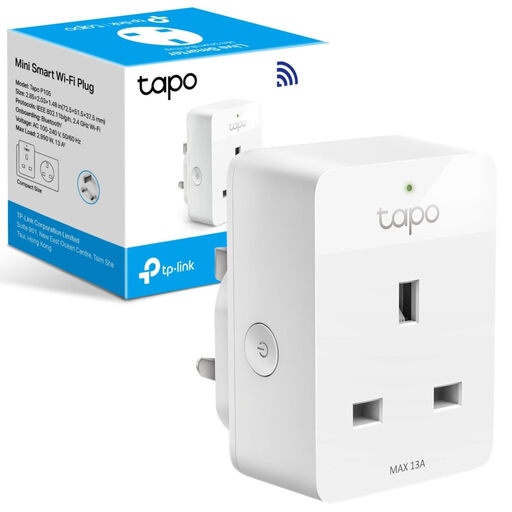
Tapo P105 Mini Smart Wi-Fi Plug (1-Pack)
For switching or scheduling a simple appliance, the listing describes Tapo-app control, schedules and a timer over 2.4GHz Wi-Fi, without a hub. Check that you can manage the required app and account, and confirm the P105’s UK security-update period and account-security options.
View on Joybuy
 No image available
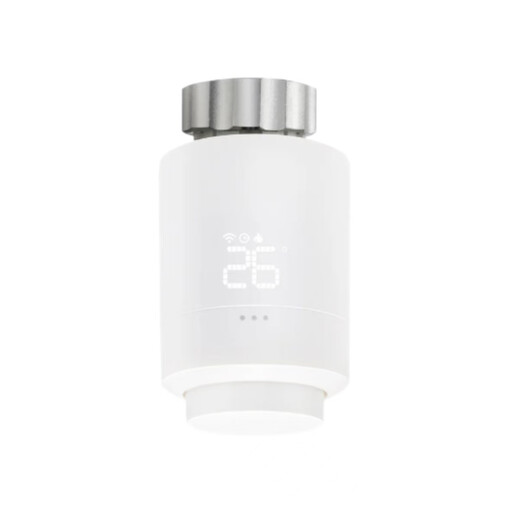
Maginon WT-1 Zigbee Smart Thermostat
For app-managed radiator heating, the listing describes heating schedules and a dial for manual adjustment. Check compatibility with your radiator valve and confirm whether this WT-1 package includes the required Zigbee gateway: the listing associates an included gateway with the WT-2G set. Check the WT-1’s UK security-update period and account-security options as well.
View on Joybuy
 No image available
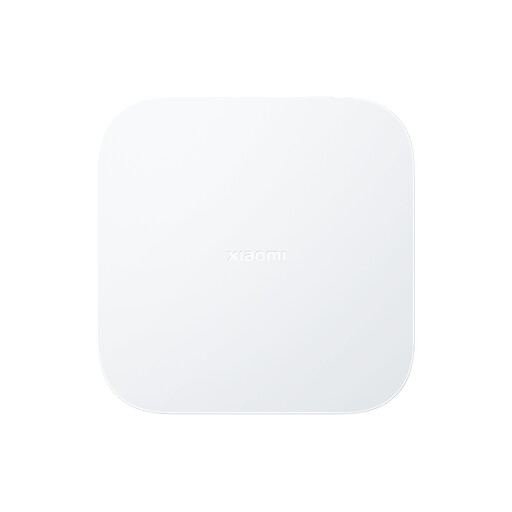
Xiaomi Smart Home Hub 2
Consider this hub if you want to bring compatible Xiaomi or Mijia devices into one home setup. Check your devices against the Hub 2’s compatibility information, then confirm its app and account requirements, UK security-update period and account-security options.
View on Joybuy
Questions about setup and support
Do UK smart-device security rules cover every connected household product?
No. The Office for Product Safety and Standards says the regime applies to relevant consumer products that connect to the internet or a network, but identifies exceptions, including specified product classes and certain Northern Ireland circumstances. Check the exact product type and sales context rather than assuming that every device labelled “smart” is covered.
What does a defined security-update support period tell me?
Under the UK’s 2023 consumer connectable product security regulations, it is the minimum period, expressed with an end date, for which security updates will be provided for a relevant product. It does not by itself promise that the hardware or every connected service will keep working for that period; check the manufacturer’s terms for the exact model.
What should a shared household check before setup?
Decide who will administer the device, then check its required phone or tablet, app, account, internet connection and options for giving others access. The National Cyber Security Centre advises checking minimum requirements and remaining support before purchase.
Can a smart device still work after support ends?
Some functions may continue, but check the exact model rather than assuming remote features will remain. Google says first- and second-generation Nest Learning Thermostats lost app connection and software and security updates from 25 October 2025, while some on-device controls remained available.
What security steps matter after connecting a device?
Use a strong, unique password, change a default password if there is one, enable two-step verification where offered, and keep the device and its management app updated. These are National Cyber Security Centre recommendations; the available settings and steps depend on the device and account.


