Who this guide is for

Households monitoring a child or room

If you are considering a camera or baby monitor, decide who needs to view or hear the room, whether remote access is necessary and where recordings will be stored. Which?, TP-Link and Philips Avent discuss monitoring and access considerations for these products.

Households choosing voice control or TV apps

If you want hands-free controls or built-in streaming, check how voice, account and recommendation settings work before using the device in a shared room. Amazon UK and Samsung UK describe model-specific controls and features.

Families choosing connected audio for children

If you are looking at a children’s audio player, check the exact generation and its data disclosures. Yoto describes the third-generation Player as having no microphone or camera, while its privacy policy also describes play and usage logs.

What to consider before buying

Concern What to check when buying Who this matters to
Access to sensitive rooms Check privacy shutters or modes, recording options, invited-user roles and whether remote viewing is needed. If a camera could face an occupied room, I want to know who can view the feed and when it records. Consumers whose main concern is access to sensitive rooms account for around 28%.
Data collected by devices and apps Read the device and app privacy notices, review phone permissions and check how to delete recordings or request data erasure. If I want to limit information linked to household members, I need to understand what the device and its services retain. Consumers who put data collection first account for around 22%.
Security-update support Look for the commitment for the complete model and, where relevant, hardware version and purchase circumstances. If I plan to keep a device for years, I want a stated support period rather than just instructions for installing updates. Consumers prioritising a defined support period account for around 22%.
Children’s use and shared control Check the exact model and age guidance, adult account roles, invitations and any child-related profiles or logs. If a child will use the device or another carer needs access, I want to know what is collected and who can use the account. Consumers focused on children’s use and household control account for around 17%.
Setup and ongoing dependencies Check what works without optional services, whether storage media are included and what happens if an account is deleted. If I want to avoid relying on an app, storage card or cloud service, I need to understand what each option requires. Consumers whose main concern is setup and ongoing dependencies account for around 11%.

Buying pitfalls to avoid

  • Assuming a privacy button stops all data collection

    A shutter or microphone control addresses a particular capture function; connected services may still hold account information or usage logs. Yoto, for example, describes play and usage logs for its third-generation Player.

    Check what the control switches off, then read the device and app privacy notices separately.

  • Confusing available firmware updates with a support commitment

    Instructions for installing an update do not tell you how long security updates will be supplied.

    Before comparing support periods, look for a commitment covering the exact UK model and version, and check any stated purchase conditions.

  • Overlooking recording and account dependencies

    Remote viewing, invited users and recording destinations involve separate choices. Philips describes admin and guest accounts for its monitor app, while TP-Link describes local and cloud recording options for its cameras.

    Decide who needs access and which recording option you would use before choosing a setup.

    A compatible microSD card may need to be bought separately, and cloud recording may require an optional service.

  • Applying one product generation’s claims to another

    Features described for one generation do not automatically apply to a later model.

    Match the complete model and generation to the specifications and support information you plan to rely on.

Relevant brands to consider

Amazon

Relevant if voice control is the main reason for choosing a speaker.

  • Amazon describes a Microphone Off button on Echo Pop. Its security-update table lists that model through at least 31 December 2030, subject to the stated purchase conditions.
  • Amazon says the update period does not guarantee the device’s lifespan; voice-history and connected-service settings still need reviewing.

Samsung

Relevant for households considering a connected TV with built-in streaming and TV apps.

  • Samsung identifies Tizen OS and tailored app recommendations for the UK UE43U7000FKXXU model.
  • Those details do not establish that model’s minimum security-update end date or provide a complete account of its data practices.

TP-Link

The Tapo C125 is a model-specific example for indoor monitoring with a physical shutter and different recording options.

  • TP-Link describes Privacy Mode for Tapo cameras and lists microSD and Tapo Care cloud recording options for the C125.
  • These product descriptions do not establish the C125’s minimum support end date or independently verify its security. TP-Link also says deleting a TP-Link ID removes access to app device management and associated cloud data.

Philips Avent

The SCD923/26 is relevant when a dedicated parent unit and optional app viewing suit the household’s monitoring arrangement.

  • Philips describes encrypted links and separate admin and guest accounts for the app.
  • These manufacturer descriptions do not show that every access or data risk is resolved or establish a model-specific minimum security-update period.

Yoto

Its children’s audio players serve a different purpose from a voice assistant or video monitor; check the generation when comparing features.

  • Yoto describes its third-generation Player as having no microphone or camera.
  • Yoto’s privacy policy describes play and usage logs. Do not assume third-generation features or support details apply to another generation.

Related products on Joybuy

These Joybuy options cover indoor cameras and app-based baby monitoring; compare their recording choices, privacy controls and setup requirements with your intended use.
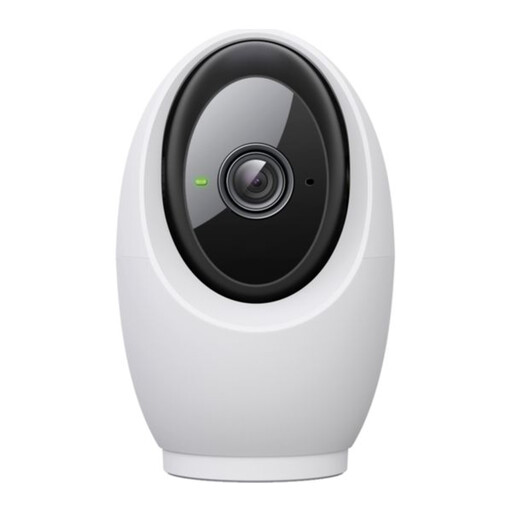
Tapo TC71 Pan/Tilt Home Security Wi-Fi Camera

Tapo TC71 Pan/Tilt Home Security Wi-Fi Camera

For indoor room monitoring with app-based viewing and two-way audio.

The listing specifies 2K video, pan and tilt, 2.4 GHz Wi-Fi and microSD recording. It is designed for indoor use.

Joybuy
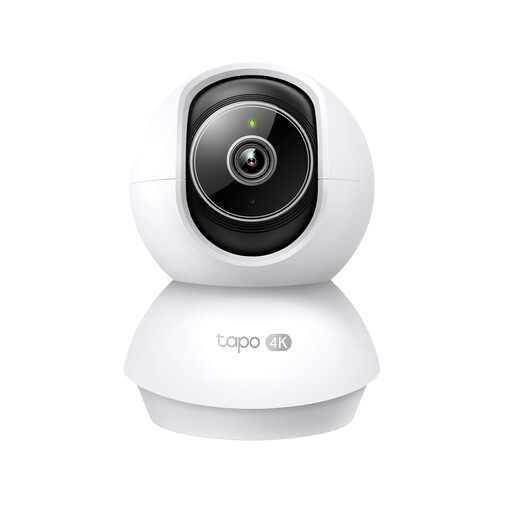
Tapo C260 Pan/Tilt AI Home Security Wi-Fi Camera

Tapo C260 Pan/Tilt AI Home Security Wi-Fi Camera

For indoor monitoring where a physical lens-blocking privacy mode and a choice of recording options are relevant.

The listing specifies 4K video and local microSD or subscription-based cloud recording. A microSD card is sold separately.

Joybuy
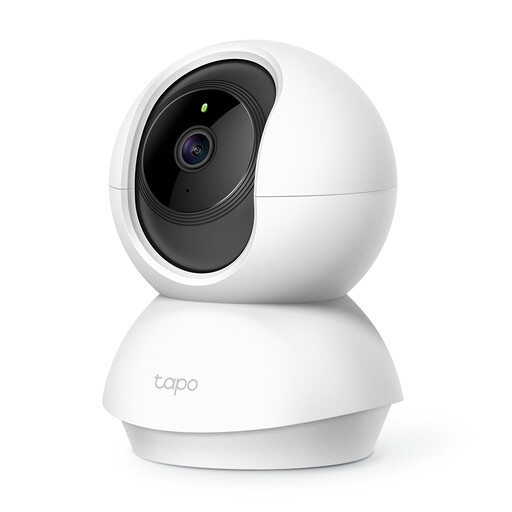
Tapo C200 Pan/Tilt Home Security Wi-Fi Camera

Tapo C200 Pan/Tilt Home Security Wi-Fi Camera

For indoor monitoring where app-based viewing and a mode that blocks the lens and stops recording suit the intended use.

The listing specifies 1080p video, pan and tilt, microSD storage and corded power.

Joybuy
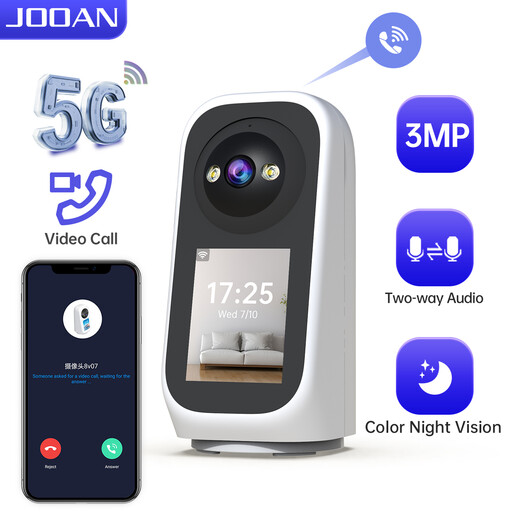
JOOAN 5G WiFi Indoor Security Camera

JOOAN 5G WiFi Indoor Security Camera

For indoor monitoring where app access, privacy masking and a choice of storage options are relevant.

The listing specifies 2K video and 2.4 or 5 GHz Wi-Fi. The SD card is not included, and cloud storage is a paid optional service.

Joybuy
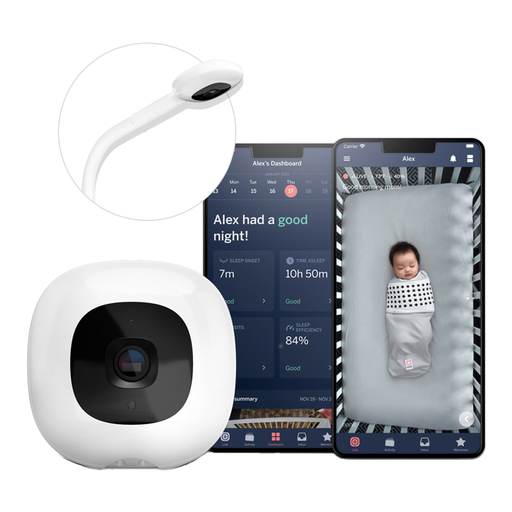
Nanit Pro Smart Baby Monitor with 2nd Gen Floor Stand

Nanit Pro Smart Baby Monitor & 2nd Gen Floor Stand

For app-based baby-room monitoring when a movable floor stand suits the room setup.

The listing describes video monitoring, motion and sound alerts, and two-way audio. It states that the monitor is an aid, not a substitute for responsible adult supervision.

Joybuy

Frequently asked questions

What does UK product-security law tell me about a connected device?

For applicable consumer connectable products, UK rules in force since 29 April 2024 require businesses to meet baseline requirements that include rules on easily discoverable shared default passwords, a vulnerability-reporting contact and a stated minimum security-update period. GOV.UK and the National Cyber Security Centre describe the requirements and their scope; check the exact product’s published information, as the rules do not give every device the same support duration or amount to independent approval of its privacy practices. The regime has scope exceptions, including specified cases in Northern Ireland.

How should I set up and maintain a smart product?

Follow the model’s setup guidance, secure its associated account and install available updates. For Tapo models covered by TP-Link’s instructions, firmware updates are managed in the Tapo app; that instruction does not state how long updates will be offered.

Can I ask for information collected about me to be deleted?

You can ask an organisation to erase your personal data, but the right is not absolute and applies in specified circumstances, according to the Information Commissioner’s Office. Account deletion is a separate, product-specific process: TP-Link says deleting a TP-Link ID also ends access to app device management and associated cloud data. Check current ICO guidance before relying on procedural details, as its erasure guidance is under review following legislative changes.

Will an indoor camera necessarily need cloud storage?

No single answer applies to all cameras. For the Tapo C125, TP-Link lists recording to a microSD card or through Tapo Care cloud storage; check card compatibility, whether a card is supplied and the current cloud-service terms before choosing.

Does buying a smart TV itself require a UK TV Licence?

The GOV.UK guidance concerns viewing, not simply buying or owning a device: a licence is required for watching or recording live television on a device, or watching BBC iPlayer as described in the guidance.