What matters when choosing storage?
Identify the console and the games you want to keep, then decide whether you need direct play or can accept transferring games before a session.
| Concern | What to check | Who this matters to |
|---|
| Direct play |
For PS5 games, check PlayStation’s internal M.2 SSD requirements. For Optimised Xbox Series X|S games, Xbox specifies internal storage or a Storage Expansion Card for play. |
If I want to launch my current-generation games without copying them back, playable storage comes first; around 33% of consumers put direct play first. |
| Local archiving |
Check which games your console can play from USB and which must be copied back. Confirm the drive meets the console’s USB-storage requirements before setting it up. |
Keeping less-played games locally matters more to me than avoiding every transfer; around 27% of consumers put archiving first. |
| Card compatibility |
Check the exact Nintendo model: Switch, Switch OLED and Switch Lite use supported microSD formats, while Switch 2 requires microSD Express for expanded software storage. |
I need a card that works with my particular Nintendo console, rather than one that merely looks similar; around 27% of consumers put format compatibility first. |
| Setup and data |
Before buying, check installation steps, physical fit where relevant and whether console setup will format the drive. Back up files you need before formatting. |
I want to be comfortable fitting or setting up the storage without losing files already on a drive; around 13% of consumers put setup and data handling first. |
Joybuy console-storage products
These products cover memory-card choices for Nintendo consoles and a portable USB SSD for keeping PS5 games in storage or playing supported PS4 games. Match the card format or USB use to your exact console before choosing.
 No image available
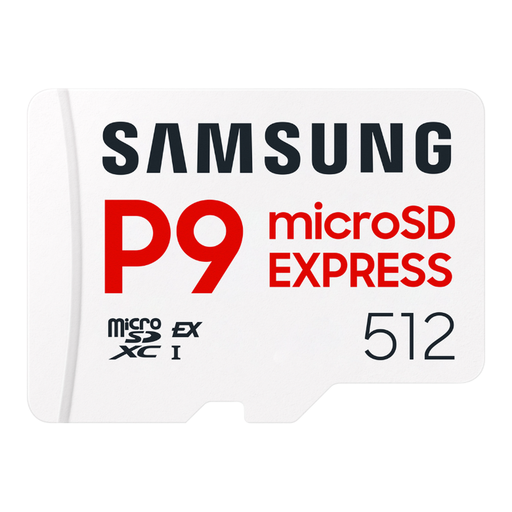
Samsung P9 Express microSD 512GB
For a Switch 2 digital library, confirm this card’s microSD Express format against the product details before buying. Its stated capacity is 512GB; Nintendo keeps game saves in console memory.
Joybuy
 No image available
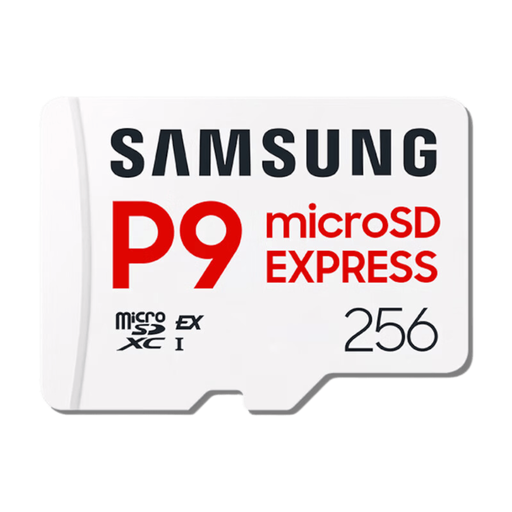
Samsung P9 Express microSD 256GB
For Switch 2 owners considering a smaller-capacity P9 Express card, confirm the microSD Express format before ordering. This variant states 256GB; game saves stay in console memory.
Joybuy
 No image available
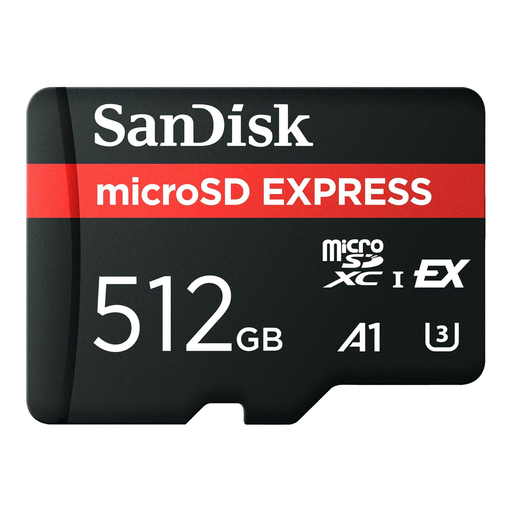
SanDisk Express microSD Card 512GB
For Switch 2 software storage, this 512GB card has the microSD Express format Nintendo requires. Game saves remain in the console’s system memory.
Joybuy
 No image available
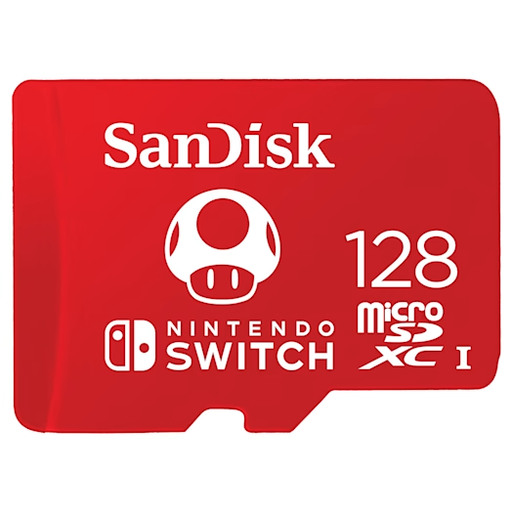
SanDisk microSDXC Card for Nintendo Switch 128GB
For a Switch, Switch OLED or Switch Lite digital library, this is a 128GB microSDXC card. It is not the microSD Express format required for Switch 2 software storage; Nintendo keeps game saves in console memory.
Joybuy
 No image available
Samsung T7 Shield Portable SSD 1 TB, Blue
For PS5 owners willing to archive and transfer games, this external SSD is a USB-storage option; PS5 games must be copied back to console or compatible M.2 storage before play. The stated specifications are 1 TB and USB 3.2 Gen 2; confirm the PS5 USB requirements before buying.
Joybuy
Console-storage questions
Can PS5 games run from an external USB drive?
No. PlayStation says PS5 games stored on USB extended storage must be copied back to console storage or a compatible M.2 SSD before play; PS4 games can run directly from USB extended storage on PS5.
Can a USB drive play Optimised Xbox Series X|S games?
No. Xbox says a compatible USB drive can hold those games, but they must be installed on the internal SSD or a Storage Expansion Card to play. Compatible Xbox One and backward-compatible older Xbox games can run from external storage.
Can I use the same memory-card format for Switch and Switch 2?
No. Nintendo supports microSD, microSDHC and microSDXC on the original Switch family, while Switch 2 requires microSD Express for expanded software storage. Check the console generation before reusing or buying a card.
Will a Nintendo memory card hold my game saves?
No. Nintendo states that game-save data remains in console system memory rather than on a microSD card for Switch or a microSD Express card for Switch 2.
What should I do before setting up a USB drive for console games?
Back up any files you need before formatting it. Xbox reformats external drives configured for games and apps, while PlayStation says data erased during USB extended-storage formatting cannot be recovered.


