What matters when choosing backup storage?
For important files, decide how you will keep a separate recoverable copy before comparing drive specifications. Cloud storage, an external drive and a combination of the two answer different parts of that decision.
Cloud storage with recovery features
Choose it when: You need access to current coursework across devices and a way to restore an earlier file version.
Keep in mind: Synchronised changes can spread to other devices; recovery depends on the service and your account settings.
An external drive
Choose it when: You need a separately controlled local copy, particularly for large folders or a device backup.
Keep in mind: A drive can be lost or damaged, and an offline copy has to be reconnected and updated.
Cloud and a separate local copy
Choose it when: Losing coursework or personal files would be difficult to recover from and you want copies in different locations.
Keep in mind: The extra copy needs a repeatable backup routine and occasional restoration checks.
| Concern |
What to check |
Who this matters to |
| A recoverable copy before a deadline |
Check how you will make regular copies and restore a test folder. Keep the backup separately from the main computer. |
When a deadline is close, I need to recover a draft without recreating days of work; around 31% of consumers put a dependable copy-and-restore routine first. |
| Protection for a portable copy |
Check the encryption method, how you will retain its recovery information and whether you can unlock the drive on the devices you use. |
If I carry personal or institution-related files, losing the drive must not also expose them; roughly 23% of consumers prioritise protection against unauthorised access. |
| Recovery from synchronised changes |
Check version history, deleted-file retention and the settings of the account holding your files. |
An accidental overwrite could spread through my synced folders, so I need a usable earlier version; around 31% of consumers make rollback their primary concern. |
| Capacity and device compatibility |
Check the connector, cable, capacity and file format against every computer that needs to read or write the backup. |
Moving large project folders between devices only works if the drive connects and its format is usable; approximately 15% of consumers put that practical fit first. |
External drives to consider on Joybuy
These external HDDs and SSDs are options for making a separate local copy of coursework or personal files. Choose one alongside a backup routine and another recoverable copy, not as a replacement for both.
 No image available
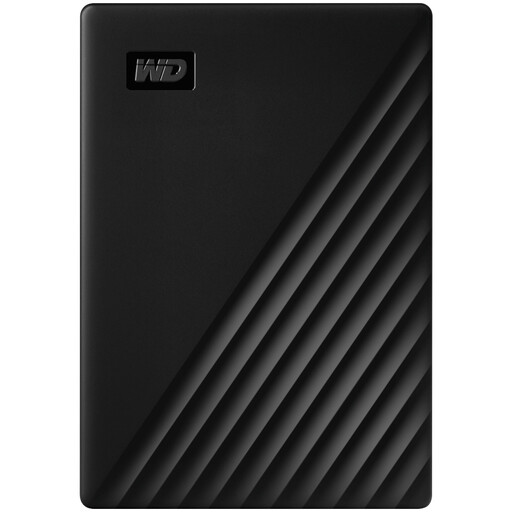
Western Digital My Passport 2TB Portable External Hard Drive, Black
Consider this portable HDD if you want a local copy of coursework or personal files and intend to follow a regular backup routine.
Capacity: 2TB. Check the Mac read-and-write workflow before buying if you need to use it with macOS.
View on Joybuy
 No image available
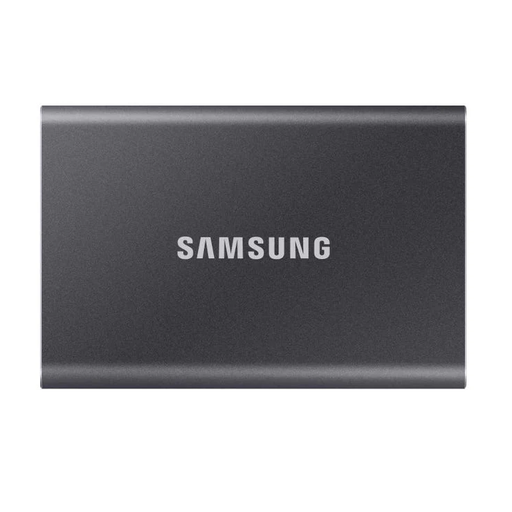
Samsung Portable SSD T7 2 TB, Grey
Consider this portable SSD for a local copy of larger folders that you need to carry between computers.
Capacity: 2 TB. Connection: USB Type-C 3.2 Gen 2. If transfer speed or password protection is important, check your connection and set up the protection you intend to use.
View on Joybuy
 No image available
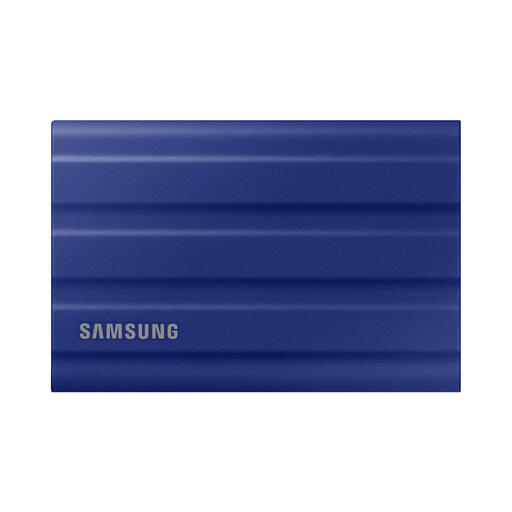
Samsung T7 Shield 1 TB Portable SSD, Blue
Consider this portable SSD if you take a separate local copy between locations.
Capacity: 1 TB. Connection: USB 3.2 Gen 2. Check the conditions of any resistance claims before relying on them, and do not treat the drive as the only recoverable copy.
View on Joybuy
 No image available
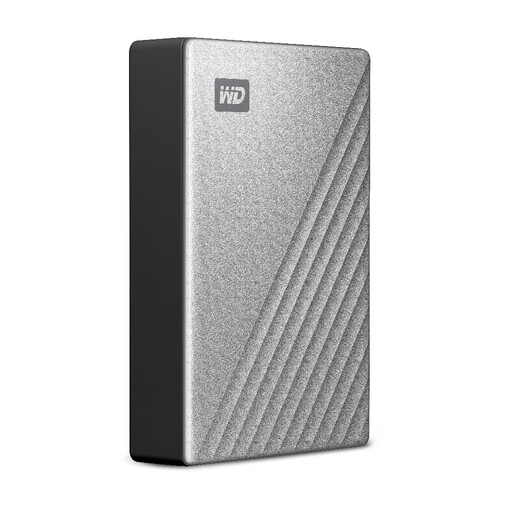
Western Digital My Passport Ultra for Mac 5TB Portable External Hard Drive, Silver
Consider this Mac-oriented portable HDD if you need a higher-capacity local copy.
Capacity: 5TB. If a Windows computer must also access the backup, check its read-and-write workflow; confirm the applicable warranty terms before buying.
View on Joybuy
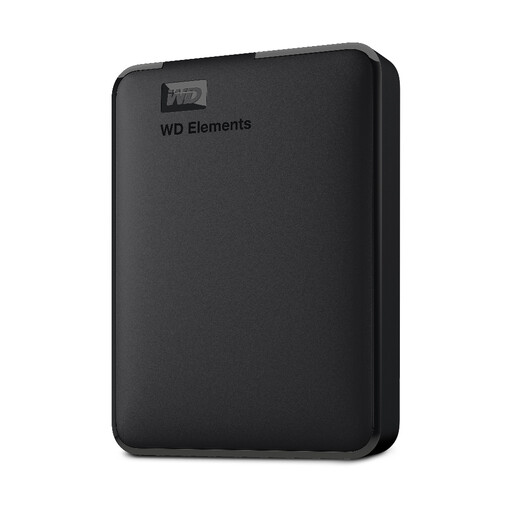 No image available
Western Digital Elements Port. 4TB, Black
Consider this portable HDD when you need space for a separate local copy of personal files or media.
Capacity: 4TB. Connection: USB 3.0. Check its shipped file format and any Mac reformatting requirement before putting files on the drive.
View on Joybuy
Common questions
Is cloud synchronisation enough to back up coursework?
Not on its own if you need a separately recoverable copy. The National Cyber Security Centre warns that altered files can synchronise to cloud storage; check your account's version history and deleted-file recovery, and keep a separate copy of important work.
How often should I update a coursework backup?
Update it often enough that you could recreate any work completed since the last copy, and make an extra copy before an important deadline. University of Cumbria guidance encourages copying important files; test a folder restoration as part of your routine.
Should I disconnect an external drive after backing up?
Yes, when you use it as a separate offline backup and can disconnect it safely after the copy finishes. The National Cyber Security Centre advises against leaving a backup device permanently connected, because malware affecting the computer could also reach that drive.
Can I encrypt an external drive on Windows Home or a Mac?
The BitLocker Drive Encryption workflow described by Microsoft requires Windows Pro, Enterprise or Education, rather than Windows Home. Apple says Disk Utility can encrypt an external device on a Mac, but that workflow erases the device first, so copy its existing files elsewhere beforehand.
What happens to files in university cloud storage when I leave?
Check your institution's account-closure and file-export rules in time to keep a copy you can access afterwards. Policies vary: the University of Aberdeen says its student OneDrive account and stored files are deleted when a student leaves.


