What should you check before buying?
Deal with a damaged or recalled item first; for a replacement, establish device compatibility before comparing portable-power features or carrying convenience.
| Concern |
What to check |
Who this matters to |
| Damage and recalls |
Stop using a swollen or visibly damaged battery product. For a possible recall, compare its exact model and any listed identifiers with the Office for Product Safety and Standards notice. |
If my old power bank looks damaged or may be recalled, I need to know whether to keep it out of use before shopping. Around 36% of consumers put that immediate safety decision first. |
| Device compatibility |
Check the device’s connector and documented charging requirements against the charger and cable. For USB-C-to-USB-C cables, compare the stated power capability with the device’s needs. |
When replacing a cable for a particular device, I need the connector and charging arrangement to work together, not merely look alike. For around 29% of consumers, compatibility is the primary concern. |
| Portable power |
For a power bank, check the named model’s output, port types and whether a stated output applies to one port or several in use. |
If I charge devices away from a socket, I need ports and output suited to what I actually carry. Portable-power capability comes first for around 21% of consumers. |
| Carrying convenience |
Decide whether an integrated or replaceable cable better suits your devices; check device and case compatibility before choosing magnetic charging. |
I may prefer fewer loose accessories, but an attached cable is less useful if it does not fit my devices. Around 14% of consumers make everyday carrying convenience their main priority. |
Joybuy charger and cable options
These cable and charger options address wired replacements for matching devices. Check the exact device, power source and connector before choosing; a cable’s stated maximum does not determine the charging rate of the complete setup.
 No image available
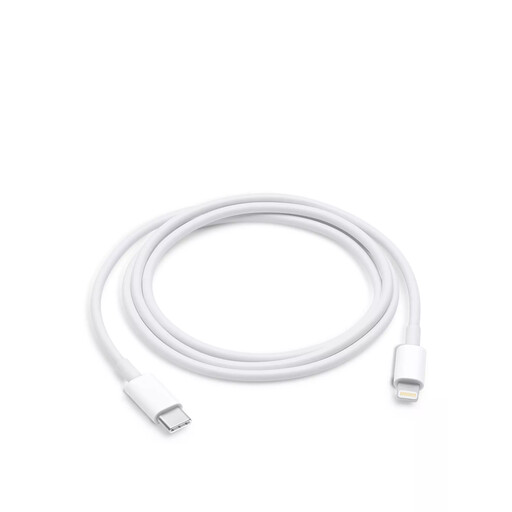
Apple USB-C to Lightning cable, 1m
Consider this cable when replacing a Lightning connection used with a compatible USB-C power adapter. It is 1m long; check your exact Apple device and adapter against Apple’s compatibility information.
View on Joybuy
 No image available
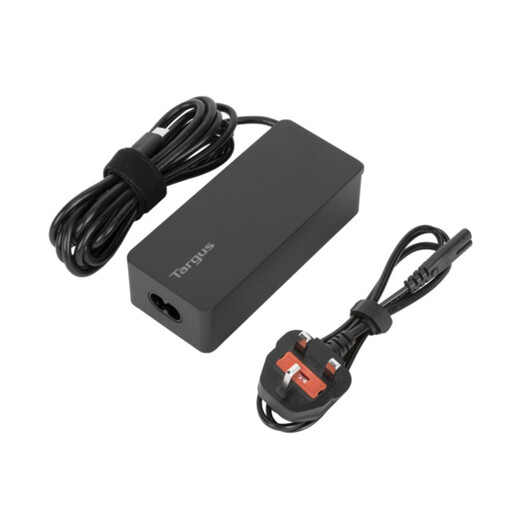
Targus 65W USB Type-C Charger
Consider this charger for a USB-C device after checking its documented charging requirements. Its stated rating is 65W; the device’s supported charging profile determines whether it is a suitable replacement.
View on Joybuy
 No image available
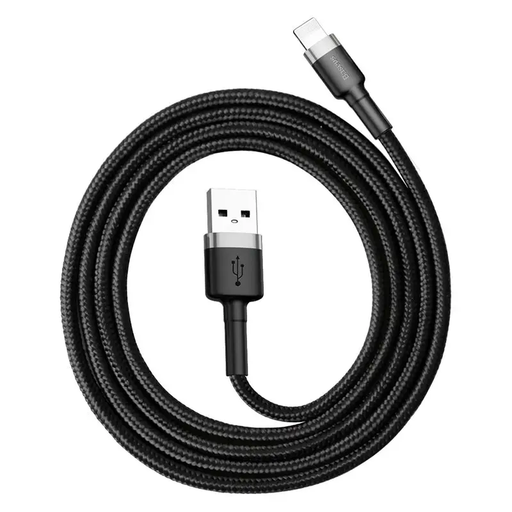
Baseus Cafule 3A USB to USB-C cable, 1m, grey/black
Consider this 1m cable when replacing a USB-to-USB-C connection with matching ports at both ends. Its stated 3A maximum depends on the power source and device; check their charging requirements before relying on that figure.
View on Joybuy
 No image available
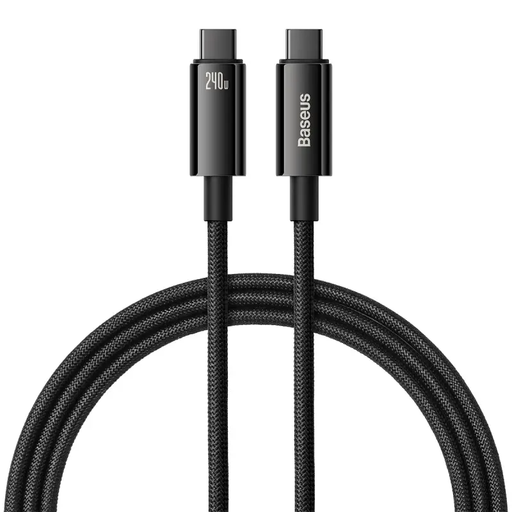
Baseus Tungsten Gold USB-C to USB-C 240W cable, 1m, black
Consider this 1m USB-C-to-USB-C cable when your device and charger call for a cable with its stated power capability. The 240W figure is a cable maximum, not a promise of that charging rate for your device.
View on Joybuy
 No image available
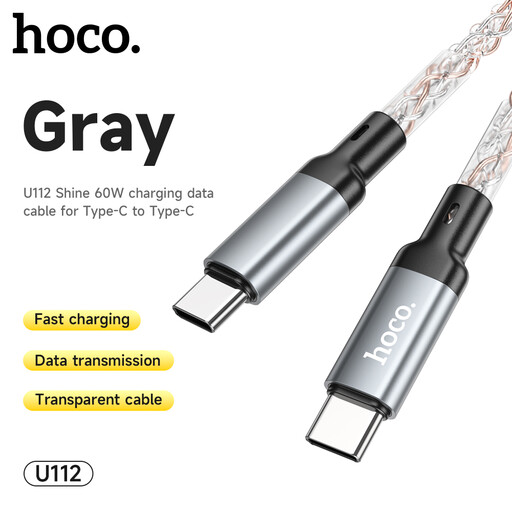
HOCO U112 60W USB-C to USB-C charging cable, grey
Consider this USB-C-to-USB-C cable if your charging setup calls for no more than its stated 60W capability. Confirm the device and charger requirements, and check the cable length if placement matters.
View on Joybuy
Common questions
What should I do if my power bank is swollen?
Stop charging and using it immediately. London Fire Brigade advises stopping charging when a battery swells or expands; do not open the casing, and seek manufacturer, qualified-service or local disposal advice rather than putting the product in a household bin.
How can I check whether a charger or power bank has been recalled?
Search the Office for Product Safety and Standards Product Safety Alerts, Reports and Recalls list using the exact brand, product line and model, then compare any additional identifiers in the notice. Follow the notice’s instructions if your product is affected; a recall of one model is not a recall of an entire brand.
Will any USB-C cable give me the same charging performance?
No: check the device’s documented requirements alongside the charger’s output and the cable’s stated capability. The USB Implementers Forum describes 60W and 240W power labels for USB-C-to-USB-C cables in its compliance programme, but a cable label alone does not establish your device’s charging rate.
Does a CE or UKCA mark guarantee that a replacement charger is safe?
No. For Great Britain, government guidance says these markings show that the manufacturer believes the product meets relevant requirements; the mark does not replace checking the exact product, seller, compatibility and recalls. Great Britain’s marking guidance should not automatically be applied to Northern Ireland.
Should I leave a replacement charger or power bank charging overnight?
Follow the instructions for the exact product rather than leaving it continuously on charge. London Fire Brigade advises against leaving items on charge after the charging cycle is complete and says not to cover chargers or charging devices.


