Everyday front-recording drivers
If your main concern is recording the road ahead on routine journeys, a front camera avoids the additional rear-camera cable. Front recording alone does not give you a dedicated view behind the car.


A front-facing dash cam suits drivers who mainly want a record of the road ahead and prefer a simpler installation; choose a compatible front-and-rear system if recording behind the car matters too. For parked-car recording, confirm what triggers the camera, how it stays powered and when that power shuts off. Check memory-card requirements and position every camera and cable without obstructing the driver’s view.
If your main concern is recording the road ahead on routine journeys, a front camera avoids the additional rear-camera cable. Front recording alone does not give you a dedicated view behind the car.
If events behind the vehicle matter to you, look for a rear camera compatible with the exact main unit and plan where its cable will run. Nextbase, for example, presents its iQ rear camera as an accessory for the iQ Smart Dash Cam, not as a universal add-on.
If unattended events are your priority, establish whether the camera responds to impacts or another trigger and how it receives power after the ignition is off. Garmin says its Parking Guard requires constant power; remote viewing and notifications have additional service and connectivity requirements.
Decide which recording need comes first, then check the exact camera’s installation, power and storage requirements. Parking mode can be added to a front-only or front-and-rear setup; it is not a substitute for choosing the views you need.
| Concern | What to check | Who this matters to |
|---|---|---|
| Recording while parked | Check the recording trigger and the required constant-power method, including timed or low-voltage shut-off. For remote features, check connectivity and subscription requirements. | If my car is unattended, I want to know which events will produce footage without leaving its power needs to chance. Around 31% of consumers put parked-car recording first. |
| Front and rear coverage | Check whether the rear camera is included, compatible with the main unit and practical to cable-route in your vehicle. | I want a record of incidents behind my car as well as ahead, even if fitting a rear camera takes more work. For around 25% of consumers, that wider coverage is the primary need. |
| Recording retention | Check the camera maker’s supported microSD capacity, speed and format, and whether a card intended for repeated recording meets those requirements. | If I record frequently, I need a suitable card and a clear way to manage footage rather than relying on a capacity figure alone. Keeping usable recordings is the main concern for around 25% of consumers. |
| Straightforward fitting | Check the mount and cable positions from the driving seat, and whether your intended features need an additional rear cable or power accessory. | I mainly want a forward road record without a complicated installation, while keeping my view clear. Around 19% of consumers make simple fitting their first priority. |
A parking-mode label does not tell you what footage will be saved. Garmin says its Parking Guard saves a 15-second clip after detecting an impact, rather than recording continuously in that mode; its remote features have separate requirements.
Decide whether you need impact, movement or continuous recording, then check the exact model’s trigger, power and connectivity requirements.
The monitoring arrangement you choose may require an additional power accessory, installation work or an ongoing connected service.
A rear accessory may work only with particular main units. Nextbase presents its iQ Rear Window Camera as an accessory for the iQ Smart Dash Cam.
Match the rear camera to the exact main-unit model, then check the included cable and its route through your vehicle.
Fitting a separate rear camera also means accommodating its cable and installation.
Dash cams repeatedly write video, but a card marketed for that use must still meet the camera’s capacity, speed and formatting requirements. SanDisk markets its High Endurance range for dash cams; that does not establish compatibility with every camera.
Start with the exact camera maker’s card requirements, then select and format a compatible card as instructed.
UK guidance from the Driver and Vehicle Standards Agency and Department for Transport says items attached to vehicle windows must not block the driver’s view of the road and traffic.
Check the view from the driving position with the camera, mount and cables in their intended places before fixing them permanently.
Relevant when comparing compact front cameras with model-specific parking and connected features.
Relevant when comparing a matched front-and-rear system rather than shopping for a standalone rear camera.
Relevant when choosing storage for repeated dash-cam recording alongside the camera itself.
These cameras offer front-only or multi-camera driving setups, with parking recording advertised on several models. Compare the views you need first, then check the exact model’s parked-power arrangement and storage requirements.
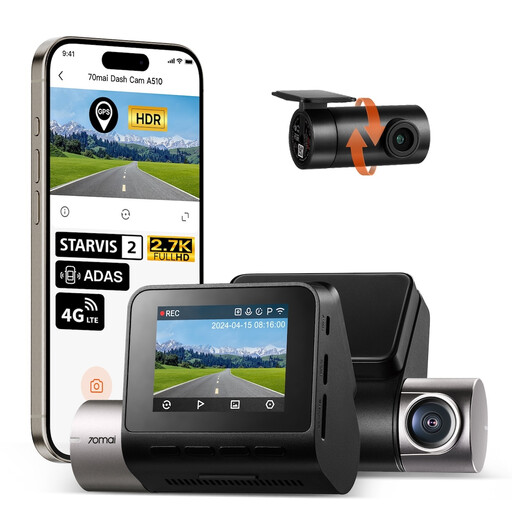 No image available
Consider this two-camera setup if recording behind the car matters as well as recording ahead.
The product name specifies 1944P front and 1080P rear recording. For its advertised parking functions, check the required UP04 hardwire-kit arrangement; the kit is sold separately. A microSD card is not included, so confirm the supported card specification before use.
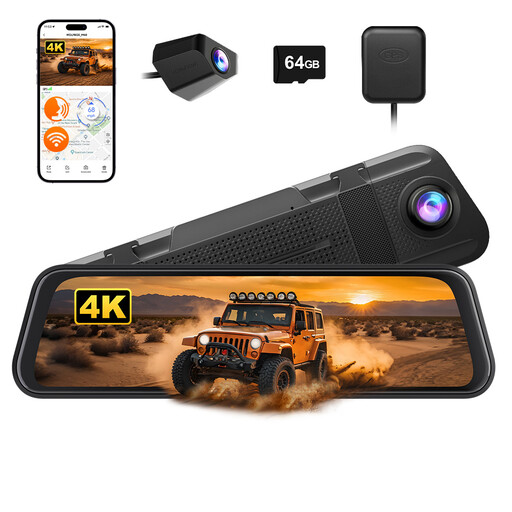 No image available
Consider the mirror-style display if it fits your vehicle without interfering with your view and you want front and rear recording.
The product name specifies 4K front and 1080P rear recording and an included 64GB card. Check the card’s suitability for repeated recording and whether a compatible hardwire kit is needed for parking use.
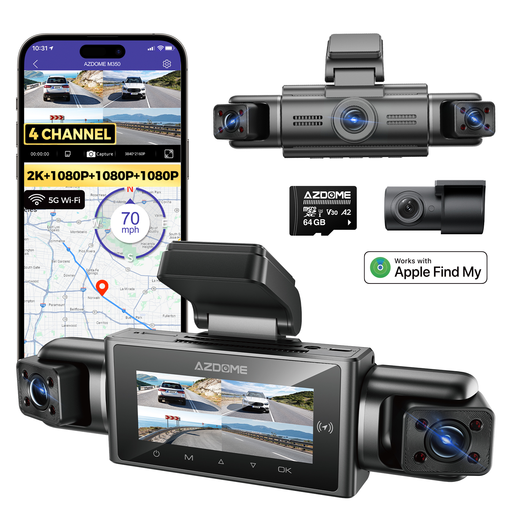 No image available
Consider this layout if you want to assess front, rear and side views rather than a front-only recording arrangement.
The product name identifies a 2.5K front camera and 1080P rear and side cameras. It also advertises parking recording; confirm how the cameras are fitted and powered while parked, and which storage is required.
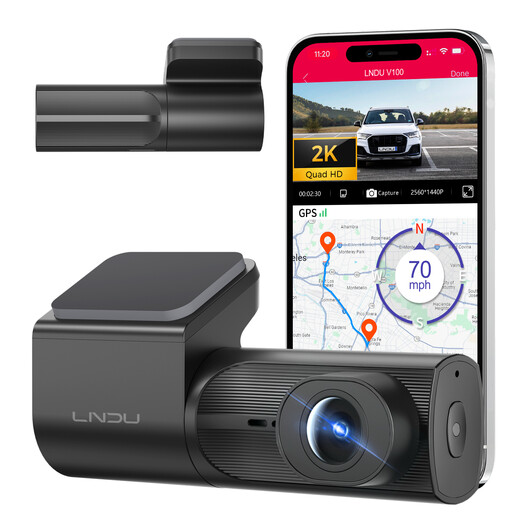 No image available
Consider this front-camera layout if rear footage is not a priority but you want to assess an advertised parking feature.
The product name specifies 2K recording, loop recording and a G-sensor. Parking use requires a separately sold hardwire kit; confirm its trigger and power shut-off behaviour, along with the camera’s memory-card requirements.
 No image available
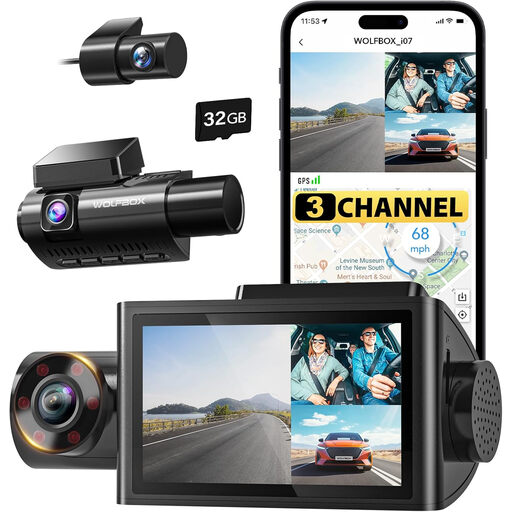
Consider this three-channel option if you want to assess views beyond the front camera, including the cabin view named in the product title.
The product name specifies 1440P + 1080P + 1080P recording and an included 32GB card. Confirm the exact camera positions, the card requirements and how its advertised parking mode receives power after the vehicle is switched off.
Yes, if the exact model supports parked recording and receives the power that feature requires. Garmin says its Parking Guard needs constant power and saves a 15-second clip when it detects an impact, rather than recording continuously in that mode. Check the trigger and shut-off settings for the camera you choose.
Only if the socket remains live after the ignition is off and meets the camera’s power requirements. Garmin lists an always-on 12V port among possible constant-power methods; its OBD-II Constant Power Cable is specified for 12–16 V inputs, not 24 V systems. Check both your vehicle and the chosen accessory.
For frequent, multi-channel or parked recording, choose a card designed for repeated writing that also meets the exact camera’s requirements. SanDisk markets its High Endurance range for dash cams, but you still need to check the camera maker’s supported capacity, speed and formatting instructions.
Put it where the camera, mount and cables do not block your view of the road and traffic. That follows UK guidance from the Driver and Vehicle Standards Agency and Department for Transport on items attached to vehicle windows; assess the finished installation from your driving position.
Consider what the footage captures and check current Information Commissioner’s Office guidance before sharing it or using it beyond personal driving purposes. The ICO’s guidance on home CCTV discusses recording public or communal areas, but it is not a blanket ruling for every private-motorist dash-cam situation.