Learners keeping an existing camera
Check that your camera films outside only, that cabin audio is off and that its position leaves the driver’s and examiner’s forward views clear.


For an insurance recording during a practical driving test in England, Scotland or Wales, choose a dashcam only if it can film outside the vehicle without recording audio from inside, and the complete camera-and-mount assembly leaves both the driver’s and examiner’s view of the road clear. Check the exact camera’s audio setting and test a recording in the car; a compact body or removable mount does not by itself make an installation suitable. The Driver and Vehicle Standards Agency sets these conditions.
Check that your camera films outside only, that cabin audio is off and that its position leaves the driver’s and examiner’s forward views clear.
Set up and check the camera in the actual test car. A detachable camera may help when the car is shared, but assess any mount left behind as well.
Check the camera’s audio controls, its position, power and compatible recording media together rather than assuming a new camera is ready for test day.
For a test-day insurance recording, confirm the recording conditions first, check the installed camera and mount from both front seats, then verify that the camera saves a usable clip.
| Concern | What to check when buying | Who this matters to |
|---|---|---|
| Cabin audio and footage | Confirm the camera points outside only, turn audio recording off and check a sample clip. | If I want an insurance recording without capturing the cabin, I need an audio control I can set and verify. Around 40% of consumers prioritise keeping cabin audio and footage out of the recording. |
| Clear forward views | Assess the camera and the whole mount from both front seats in the test car. | When I share a car or use a different vehicle for the test, I need the installed assembly to leave both forward views clear. Around 30% of consumers prioritise unobstructed mounting. |
| Usable recording | Check card compatibility for the exact model, confirm power and play back a test clip. | If I am relying on a saved insurance clip, I need the camera to record and store footage as expected. Around 30% of consumers prioritise reliable recording. |
For tests in England, Scotland and Wales, the Driver and Vehicle Standards Agency permits a dashcam for insurance purposes only if it films outside the vehicle, records no audio from inside and does not block the driver’s or examiner’s view of the road and traffic ahead. Check the current DVSA guidance before the test.
A camera can face the road and still record sound inside the car. The Nextbase 222XR manual lists audio recording as on by default.
Find the setting for your exact model, switch audio off and inspect a sample recording before test day.
The DVSA condition covers both the driver’s and examiner’s view of the road and traffic ahead, including any obstruction from the mount.
Check the complete installed assembly from both front seats in the car being used for the test.
Card requirements differ by camera model, and an incompatible or faulty card can affect recording.
Use the exact model’s card guidance and play back a test clip to check that video has been saved.
The Dash Cam Mini 3 is a compact, front-facing option to consider when a small camera body and an audio control matter.
The 222 and 222XR illustrate different mounting and camera arrangements; the 222XR is a front-and-rear bundle, not the same product as the front-only 222.
The A119 Mini 2 is a compact, front-facing alternative for comparing camera size and recording-media requirements.
These Joybuy choices are dashcams for consideration as outward-facing insurance-recording equipment. Check each model’s audio controls and assess its complete installation in the test car before use.
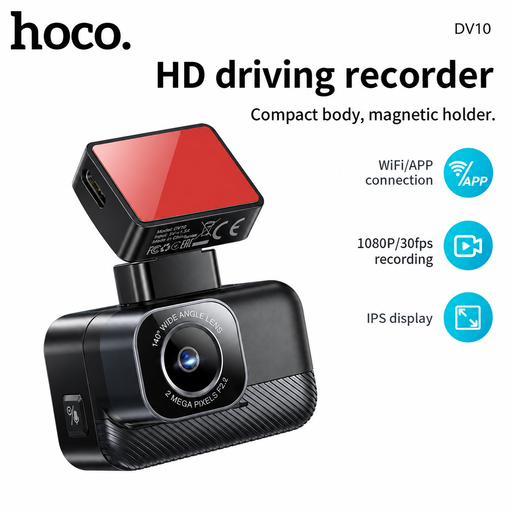 No image available
Consider it if you are looking for a front-facing dashcam for an insurance recording; verify its audio setting and fit in the test car.
The product name lists 1080P, Wi-Fi, a 2MP camera and a 140° wide angle.
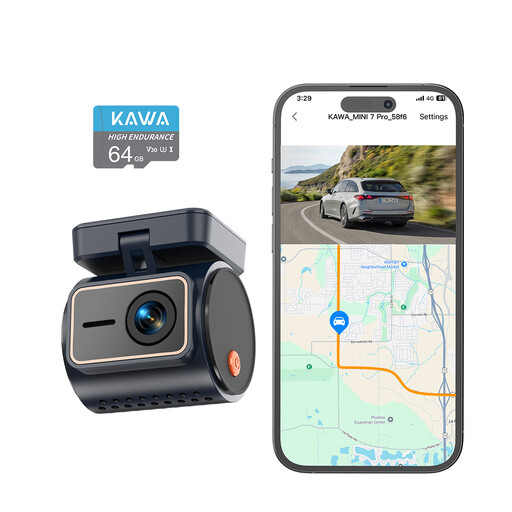 No image available
Consider this front-camera option only after checking that its audio can be disabled and its installed position leaves both views clear.
The product name lists Wi-Fi 6, GPS and support for up to 256 GB.
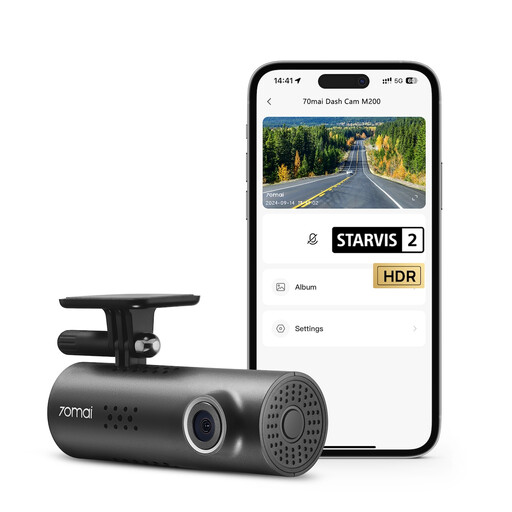 No image available
Consider this model for front-camera recording, while checking audio controls and placement in the specific test car.
The product name lists 1080P, HDR imaging, voice control, Wi-Fi and support for up to 128 GB. Parking mode is described as optional.
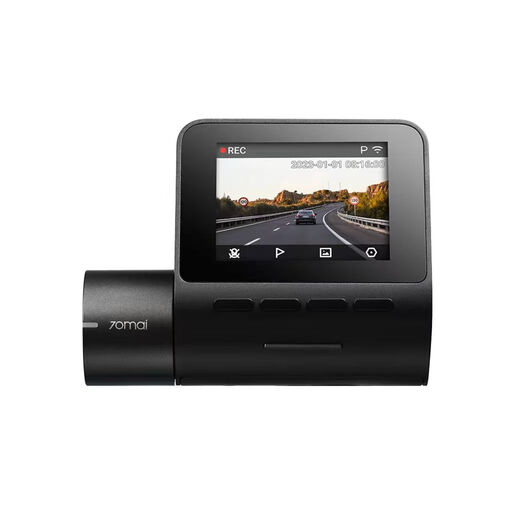 No image available
Consider this single-front-camera option if it suits the car, but check that audio can be turned off and that the fitted camera does not obstruct either view.
The product name lists 1080P recording at 60FPS, a 130° field of view, Wi-Fi app control and a 2-inch screen. It states that an SD card is not included.
 No image available
Consider this dual-use model only if its car installation can be set to film outside the vehicle and can be checked for cabin audio and view obstruction.
The product name lists night vision, IP65 waterproofing, a 140° wide angle and Wi-Fi. Check the camera’s actual recording mode before the test.
Yes, for insurance purposes in England, Scotland and Wales, if it films outside only, records no audio from inside and blocks neither the driver’s nor the examiner’s view of the road and traffic ahead. Check the current Driver and Vehicle Standards Agency guidance before the test.
DVSA guidance says the examiner will not start the test, or will stop it if recording becomes apparent, and will give you a chance to switch the equipment off. If it cannot be switched off quickly or easily, the test will end and you will have to pay for another.
Fit the camera in the actual car, check both front-seat views, switch microphone recording off, confirm power and play back a short clip. Verify that the clip shows the outside view and contains no audio from inside the vehicle.
No; card requirements depend on the camera. For example, Garmin specifies microSDHC or microSDXC, 8–512 GB, Class 10 or higher and FAT32 for the Dash Cam Mini 3. Check the instructions for your exact model rather than applying those specifications to another camera.
No. The DVSA says it will not review or comment on test video or audio for that purpose. If you believe the examiner did not follow the law, follow the driving-test appeal process.
No. The camera does not establish that your car meets the DVSA test-vehicle requirements, including having insurance for a driving test. Check with your insurer and review the vehicle requirements separately.