Chair-side study fan buyers
If you mainly want a breeze while reading, gaming or working in one seat, look for a head you can aim and a footprint that fits the surface beside you. Broader room circulation may matter less.


For airflow beside one chair, start with a fan you can aim at your seated position, rather than choosing on whole-room airflow claims. Give lower-speed and night controls more weight if you study or sleep nearby; choose rechargeable power when moving the fan away from a socket matters, allowing for charging and speed-dependent runtime.
If you mainly want a breeze while reading, gaming or working in one seat, look for a head you can aim and a footprint that fits the surface beside you. Broader room circulation may matter less.
If the same room is used for study and sleep, consider lower speeds and night controls as well as airflow direction. Check which setting applies to any stated noise figure.
If you move the fan between a chair, desk and bed, or lack a convenient socket, consider rechargeable operation and how easily you can change its position or height.
Decide where the fan can stand and whether it must move before weighing up extra airflow controls.
| Concern | What to check | Who this matters to |
|---|---|---|
| Airflow at the chair | Look for head tilt or controllable oscillation, then compare the footprint with your available surface. | I want the breeze on my seated position rather than across the room. Roughly 36% of consumers put directed airflow first. |
| Low disturbance | Check the setting behind any noise figure and whether lower speeds or a night mode are available. | When I study or sleep nearby, I need airflow that does not become a distraction. Around 29% of consumers prioritise low disturbance. |
| Placement flexibility | Compare charging method, stated runtime conditions and any adjustable height. | Without a convenient socket, I need to move the fan to where I sit. About 21% of consumers make placement flexibility their primary concern. |
| Upkeep and placement | Check cleaning instructions, stable-surface requirements and space around the air path. | Beside bags and furniture, I need a fan I can place securely and keep clean. Roughly 14% of consumers put upkeep and placement first. |
A larger circulator may take up more of your limited surface space without making it easier to aim air at the chair.
Measure the surface and prioritise tilt or controllable oscillation. Consider broader circulation if you also need airflow elsewhere in the room.
Meaco states that the Sefte 6 can operate at noise levels as low as 22 dB; that does not describe its sound at every setting. A Quiet Mark listing is not a noise figure for every speed either.
Check which setting applies to a quoted figure and whether the model offers lower speeds or night controls for study and sleep.
Runtime stated as “up to” is an upper limit, not a promise for every speed. If the fan stays beside the same chair, charging may be less convenient than using a nearby socket.
Choose rechargeable power when moving the fan matters, and check the runtime conditions and charging method.
Cordless use also means allowing time to recharge; a replaceable battery may eventually need replacement.
A fan beside a chair can sit close to bags, fabrics and walking routes. The Honeywell HT900E instructions call for a stable, flat, dry surface and a clear grille and air path.
Keep the air path clear, route a mains cable away from chair wheels and walking routes, and follow your model’s placement and cleaning instructions.
Meaco’s Sefte range includes a portable battery circulator and a larger desktop model, offering different ways to use focused or oscillating airflow.
Duux has convertible fans worth considering when airflow needs to move between a desk and a position beside a chair.
The Dyson Cool CF1 is a bladeless desk-fan option for consumers interested in its housing design and sleep controls.
These rechargeable personal and desk fans offer options for a chair without a convenient nearby socket. Before choosing one for a fixed seat, check how it rests on a surface and whether you can direct its airflow towards you.
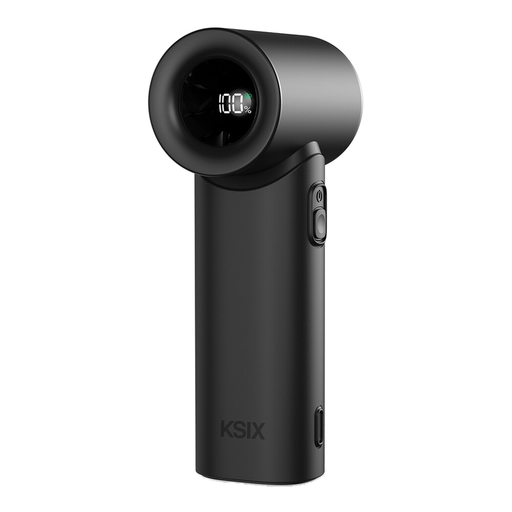 No image available
A rechargeable option to consider when you want to move a personal fan between seating positions; check how it can be aimed while resting beside your chair.
The product name specifies five speeds, an LED display and USB-C charging.
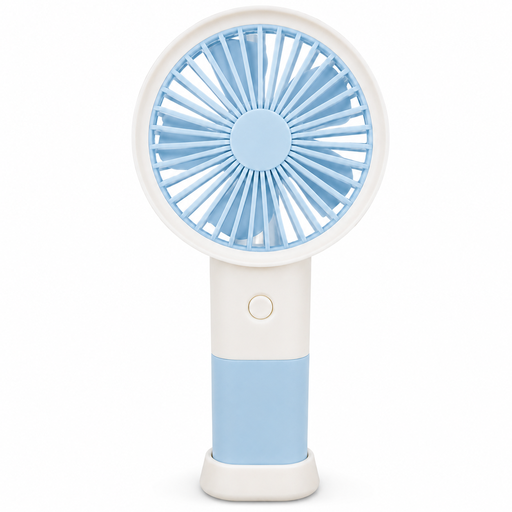 No image available
The table stand makes this a portable option to consider beside a chair; check its resting angle before relying on it for directed airflow.
The product name specifies Type-C charging. Check the speed settings on the product page, as the supplied product details give conflicting counts.
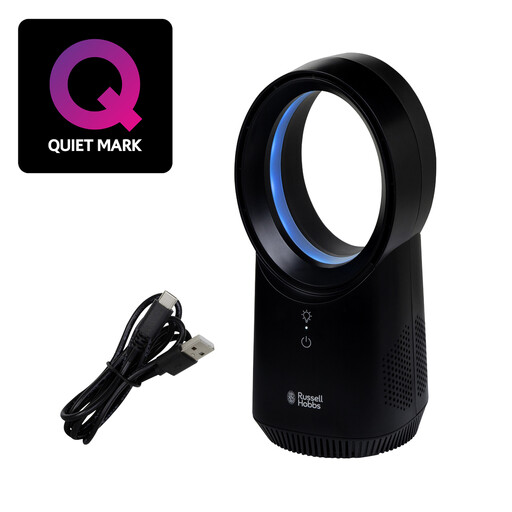 No image available
Consider this desk fan if a mains cable would restrict where you place it; check its dimensions and whether the airflow can be aimed at your chair.
The product name specifies three speed settings and USB charging. Its bladeless design does not replace the need for stable placement.
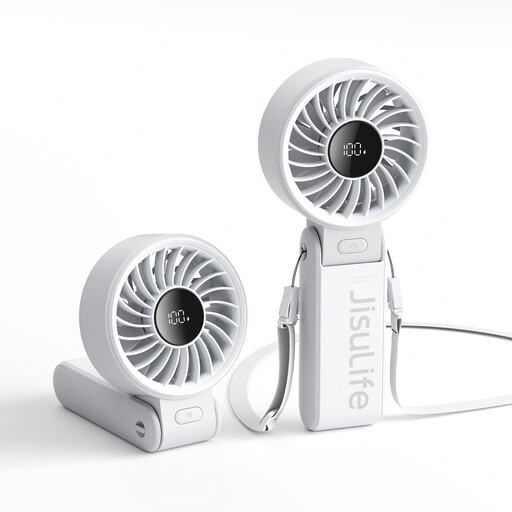 No image available
Its foldable design makes desktop placement worth considering when you also want a handheld fan; check how securely it rests and points towards your seat.
The product name specifies a 5000mAh rechargeable battery, five speeds and an LED display. Check runtime at the speed you expect to use rather than treating the longest stated duration as universal.
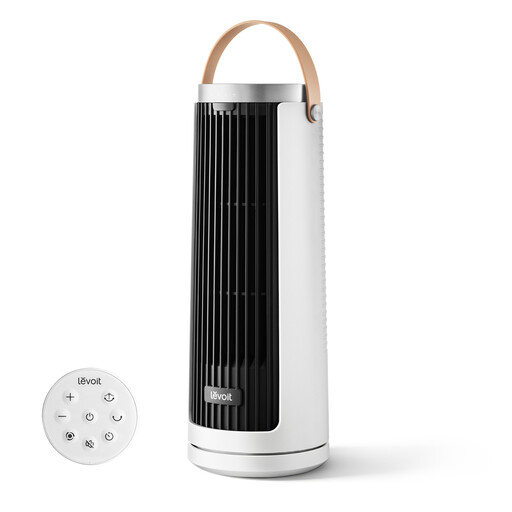 No image available
This rechargeable fan is an option for moving between desk and chair-side positions; check its footprint and airflow direction for the surface you intend to use.
The product name specifies USB Type-C recharging and multiple airflow modes. If quiet study matters, check which setting applies to its low-noise description.
Choose adjustable tilt if your main aim is to direct air at one seated position; add controllable oscillation if you also want airflow across a wider area. The Honeywell HT900E listing specifies 90° variable tilt, while Meaco describes independent horizontal and vertical oscillation on its Sefte range.
Cordless operation is useful when the chair is away from a convenient socket or the fan regularly moves between positions. Allow for charging and check runtime at the speeds you expect to use: Meaco’s “up to 26 hours” for the Sefte 6 and the Duux Rize listing’s “up to 15 hours” are upper limits, not durations guaranteed at every setting.
Follow the instructions for your particular model and keep it on a stable, dry surface with its air path clear. The Honeywell HT900E instructions also say to unplug it before cleaning and not to immerse the appliance, cord or plug. Which? notes that fans can circulate dust and pollen, making regular dust removal worthwhile.
Yes: check the guidance for where the fan will be delivered, because Great Britain and Northern Ireland have different product-marking regimes. UK Department for Business and Trade guidance lists UKCA or CE marking for electrical equipment placed on the market in Great Britain; its separate Northern Ireland guidance covers CE and, where applicable, CE with UKNI marking.