Mac mini options for this setup
These Mac mini configurations are compact choices if your database tools support macOS. Check each one against your local workload and display plan; if required software needs Windows or Linux, choose a desktop with that operating system instead.
 No image available
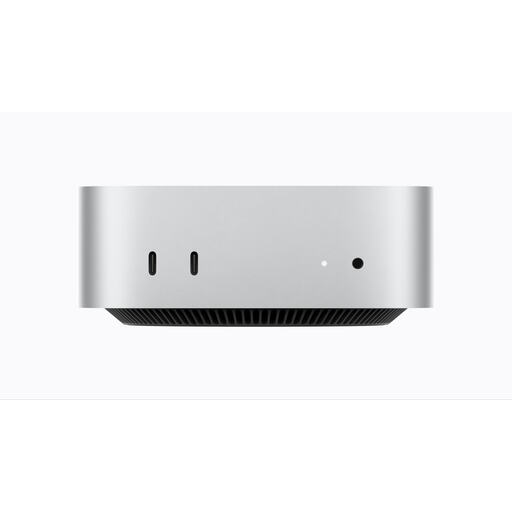
Apple Mac mini (2026) M6, 12-core CPU and GPU, 16GB, 256GB SSD
Consider this compact macOS desktop if your required database tools run on macOS and desk placement is a priority.
The listed configuration has 16GB memory and a 256GB SSD. Check that both suit your local databases and tools, and confirm the connections for your planned displays.
Joybuy
 No image available
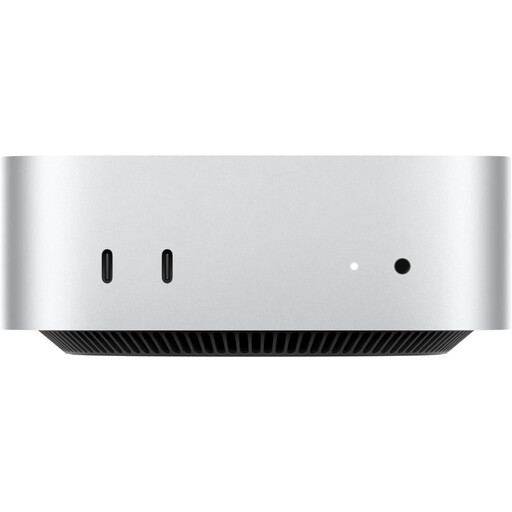
Apple Mac mini (2026) M5 Pro, 15-core CPU, 16-core GPU, 24GB RAM, 512GB SSD
This compact macOS option is worth comparing if your tools run on macOS and your planned local workload calls for its listed configuration.
It has 24GB RAM and a 512GB SSD. Confirm display connections and arrange a display, keyboard and mouse separately for your standing-desk setup.
Joybuy
No image available
Apple Mac mini (2026) M6, 12-core CPU and GPU, 24GB RAM, 512GB SSD
Consider this compact macOS configuration if your database toolchain is compatible and you need to assess a 24GB memory and 512GB storage option.
The listing specifies 24GB RAM and a 512GB SSD. Check your display arrangement and obtain a display, keyboard and mouse separately.
Joybuy
Frequently asked questions
Do I need a workstation to design database schemas?
Not for diagramming and routine SQL work alone. Check your required tools, displays and local memory and storage needs first; consider a configurable workstation if substantial local databases, multiple virtual machines or containers, or future expansion are part of the work.
Can I use a Mac for database-schema work?
Yes, if your complete toolchain works on macOS. PostgreSQL documents support for current macOS versions, and Microsoft says SqlPackage runs on macOS; if you need to install SQL Server locally, Microsoft documents that installation on supported Windows or Linux systems.
What should I check before putting a desktop at a standing desk?
Check screen and keyboard positions, glare, computer placement and cable travel at both sitting and standing heights. Health and Safety Executive guidance says eyes should be approximately level with the top of the screen and forearms approximately horizontal.
Do UK display-screen-equipment rules require a particular desktop?
They do not prescribe a particular desktop model. The UK Health and Safety Executive says employers must assess workstations for workers who use display screen equipment daily, as part of normal work, continuously for an hour or more; that assessment considers the workstation rather than establishing one computer specification for everyone.


