What matters when choosing
Choose the screen arrangement first, then check your software and connections against the exact desktop configuration. A compact Windows PC or Mac mini can be paired with a separately positioned monitor; an all-in-one needs a stand that works at your standing height.
| Concern |
What to check |
Who this matters to |
| Screen and keyboard position |
Check the screen’s height adjustment or monitor-arm options and whether the keyboard sits comfortably below elbow height. The Health and Safety Executive advises keeping the screen central, with its top around eye level and about an arm’s length away. |
If I switch between sitting and standing to work on spreadsheets, I need the display and keyboard to remain comfortable at both heights; around 40% of consumers put this positioning need first. |
| Software and account access |
Confirm the supplied operating system, compatibility with essential apps and files, and the availability of two-step verification for important accounts. Microsoft states that Windows 10 support ended on 14 October 2025. |
Keeping familiar finance tools working and protecting access to my accounts takes priority when I change computers; roughly 30% of consumers make that continuity and access their primary concern. |
| Desk space and flexibility |
Measure the usable desk surface and plan cable movement as the desk rises. Match the exact model’s display and peripheral ports to your equipment, and consider whether you want to replace the monitor independently later. |
When my desk also holds a keyboard and planning notes, I want a smaller setup without losing the connections I use; about 30% of consumers prioritise that balance. |
Brands to consider
These brands offer desktop formats relevant to a monitor-led planning workstation; compare exact configurations rather than treating a whole range as interchangeable.
Dell
Dell’s OptiPlex range is relevant if you are comparing compact desktops with all-in-one formats for a Windows workstation.
- Dell UK lists desktop options with differing processor, memory, storage and graphics configurations.
- Check the exact model’s ports, operating system and upgrade options; the range name does not establish them.
Lenovo
Lenovo’s ThinkCentre Neo range includes formats to compare when desk space and display placement both matter.
- Lenovo lists all-in-one, tower, small-form-factor and tiny desktops in the range.
- Confirm the chosen configuration’s screen arrangement, ports and operating system before committing to a format.
HP
HP business mini and small-form-factor desktops are relevant if you want to position a separate monitor at a standing desk.
- HP UK lists business desktop configurations with differing memory and storage, including Windows 11 Pro variants.
- Check the exact product number for connections and included peripherals.
Apple
Mac mini is relevant if your savings-planning and spreadsheet applications already work with macOS and you want to use an external monitor.
- Apple’s Mac mini specifications describe Thunderbolt and HDMI display connectivity.
- You need to choose a compatible display arrangement and check the exact configuration and app compatibility.
Joybuy desktop choices
These desktops include mini systems for a separately positioned monitor and a larger gaming tower. For savings planning, compare their operating-system and connection details with your existing apps and screen before deciding whether the larger tower fits your desk or other uses.
 No image available
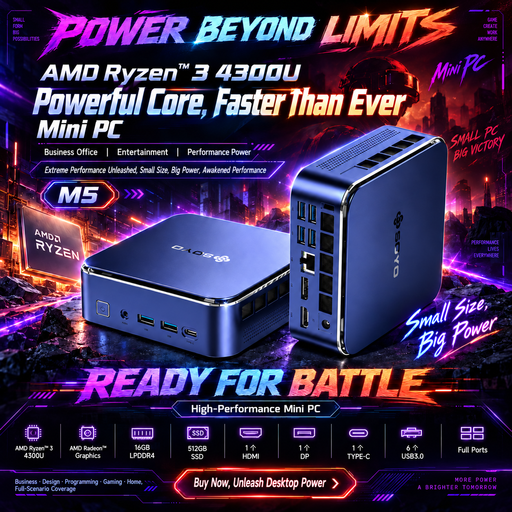
SOYO M5 mini PC, Ryzen 4300U, 16GB, 512GB SSD
Consider this mini PC if you want a Windows 11 desktop with connections for a separately positioned screen.
The listed configuration has 16GB LPDDR4 memory and a 512GB SSD. Its title lists HDMI 2.0, Type-C and DisplayPort 1.4 display connections; check them against your monitor and confirm the package contents.
If Bluetooth peripherals matter to your setup, confirm the delivered Bluetooth version before buying.
Joybuy
 No image available
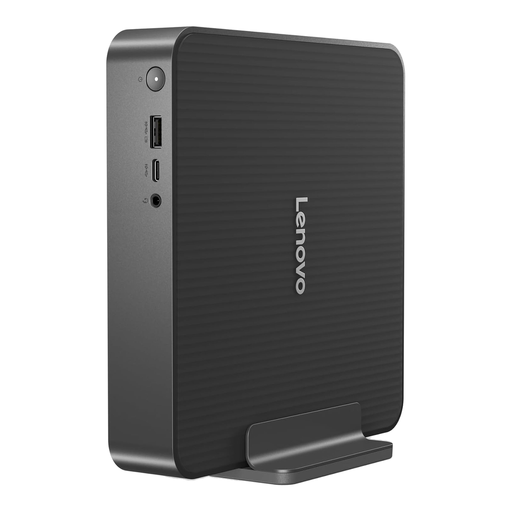
Lenovo IdeaCentre Mini PC 01IRH10R, 91B2000XUK
This mini desktop is an option if you want the screen positioned separately from the computer.
The named variant has an Intel Core 5 processor, 16GB RAM and a 512GB SSD. Confirm its supplied operating system, video outputs and included accessories against your intended setup.
Joybuy
 No image available
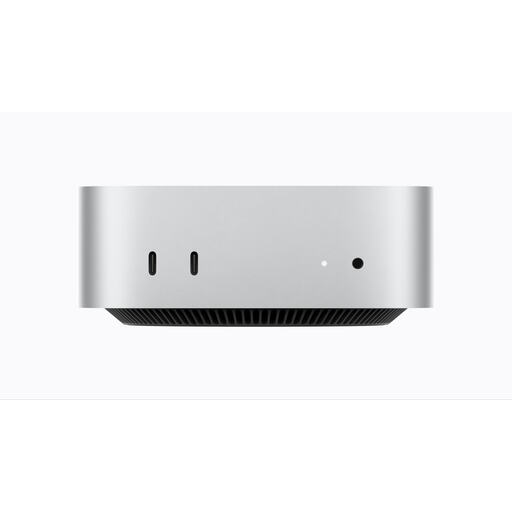
Apple Mac mini (2026), M6 chip, 16GB, 256GB SSD
Consider this compact desktop if your banking, budgeting, spreadsheet and workplace apps work with the macOS configuration you intend to use.
The named variant lists an M6 chip with a 12-core CPU and 12-core GPU, 16GB memory and a 256GB SSD. Check your monitor connection and which display and input accessories you will need.
Joybuy
 No image available
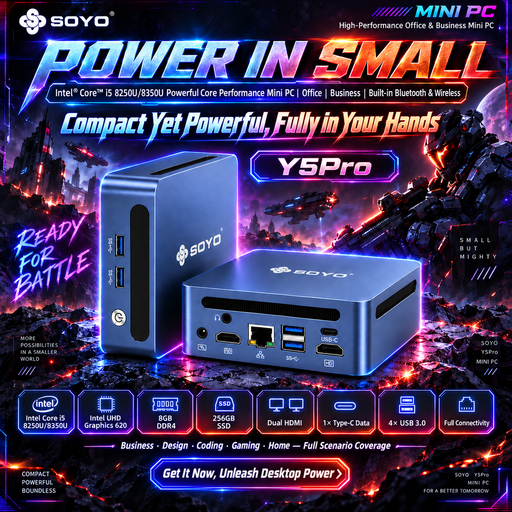
SOYO Y5Pro mini PC, Intel Core i5 8250U/8350U, 8GB, 256GB SSD
This Windows 11 mini PC is relevant if you want a compact computer with a separately positioned monitor.
The title lists 8GB DDR4 memory and a 256GB SATA SSD. It gives the processor as either an Intel Core i5 8250U or 8350U, so confirm which option will be delivered and check the included accessories.
Joybuy
 No image available
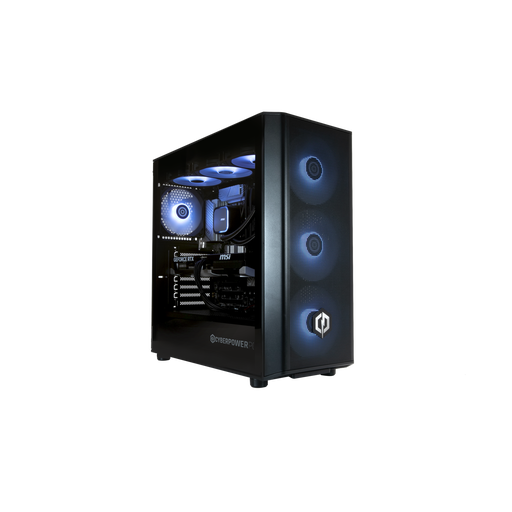
CyberPowerPC JOYB1010 gaming desktop, Core Ultra 7 265KF, RTX 5070
Consider this tower only if you also need a gaming desktop and have space for a larger computer alongside your standing-desk arrangement.
The named configuration has 32GB DDR5 memory, a 1TB NVMe SSD and Windows 11 Home. The monitor, keyboard and mouse are not included; check the tower’s dimensions and cable routing before placing it at a moving desk.
Joybuy
Frequently asked questions
Do I need a gaming desktop for savings planning and spreadsheets?
No gaming-specific hardware is required by the savings-planning task itself. Start by checking your apps, operating system, memory, storage and monitor connections; consider gaming or other demanding workloads separately if you will also use the desktop for them.
How should I position the screen at a standing desk?
Place the screen directly in front of you, with its top around eye level and the display about an arm’s length away. The Health and Safety Executive also advises keeping the keyboard just below elbow height, so check the setup at both sitting and standing positions.
Is a Windows 10 desktop a sensible new purchase for this task?
Check its upgrade path before choosing it for financial-admin work: Microsoft states that Windows 10 support ended on 14 October 2025. If you need Windows, confirm whether the exact desktop comes with Windows 11 or meets its requirements, as well as whether your essential apps will run.
What should I secure before using a new desktop for savings accounts?
Update the operating system and apps, use separate passwords and enable two-step verification for important accounts where available. The National Cyber Security Centre advises that two-step verification makes an online account harder to access even when someone knows its password.


