Shared-desk record keepers
People entering harvest dates, quantities and notes into spreadsheets or browser tools need a workstation several office users can access. A compact computer can leave more room to position a separate monitor and keyboard.


For shared-office harvest records, start with a compact desktop and a separately positioned monitor, keyboard and mouse; spreadsheets and browser-based records do not, by themselves, justify a graphics-heavy workstation. Consider a tower if future internal expansion is a real requirement, or an all-in-one if reducing visible clutter matters more than replacing the display separately. Check the exact configuration, connections and workstation layout before ordering.
People entering harvest dates, quantities and notes into spreadsheets or browser tools need a workstation several office users can access. A compact computer can leave more room to position a separate monitor and keyboard.
Anyone responsible for a shared computer needs to check its operating system, user-account arrangements and support options against the office’s workflow. A business desktop line may be relevant when management features matter, but the exact configuration still determines what is supplied.
A micro or slim desktop can reduce the computer’s footprint; an all-in-one removes the separate tower. Neither choice removes the need to check screen placement, and an all-in-one ties the display to the computer.
For harvest records at a shared desk, choose the physical setup before comparing configurations. A compact desktop, tower and all-in-one solve different workspace problems.
Choose it when: desk space is limited but the office wants a separate monitor.
Trade-off: check the exact model’s connections and expansion options rather than assuming they match a larger tower.
Choose it when: adding internal storage or components later is an anticipated requirement.
Trade-off: allow more desk or floor space for the case; simple harvest spreadsheets alone do not establish a need for expansion.
Choose it when: removing the separate tower matters and the included screen suits the people using the desk.
Trade-off: changing or replacing the display separately is less straightforward than with a desktop and separate monitor.
| Concern | What to check | Who this matters to |
|---|---|---|
| Desk layout | Measure the space for the computer, monitor and input devices; check the exact display connections. | If the desk also holds paper harvest logs, I need room to position the screen and keyboard comfortably. Around 40% of consumers put workstation layout first. |
| Shared-office support | Confirm the installed operating-system edition, configured memory and storage, and arrangements for user accounts and backups. | When several people update the same records, I need a computer that fits the office’s account and support arrangements. Around 30% of consumers make shared-use support their primary concern. |
| Record-keeping fit | List the spreadsheet, browser, printer and storage tools actually used; confirm required software and peripherals. | I want the harvest-record workflow to work without choosing hardware for tasks we do not do. Roughly 30% of consumers prioritise that practical fit. |
A small case does not resolve screen height, glare or the position of the keyboard and mouse. The Health and Safety Executive says employers must assess the whole workstation when workers use display screen equipment daily as part of normal work for an hour or more continuously.
Measure the intended space and plan how each person will use the display and input devices before settling on a form factor.
The finished setup may also call for a suitable monitor, input devices or changes to their positioning.
Microsoft’s minimum hardware requirements establish installation or upgrade eligibility; they do not establish what a particular spreadsheet, browser workflow or collection of peripherals needs.
Check the exact computer’s Windows 11 eligibility and configuration, then compare its memory, storage and connections with the software and equipment the office will use.
UK consumer distance-selling cancellation rules concern consumer contracts. An employer, club or other organisation ordering for a shared office should not assume its contract has the same change-of-mind terms.
Confirm who will place the order and read the seller’s applicable cancellation and return terms. Keep the order confirmation and advertised configuration; remedies for faulty or misdescribed goods are a separate question.
Dell presents its Dell Pro Micro range as compact business desktops and says the OptiPlex line continues under Dell Pro.
HP lists slim desktops, small-form-factor business desktops and all-in-ones, giving buyers different ways to arrange a limited workspace.
Lenovo positions its ThinkCentre range for business use and offers compact, tower and all-in-one formats.
These Joybuy choices are compact computers for a shared desk using a separate display. Check each one against the office’s software, connections and complete workstation setup; the tower and all-in-one routes discussed above are separate choices.
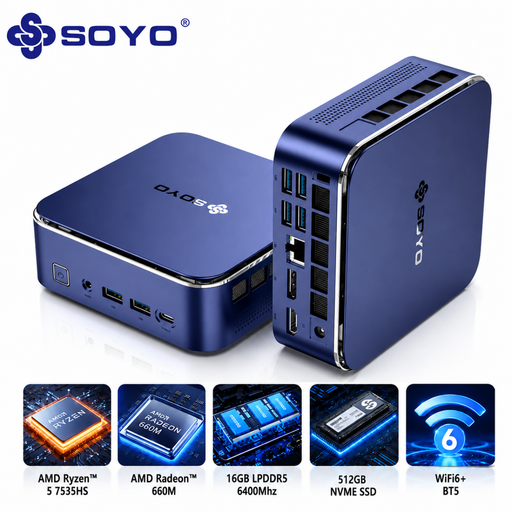 No image available
Consider this mini PC where the office wants a compact computer for its harvest-record workstation.
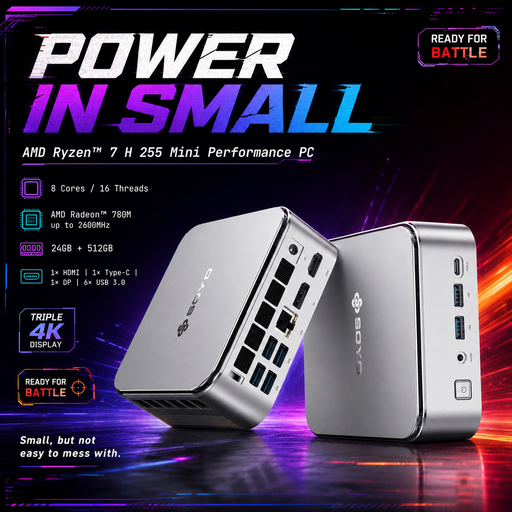 No image available
This mini desktop is an option for a small shared desk if its exact configuration meets the office’s record-keeping needs.
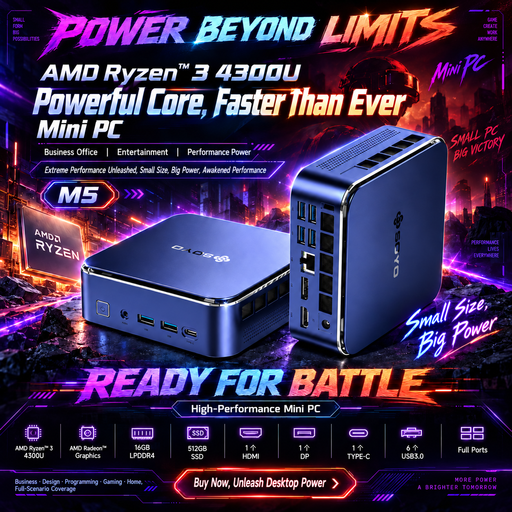 No image available
Consider the M5 for harvest records where a compact computer must connect to a separately arranged screen.
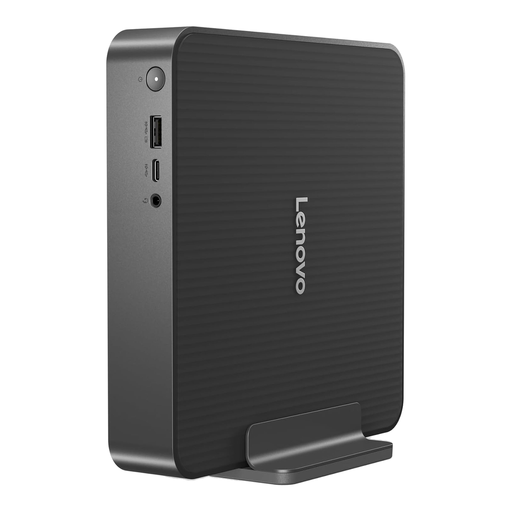 No image available
This compact IdeaCentre is worth checking where a separate monitor will be part of the shared harvest-record desk.
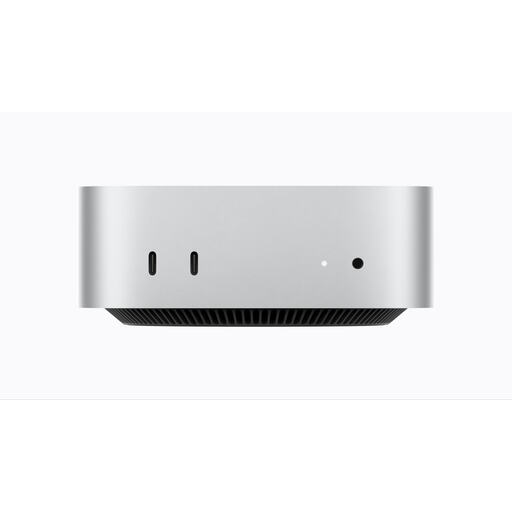 No image available
Consider this compact computer only after checking that the office’s spreadsheet software, accounts and file workflow will work with it.
Yes, where workers use display screen equipment daily as part of normal work for an hour or more continuously, the Health and Safety Executive says employers must assess the workstation. That assessment covers equipment, furniture and working conditions, not just the desktop computer.
Check the exact desktop’s Windows 11 eligibility and installed configuration. Microsoft lists minimum requirements including a compatible 64-bit processor with at least two cores, 4GB memory, 64GB storage, UEFI Secure Boot capability and TPM 2.0; application requirements and the office’s workload may call for more.
For a UK consumer distance-sales contract, the Consumer Contracts Regulations 2013 normally give a cancellation period ending 14 days after the consumer or nominated recipient takes physical possession of the goods, subject to applicable conditions and exceptions. That does not establish the same change-of-mind rights for an employer, club or other non-consumer buyer, so confirm who is contracting and read the seller’s terms.
Faults and misdescription are separate from changing your mind about a purchase. GOV.UK says retailers must offer a refund when goods are faulty, not as described or do not do what they are supposed to do, and that repair or replacement obligations may also apply. Keep the order confirmation and advertised specification so the issue can be assessed against the purchase.