What matters when choosing?
Start with the most demanding task you regularly perform: spreadsheet calculations, 2D CAD and take-off work, or 3D and large-project work. Check that task’s software requirements against the desktop’s actual configuration, rather than its product-family name.
| Concern | What to check | Who this matters to |
|---|
| Spreadsheets and multitasking |
Check installed memory against your workbooks and concurrently open tools; confirm storage and operating-system compatibility. |
If my material schedules, browser tabs and estimating tool are open together, I want enough resources to work without making 3D graphics the priority. Around 45% of consumers put spreadsheet and multitasking needs first. |
| 2D plans and CAD |
Compare the configured processor, memory and graphics with the requirements for your exact CAD application and version. |
When I calculate quantities from drawings, the desktop also needs to run the plan or take-off software I use. Roughly 33% of consumers prioritise 2D plan and CAD compatibility. |
| 3D and large projects |
Check the application’s requirements for installed memory, GPU and video memory against the supplied configuration. |
For large drawing sets, point clouds or detailed models, I need to judge the PC against those more demanding projects, not just my spreadsheets. About 22% of consumers put 3D or large-project capability first. |
Joybuy desktops for spreadsheet-led work
These mini PCs are choices to examine if material calculations centre on spreadsheets and estimating tools in a home office. Their listed memory, storage and display features provide starting points; check your software requirements and supplied monitor setup before choosing, particularly if you also use CAD or 3D applications.
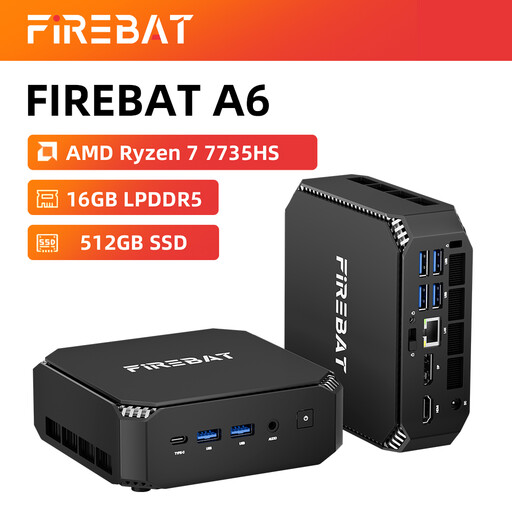 Image unavailable
FIREBAT Mini PC, Ryzen 7 7735HS, 16GB RAM, 512GB SSD
A compact option to consider for spreadsheet-led home-office work and a setup using several displays.
The listed configuration includes Radeon 680M graphics, dual M.2 slots and triple-display support. Confirm the supplied operating system, display connections and monitor bundle, and check any CAD or 3D software requirements separately.
View on Joybuy
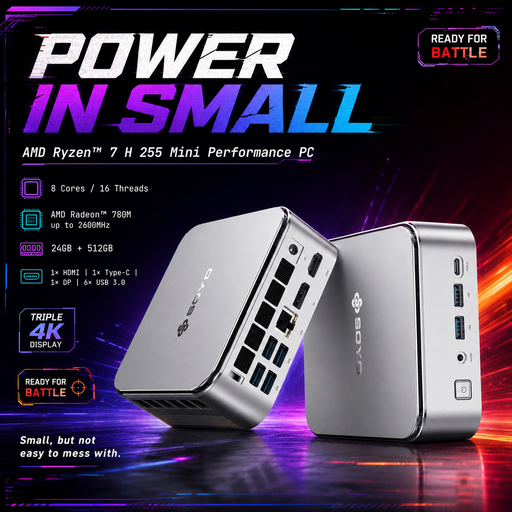 Image unavailable
SOYO S4PLUS Mini PC, Ryzen 7 H 255, 24GB RAM, 512GB SSD
A mini PC to consider when estimating work involves keeping plans and schedules on separate displays.
The listing specifies Windows 11, a 512GB PCIe 3.0 SSD, Radeon 780M graphics and HDMI, DisplayPort and Type-C outputs. Confirm monitor inclusion and whether the configured graphics meet any CAD or 3D application requirements.
View on Joybuy
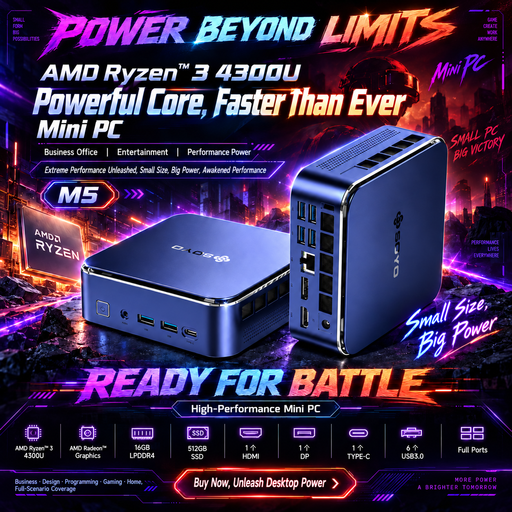 Image unavailable
SOYO M5 Mini PC, AMD Ryzen 4300U, 16GB RAM, 512GB SSD
A compact desktop to examine for office calculations where separate displays for plans and schedules would be useful.
The listing specifies Windows 11 and HDMI, DisplayPort and Type-C outputs, with triple-display support. Check the monitor bundle and graphics requirements if drawing or modelling software is part of your work.
View on Joybuy
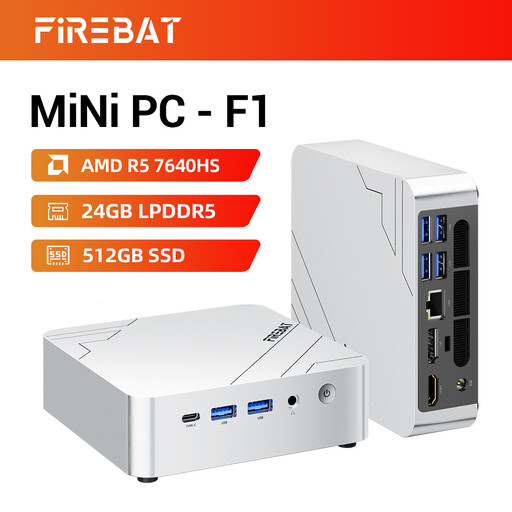 Image unavailable
FIREBAT F1 Mini PC, Ryzen 5 7640HS, 24GB RAM, 512GB SSD
A home-office mini PC to consider if your calculation setup uses several screens alongside other open applications.
The listed configuration has a 512GB PCIe 4.0 SSD, Radeon 760M graphics and triple-screen support. Confirm the operating system, exact display connections and monitor bundle, then compare the graphics configuration with any CAD or 3D software you use.
View on Joybuy
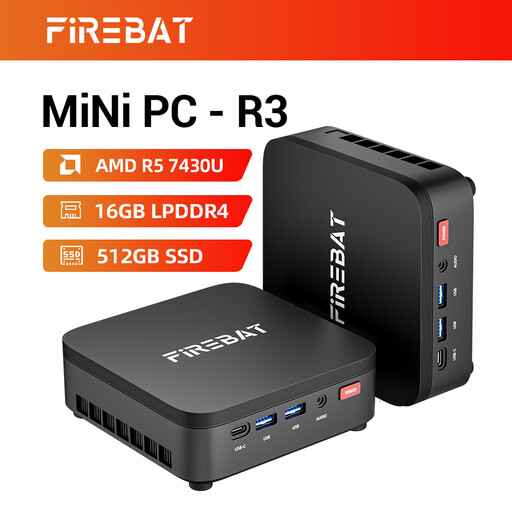 Image unavailable
FIREBAT R3 Mini PC, Ryzen 5 7430U, 16GB RAM, 512GB SSD
A compact option to examine for spreadsheet-based material calculations with a multi-screen desk setup.
The listing specifies a 512GB SSD and triple-screen support. Confirm the operating system, supplied display connections and monitor bundle; check graphics compatibility separately if you use CAD or 3D software.
View on Joybuy
Frequently asked questions
Is 8GB of RAM enough for material calculations?
It may be enough for lighter spreadsheet work, but it is not a reliable target for every workflow. Microsoft Support says Excel’s open-workbook capacity depends on available memory and system resources; Autodesk lists 8GB as basic and 32GB as recommended for AutoCAD 2026. Consider the files and applications you run together.
Do material calculations need a dedicated graphics card?
Spreadsheet-first calculations do not, by themselves, establish a need for dedicated graphics. If you also use CAD or 3D software, compare the exact desktop configuration with that application’s requirements: Autodesk specifies graphics requirements for AutoCAD 2026, while SketchUp recommends a discrete graphics card for its desktop software.
Should I get a second monitor for plans and quantities?
A second monitor is worth considering if you regularly need a plan visible beside a material schedule. Check the desktop’s actual video outputs and the monitor’s inputs first; Lenovo says the ThinkStation P3 Tower monitor is sold separately, and configurations vary.
Does working from home for an employer affect my workstation setup?
It can if you use display screen equipment at home daily for continuous periods of an hour or more. The Health and Safety Executive identifies such workers as DSE users; ask your employer about the applicable workstation assessment and any equipment it identifies before buying items to address those needs yourself.
Should I check UKCA or CE marking on a desktop?
Check the product information for the market where the desktop will be supplied. GOV.UK guidance for Great Britain says CE marking continues to be recognised alongside UKCA marking in specified circumstances; Northern Ireland follows different market processes, so do not assume the same marking guidance applies there.


