Spreadsheet-led small-project estimators
If you calculate quantities mainly in Excel or similar office software, your desktop needs to handle workbooks, documents and occasional PDFs rather than complex drawing sets.


For material quantities calculated mainly in spreadsheets, start with a Windows 11-compatible desktop configured for the office software and documents you use; a professional workstation is not the default choice. Large PDF drawing sets call for closer attention to memory and processor requirements, while CAD or 3D work may justify a configurable workstation. Check the exact application version, graphics requirements and monitor arrangement before choosing a configuration.
If you calculate quantities mainly in Excel or similar office software, your desktop needs to handle workbooks, documents and occasional PDFs rather than complex drawing sets.
If you measure and count from digital plans before transferring quantities to a spreadsheet, the size of your drawing sets and the requirements of your takeoff software become important. Bluebeam describes PDF measurement and export to Excel as part of this workflow.
If quantity work runs alongside CAD, 3D or other specialist applications, check the named software’s graphics, memory and display requirements. A configurable tower may be useful when those requirements or future expansion warrant it.
Start with the applications and drawing sets you actually use, then check the configuration against their requirements. Operating-system and office-software minimums are compatibility thresholds, not targets for a busy estimating workflow.
| Concern | What to check | Who this matters to |
|---|---|---|
| Spreadsheet capacity | Check Windows 11 compatibility and the processor, installed RAM and storage against your office software and simultaneous workload. Microsoft’s Microsoft 365 business minimums are not a performance recommendation. | If my calculations stay in workbooks and ordinary project documents, I want comfortable everyday multitasking without choosing specialist graphics for that reason alone. Around 45% of consumers put spreadsheet and document capacity first. |
| PDF takeoff | Check the named application and version, particularly its guidance for large drawings. Bluebeam lists 8 GB RAM as a minimum for Revu 21 and recommends an Intel i5 dual-core-or-better processor with at least 8 GB RAM for large drawing sets. | When I measure changing plans and export quantities to Excel, I need a configuration that fits the drawing sets I handle. For around 33% of consumers, PDF takeoff capacity is the primary concern. |
| CAD and expansion | Check each CAD or 3D application’s graphics and memory requirements, any certified-hardware guidance, and the required display connections and upgrade options. | If quantity work is tied to CAD or 3D models, I need to know whether the chosen graphics and expansion options fit that software. CAD compatibility and expandability come first for around 22% of consumers. |
Microsoft’s published minimums establish a software baseline; they do not describe how a desktop will handle several workbooks, plans and project tools at once.
Use minimums as a compatibility check, then size the desktop around your largest files and usual mix of open applications.
Bluebeam’s guidance for large Revu drawing sets emphasises processor and memory resources. Professional graphics may instead matter when a named CAD or 3D application calls for them.
Check that application’s graphics requirements and any certified-hardware list before selecting a specialist GPU.
Memory, graphics, storage and included accessories can differ within a product line. A workstation label alone does not establish what is fitted to the desktop being ordered.
Compare the selected processor, RAM, storage, graphics, operating system, display connections, accessories and required software licences.
A monitor or other peripherals may need to be obtained separately; check the contents of the particular configuration.
UK guidance from GOV.UK explains that electrical and electronic equipment falls under the WEEE framework, which aims to reduce waste sent to landfill.
Back up and securely erase project data, then check an appropriate take-back, reuse or recycling route for household or business equipment as applicable.
The ThinkStation P3 Tower line is relevant when quantity work extends into CAD, several displays or planned expansion.
The Z2 Tower G1i is a configurable workstation line to examine when a technical application or an upgrade plan calls for more memory capacity.
Dell positions its Precision fixed workstation range for computationally or graphically intensive applications.
These desktops cover spreadsheet-led office work and configurations to consider for PDF plans alongside spreadsheets. Match the particular machine to your application, drawing size and displays; a gaming graphics card does not by itself establish CAD suitability.
 No image available
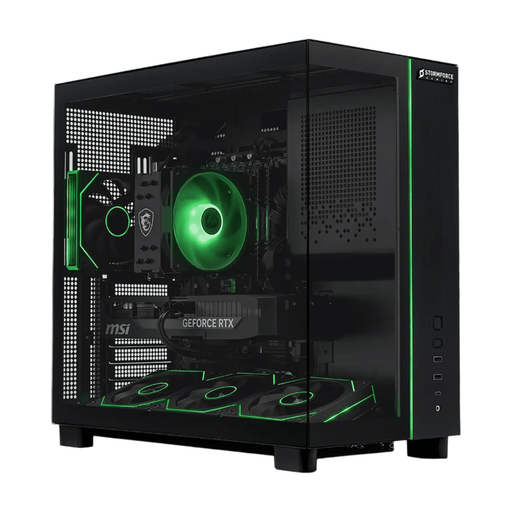
Consider this desktop if you work with PDF plans alongside spreadsheets and want the listed memory and local storage; check your takeoff application before ordering.
The product name specifies a Ryzen 7 5700X, 32 GB RAM, 2 TB SSD, RTX 5070 and Windows 11. Do not assume the graphics card is required for quantity calculations; confirm whether the monitor and peripherals you need are included.
 No image available
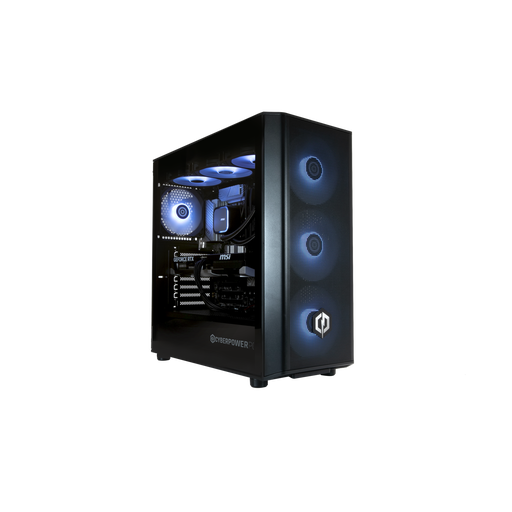
This is another configuration to assess for PDF plans and spreadsheets, subject to the requirements of your named applications and monitors.
The product name specifies 32 GB DDR5, a 1 TB NVMe SSD and Windows 11 Home. Its RTX 5070 12 GB should not be treated as an estimating requirement; a monitor, keyboard and mouse are not included.
 No image available
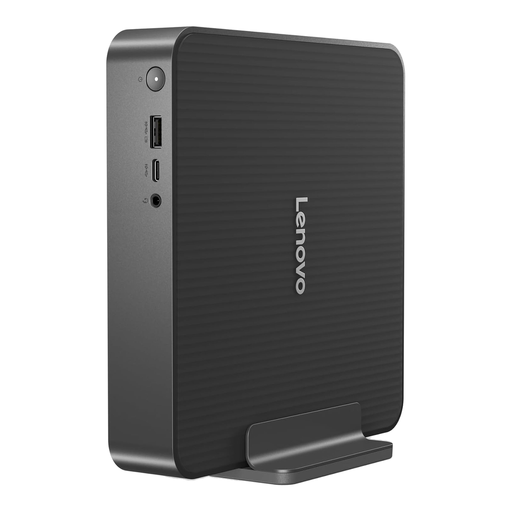
Consider this compact desktop for spreadsheet-led calculations where desk space matters, after checking the office software you intend to use.
The product name specifies an Intel Core 5 processor, 16 GB RAM and a 512 GB SSD. Confirm its display connections and whether your required monitor and peripherals are included.
 No image available
This mini desktop is worth assessing for a compact spreadsheet-and-PDF setup if its configuration meets your takeoff software’s requirements.
The product name specifies Windows 11 Pro, a six-core, 12-thread Ryzen 5 7535HS, 16 GB LPDDR5 and a 512 GB NVMe SSD. Check the required display connections and whether the fixed memory configuration suits your workload.
 No image available
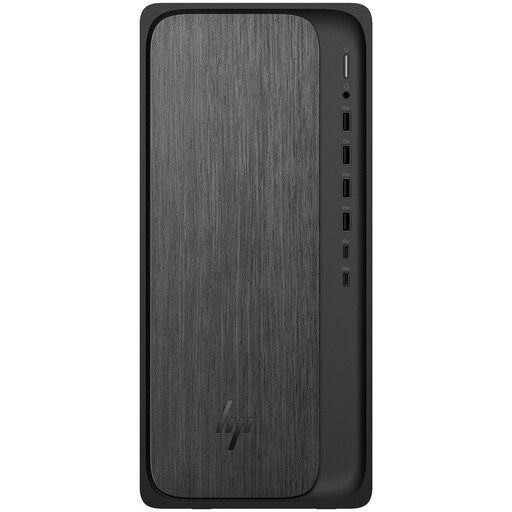
Consider this tower for spreadsheet-led calculations and office documents, while checking memory needs before using it for large drawing sets.
The product name specifies 8 GB RAM, a 1 TB SSD and Windows 11 Home. Bluebeam lists 8 GB as its Revu 21 minimum, so check your own application and intended workload rather than treating that figure as spare capacity; confirm any memory-upgrade plans before buying.
No workstation is required solely because the calculations are in Excel; choose a desktop that meets your actual workbook and multitasking needs. A configurable workstation becomes relevant when the same workflow also has CAD, 3D, specialist graphics, extensive display or expansion requirements.
Check the takeoff application’s version-specific memory, processor and Office compatibility guidance, then consider the size of your drawing sets. For Revu 21, Bluebeam lists 8 GB RAM as a minimum and recommends an Intel i5 dual-core-or-better processor with at least 8 GB RAM for large engineering drawing sets; its stated Office plugin support includes Office 2021 and Microsoft 365.
A Windows 11-compatible desktop is the sensible starting point unless a named application requires a different supported setup. Microsoft states that Windows 10 support ended on 14 October 2025; still check the operating-system requirements of every estimating or drawing application you need.
Back up and securely erase project data, then check an appropriate electrical-equipment take-back, reuse or recycling route. GOV.UK explains that the UK WEEE framework covers electrical and electronic equipment; the practical collection route depends on whether yours is household or business equipment and the applicable local or seller arrangements.