What to check before buying
Start with how colleagues will access and store recipe-cost files, then compare the computer’s configuration and the space needed for a complete workstation.
| Concern |
What to check |
Who this matters to |
| Separate access and recoverable files |
Plan individual day-to-day accounts, controlled administrator access and a backup destination with a restore process. Microsoft describes separate Windows accounts; the Information Commissioner’s Office advises regular backups. |
If several colleagues use the computer, I need each person’s access managed without relying on one shared sign-in, and I need cost files to remain recoverable. Around 42% of consumers put access and data control first. |
| Spreadsheet work and storage |
Compare the selected memory and SSD capacity against the office’s applications and local files. HP, Lenovo and Dell list business-desktop configurations with 16 GB memory; their available storage configurations differ. |
When I switch between spreadsheets, browser tabs and email, I want a configuration suited to that workload and enough space for the files kept locally. For around 33% of consumers, spreadsheet work and storage come first. |
| Desk fit and peripherals |
Check chassis placement, required ports and whether the selected package includes a monitor, keyboard and mouse. For qualifying daily display-screen-equipment use, the UK Health and Safety Executive says employers must assess the whole workstation. |
At a shared counter or crowded desk, I need the screen and input devices to fit comfortably as well as the PC itself. Workspace and peripherals are the first concern for around 25% of consumers. |
Joybuy desktop options
These options include mini desktops for tighter workspaces and a tower for a different placement plan. Compare each listed configuration with your spreadsheet software, account requirements and complete workstation setup.
 No image available
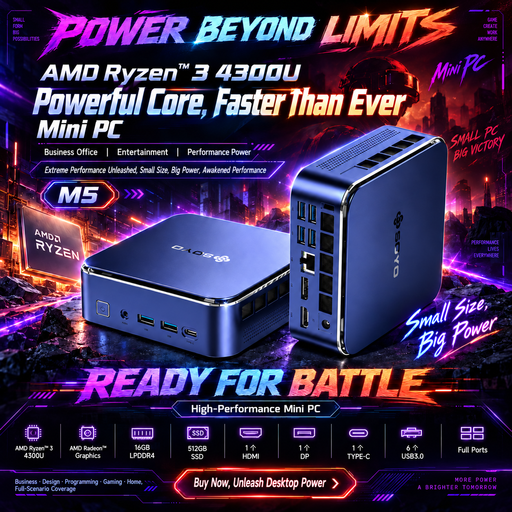
SOYO M5 Mini PC, Ryzen 4300U, 16 GB, 512 GB SSD
Consider this mini PC where the shared workstation has limited space. Its named configuration has Windows 11, 16 GB LPDDR4 memory and a 512 GB SSD; confirm the Windows edition if your office requires a particular one, and check the monitor, keyboard and mouse package.
View on Joybuy
No image available
Lenovo IdeaCentre Mini PC 01IRH10R, 91B2000XUK
This compact desktop is an option when desk placement is a priority. The named variant specifies an Intel Core 5, 16 GB RAM and a 512 GB SSD; check the operating-system requirements and which display and input devices come with the selected package.
View on Joybuy
 No image available
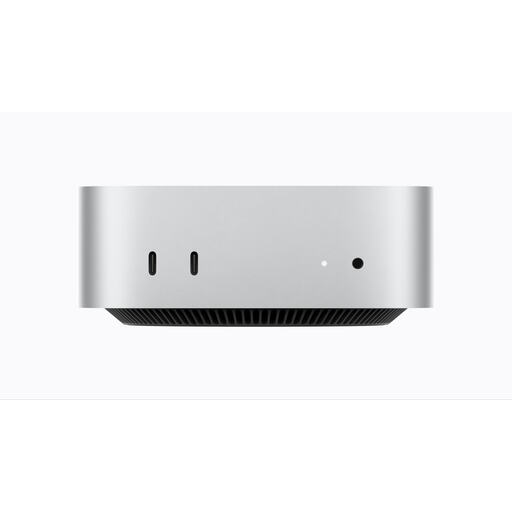
Apple Mac mini (2026), M6, 16 GB, 256 GB SSD
Consider this compact desktop only after checking that the office’s spreadsheet software and shared-account workflow work with macOS. The named variant has an M6 chip, 16 GB memory and a 256 GB SSD; check whether that storage capacity and the selected peripheral package suit the workstation.
View on Joybuy
 No image available
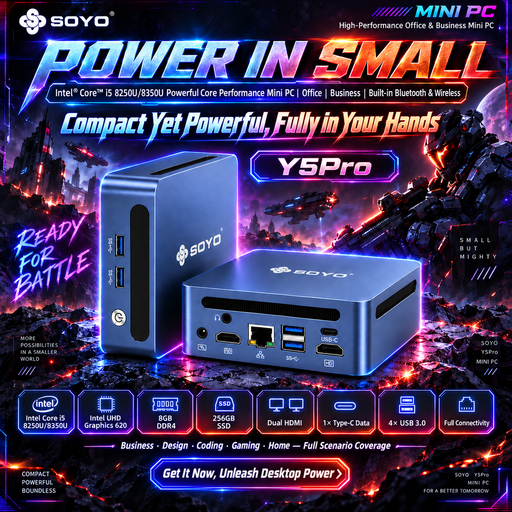
SOYO Y5Pro Mini PC, 8 GB, 256 GB SATA SSD
This mini PC is an option if its stated memory and storage suit the office’s actual spreadsheet and file workload. The name specifies Windows 11, 8 GB DDR4 memory and a 256 GB SATA SSD, but gives Intel Core i5-8250U and i5-8350U processor options; confirm the processor in this variant and the peripheral package.
View on Joybuy
 No image available
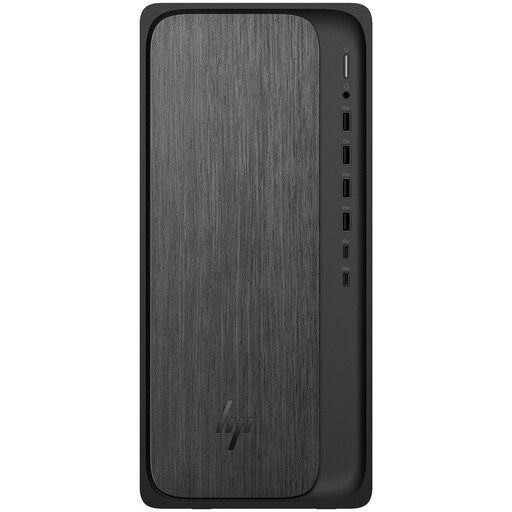
HP M02-0005na OmniDesk, Ryzen 5 8500, 8 GB, 1 TB SSD
Consider this tower where its placement and the office’s application workload suit a larger chassis. The named configuration has Windows 11 Home, 8 GB RAM and a 1 TB SSD; its product description lists a wireless keyboard and mouse. Check that the memory suits simultaneous work and confirm the monitor package.
View on Joybuy
Frequently asked questions
Should colleagues have separate accounts on a shared desktop?
Yes, when different people use the machine, give them individual day-to-day accounts rather than a shared administrator sign-in. Microsoft says separate Windows accounts let users keep their own settings, documents and applications; decide separately which recipe-cost files need a shared, access-controlled location.
Does a shared-office desktop need a workstation assessment?
For UK workers who use display screen equipment daily as part of normal work for continuous periods of an hour or more, the Health and Safety Executive says employers must carry out a workstation assessment. It covers the whole setup and working conditions, not just the PC.
Will a business desktop include a monitor, keyboard and mouse?
Check the exact configuration rather than assuming it includes all three. HP Store UK specifies a wired mouse for the cited Pro Mini configuration, Lenovo says the Tiny-In-One monitor is sold separately and lists no mouse for its displayed M70q configurations, while Dell offers varying peripheral selections.
How should recipe-cost files be backed up on a shared PC?
Set a regular backup routine and check that files can be restored. The Information Commissioner’s Office advises not leaving external backup storage connected to the live data source and, where possible, keeping it away from the main workplace; choose an approved file location that colleagues can access according to their roles.


