What should you check before buying?
Check device fit first, then the condition and source of the replacement. If you need to charge several devices or travel, check the additional port and plug requirements before choosing that arrangement.
| Concern | What to check | Who this matters to |
|---|
| Device fit |
Match the device model and both cable ends; check the required charging standard and recommended power. Apple says a USB-C-chargeable Mac needs USB Power Delivery, and iPad adapter requirements vary by model and region. |
If my existing cable or charger has failed, I need the replacement to work with this particular device, not merely fit its socket. Around 34% of consumers would put device fit first. |
| Electrical safety and sourcing |
Check the product identity, supplier and condition, and look up the exact model in current Office for Product Safety and Standards alerts and recalls. |
When replacing a damaged or lost mains charger, I want to know what I am buying and whom to contact if a problem emerges. Trusted sourcing would come first for around 33% of consumers. |
| Multi-device output |
Compare total output with the limit for the port your priority device will use, including the allocation when several ports are active. |
If my laptop and smaller devices must charge together, I need to know what happens when I occupy more than one port. Around 20% of consumers would prioritise multi-device output. |
| Travel plug arrangement |
Confirm the destination socket, the charger’s input information and which plug tips are supplied; check the exact adaptor model for recalls. |
When I pack one charging arrangement for a trip, the plug must suit where I am going as well as the device I carry. Travel configuration would be the main concern for around 13% of consumers. |
Chargers and cables on Joybuy
These choices cover multi-port mains chargers and replacement cables. Match a charger’s ports and stated power, or a cable’s connector ends, to your device before deciding; for travel, check the plug arrangement separately.
 No image available
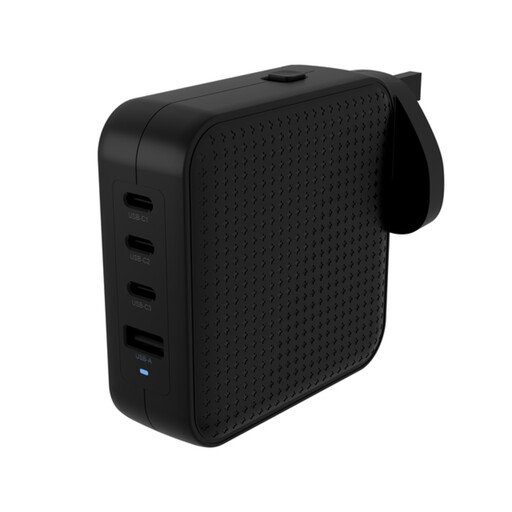
Hyper HyperJuice 100W USB-C GaN Travel Charger, 3C+1A, black
Consider this travel charger if its plug arrangement and ports suit the devices you will take. Its title specifies 100 W and a 3C+1A configuration; check the output available to each device when charging together.
View on Joybuy
 No image available
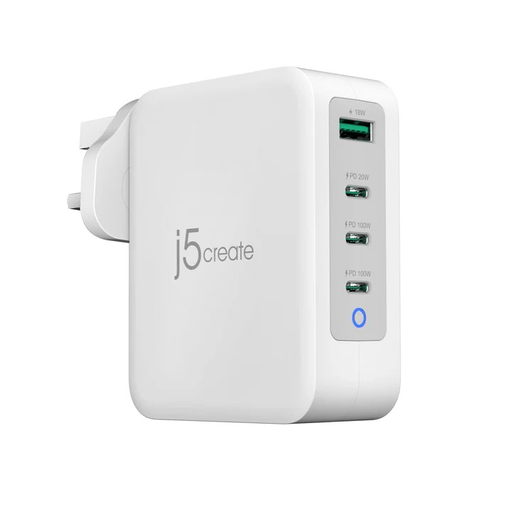
j5create JUP43130F 130W four-port USB-C GaN charger, UK
This is a multi-port option to assess when more than one device needs charging. Its title specifies 130 W and four ports; check the output of your chosen port when the others are occupied.
View on Joybuy
 No image available
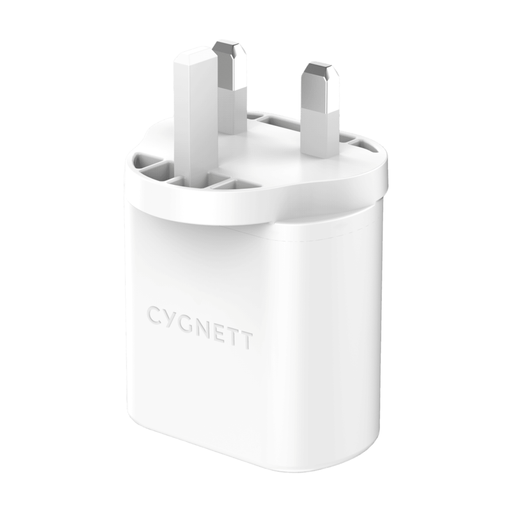
Cygnett PowerPlus 32W dual-port USB-C wall charger, UK plug
Consider this wall charger if you need two ports and its output suits your devices. Its title states 32 W; check the allocation when both ports are in use rather than treating that figure as the output of each port.
View on Joybuy
 No image available
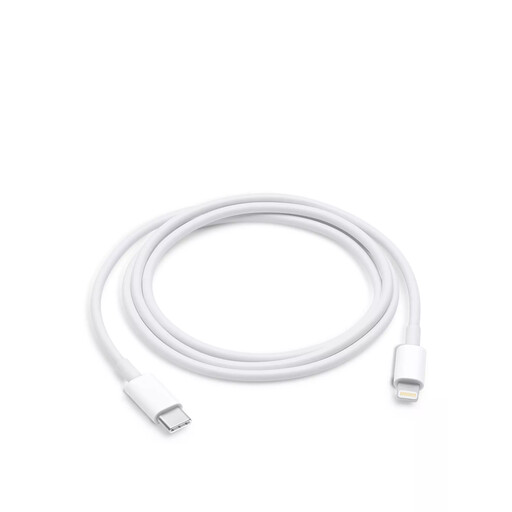
Apple USB-C to Lightning cable, 1 m
Consider this cable if your device needs a Lightning connector and your charger has a USB-C port. The stated length is 1 m; confirm the cable requirements for your exact device model.
View on Joybuy
 No image available
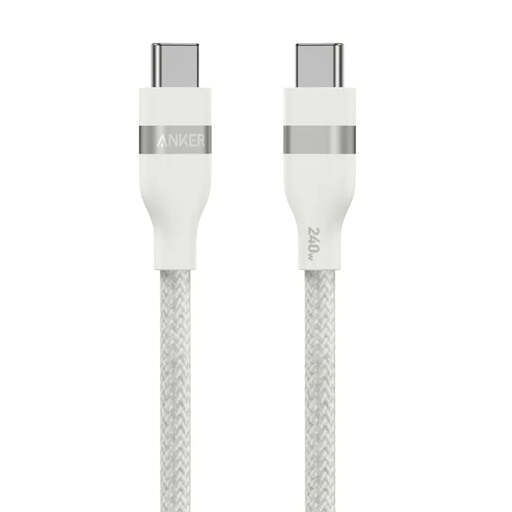
Anker braided USB-C to USB-C cable, 0.9 m, stated 240 W
Consider this cable when both the device and charger use USB-C. Its title states a 0.9 m length and a 240 W rating; check the cable markings and your device’s power and data requirements rather than assuming the stated rating changes its charging speed.
View on Joybuy
Frequently asked questions
Can any USB-C charger or cable replace my existing one?
No: USB-C describes the connector, not a guarantee of suitable power, charging standards or data capability. Check your device model and both cable ends; for a Mac that charges through USB-C, Apple specifies a USB Power Delivery-capable adapter or display.
Will a higher-rated cable make my device charge faster?
Not on its own. The device, charger and cable must all suit the intended charging arrangement, so choose a cable with an appropriate stated power capability and check its data capability if you also use it for data.
Can one multi-port charger replace several separate chargers?
It can if the ports, supported charging standards and output allocation meet the requirements of the devices you will connect together. Check the maker’s simultaneous-use figures rather than relying on total output alone.
What should I do if my travel adaptor is recalled?
Follow the instructions for the exact recalled model. For the Universal Travel Adaptor 931E recall issued in June 2026, the Office for Product Safety and Standards instructs consumers to stop using it immediately and contact the distributor.
How should I use a replacement charger at home?
Use a charger suited to the product and place devices on a hard, flat surface while charging, as Electrical Safety First advises. Do not use damaged charging equipment, and check the rating of any extension lead rather than overloading it.


