Parents keeping a rotating home gallery
If you photograph or scan new drawings regularly, look for an upload method you will find easy to repeat. Check how the frame handles both portrait and landscape artwork.


Choose a frame by how new artwork will reach it: app, email or web uploads can make regular updates and sharing with relatives easier, provided everyone can use the chosen method. For a prominent wall display or a mix of portrait and landscape drawings, check the exact model’s orientation, screen finish and mounting options; also review its Wi-Fi requirements, privacy settings and service terms.
If you photograph or scan new drawings regularly, look for an upload method you will find easy to repeat. Check how the frame handles both portrait and landscape artwork.
When several people want to add drawings from different homes, the available upload methods and controls over who can contribute may matter more than screen size.
For artwork intended to be seen across a room or displayed on a wall, consider the viewing position, glare, orientation and mounting method before settling on a screen size.
Start with how you will add new drawings, then decide where the frame will sit and who should be able to contribute.
| Concern | What to check | Who this matters to |
|---|---|---|
| Repeat uploads | Check whether the exact frame accepts app, email or web uploads, and whether it needs Wi-Fi to receive them. | If new drawings appear frequently, I want to add a phone photo without a cumbersome transfer each time; around 42% of consumers put repeat uploads first. |
| Display fit | Check the intended viewing position, physical portrait or landscape placement, and any stated glare treatment or mounting hardware. | For artwork on a wall or seen from across a room, I need a display that suits the space and the drawings’ proportions; around 33% of consumers prioritise display fit. |
| Sharing and privacy | Check contributor controls and app permissions, alongside the storage and sharing terms of the selected service. | When relatives contribute pictures of a child, I want to control access and understand the service terms; roughly 25% of consumers make sharing and privacy their primary concern. |
A larger frame may be awkward to place, while its size alone does not tell you how portrait and landscape drawings will appear. Which? assesses picture quality, including sharpness and colour accuracy, when testing digital photo frames.
Measure the intended shelf or wall and check the model’s orientation, aspect ratio, screen finish and included mounting hardware.
Aura describes its own cloud service as having no subscription fee, while Nixplay publishes plans with different storage, video and sharing allowances. A general cloud-storage claim does not settle what a particular household can use.
Check the current terms for the exact frame and service, including how many contributors, albums and connected frames you need.
A service tier with the features you need may involve a continuing subscription.
Pictures of children and information shared through a connected frame deserve careful handling. The Information Commissioner’s Office advises smart-product buyers to review data sharing, app permissions and the manufacturer’s stated security-update period.
Read the privacy settings before setup, grant only permissions you are comfortable with and use separate invitations instead of shared passwords where the service allows them.
A digital frame is electrical equipment. GOV.UK describes the UK waste electrical and electronic equipment framework as supporting recovery, reuse and recycling rather than disposal in landfill.
Check your local authority’s collection arrangements or an eligible retailer take-back route. Remove stored personal information before passing on or recycling the frame if the model permits.
Aura’s connected frames include the compact 10.1-inch Carver and the 15-inch Walden, giving households different placement options for a changing gallery.
Skylight offers a touchscreen Wi-Fi frame for households that want relatives to send new pictures to the display.
Nixplay offers connected frames with mobile, web and email upload routes, including larger-format displays.
These Wi-Fi frames offer compact and larger displays for a rotating gallery of photographed artwork. Compare the way each frame receives pictures and confirm its placement and service terms before choosing.
 No image available
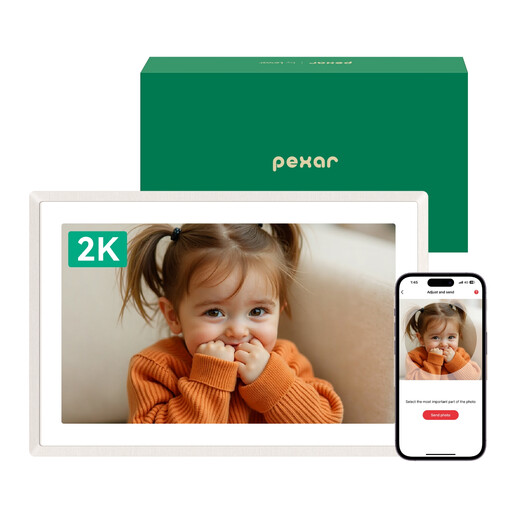
Consider this frame if family members will send new artwork from their phones. Its listing describes an 11-inch anti-glare screen and app-based sharing; confirm that contributors can use the app and check how the frame can be positioned before buying.
 No image available
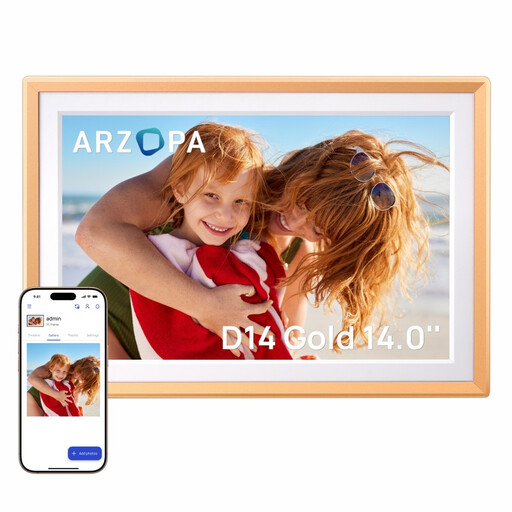
Consider the 14-inch touchscreen for artwork intended to occupy a more prominent space, with new images sent through an app. The product name states a 1920 × 1200 display; confirm its physical orientation and mounting arrangements for your intended position, and check the current cloud-service terms.
 No image available
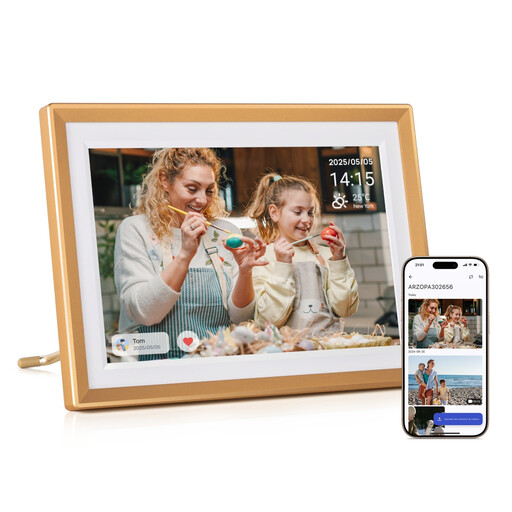
The 10.1-inch touchscreen is a compact option to consider for a shelf or desk gallery. Product information gives conflicting adapter instructions—5V/3A in the specifications and description, but an original 12V adapter in the safety warning. Confirm the correct adapter with the seller before powering the frame.
 No image available
Consider this compact frame if you want a rotating display for photographed artwork and can use a Wi-Fi connection. Before choosing it for a family collection, confirm the supported image formats, storage, placement method, contributor access and current cloud-service terms.
The connected Aura models described here require Wi-Fi to receive new content through Aura’s cloud service, and Skylight describes connecting its frame to Wi-Fi during setup. If you would rather transfer files without Wi-Fi, check that method on the exact frame before buying.
Check who can receive invitations, add or remove pictures, and access the account. The Information Commissioner’s Office also advises smart-product buyers to review data sharing, app permissions and the manufacturer’s stated security-update period.
A 10-inch-class frame can suit a shelf, desk or close viewing position; choose by where people will see the artwork rather than size alone. Aura’s Carver is 10.1 inches, while its 15-inch Walden offers a 4:3, dual-orientation, anti-glare display with wall-mounting hardware for a different placement.
Subscription terms depend on the chosen service. Aura says its frames include unlimited photo and video cloud storage without a subscription fee, whereas Nixplay publishes tiers with different storage, video and sharing allowances; check the current terms for the exact frame and plan.
Use an appropriate electrical-equipment recycling or take-back route rather than general household rubbish. GOV.UK describes the UK waste electrical and electronic equipment framework as supporting recovery, reuse and recycling; check your local authority or retailer for the arrangements available to you.