Choose a built-in dual-screen laptop if you regularly write away from a desk and want your draft and notes visible without carrying a separate monitor. If you mostly write at a desk, a conventional laptop plus portable monitor lets you choose the keyboard and second display separately, but you must check video connections, cables and power before buying.
Who each setup suits
Writers carrying both screens
If you draft in different locations and want your manuscript beside an outline or notes, an integrated dual-screen laptop avoids packing a separate monitor. ASUS UK and Lenovo UK describe models with two displays and portable keyboard arrangements; check how each arrangement works where you usually write.
Writers expanding a regular workspace
If you mainly write at a desk and want to keep a conventional laptop keyboard, a separate display can hold research or reference material. Microsoft Support explains how to arrange connected displays in Windows; the connection still needs to match your laptop and monitor.
Writers planning longer drafting sessions
Screen count alone cannot tell you whether a keyboard position and viewing angle will suit a long session. ASUS UK describes a detachable keyboard for the Zenbook DUO UX8406, while Lenovo UK lists a magnetic keyboard with the Yoga Book 9i Gen 10; assess the layout you would actually use.
What matters when choosing
Integrated dual-screen laptop
Choose it when: You regularly need your draft and notes on two displays without packing a separate monitor.
Trade-off: The keyboard position and two-screen orientation must suit the places where you write, particularly away from a desk.
Laptop plus portable monitor
Choose it when: You want to keep or select a conventional laptop independently of the second display.
Trade-off: You have another item to carry and position, and its video connection and power arrangement must work with the laptop.
For a short-story draft alongside notes or research, identify the need you would put first when choosing a two-screen setup.
| Concern |
What to check |
Who this matters to |
| Portable workspace |
Check how both screens, the keyboard and any stand fit into the places where you write. |
I want my draft and outline open together when I move between writing locations, without setting up a separate monitor. Around 33% of consumers would put that all-in-one arrangement first. |
| Flexible second screen |
Check the laptop’s video output against the monitor’s input, and account for the display, cable and power arrangement. |
I already have a laptop keyboard I like and want to add a display for notes at my usual desk. Roughly 27% of consumers would prioritise that flexible expansion. |
| Typing position |
Assess where the keyboard sits with both screens active and whether the viewing angles suit a longer session. |
I expect to spend long stretches drafting, so a comfortable, repeatable keyboard position matters more to me than a compact-looking layout. Around 20% of consumers would make typing setup their primary concern. |
| Connection certainty |
Confirm the exact port capabilities and cables, then test display detection and arrangement after delivery. |
I do not want to discover that my chosen laptop, monitor and cable cannot form the two-screen setup I planned. Roughly 20% of consumers would put connection certainty first. |
Buying pitfalls
-
Assuming two displays make a comfortable writing setup
Keyboard placement and viewing angle still affect how practical an integrated dual-screen laptop feels during sustained drafting.
Check the keyboard supplied with the exact configuration and assess the screen orientation in which you expect to write.
-
Assuming any USB-C port can run a second screen
A USB-C-shaped port does not by itself establish that the laptop, cable and monitor can carry the required video signal and power.
Compare the laptop’s documented video output with the monitor’s input and power requirements, then test display detection after delivery.
The connection you choose may require another cable, an adapter or a separate power arrangement.
-
Comparing an integrated laptop with a bare conventional laptop
The conventional route also needs a second display and a workable way to connect and position it. Integrated models can differ in which keyboard and stand accessories come with the exact configuration.
Check what is included with each device and plan the complete two-screen kit, including any necessary cable, stand or adapter.
-
Waiting to test the complete setup
A connection or layout problem may only appear when you use both displays with your usual writing software.
Connect the screens promptly, arrange them as you intend to use them and keep your order documentation while assessing the setup.
Brands relevant to two-screen writing
ASUS
The Zenbook DUO UX8406 is an integrated dual-screen approach for writers who want two work areas in one laptop.
- ASUS UK lists two 14-inch OLED touchscreens, a detachable full-size keyboard and a built-in kickstand for the UX8406.
- Those specifications do not establish whether its keyboard position or two-screen posture will suit your writing sessions.
Lenovo
The Yoga Book 9i Gen 10 offers another integrated two-display layout, with portable typing accessories described for the UK model.
- Lenovo UK lists a magnetic 1.5 mm backlit keyboard, folio, mouse and Yoga Pen among the in-box items.
- The included accessories do not establish whether the screen orientation and keyboard feel suit you; check the exact configuration.
Acer
The PM161QB1 is an example of a portable monitor for adding a second work area to a conventional laptop, rather than replacing the laptop.
- The PM161QB1 is listed with a 15.6-inch Full HD display, HDMI and USB-C inputs, an integrated kickstand and a 700 g weight.
- Its inputs do not establish compatibility with every laptop; check the laptop’s video output and the required cable and power arrangement.
Joybuy products for these setups
These choices include an integrated dual-screen laptop, conventional laptops that could form part of a separate-monitor setup, and a portable monitor. A conventional laptop needs a compatible second display to give you two work areas; check each proposed connection before buying.
 No image available
ASUS Zenbook DUO UX8406CA-QL135W 14-inch Dual OLED Touch Laptop
Consider this integrated dual-screen model if you want a draft and notes visible on one device; check the keyboard arrangement for your usual writing position.
Intel Core Ultra 7 255H, 16 GB LPDDR5X RAM and 1 TB SSD are stated in the product name. Confirm the exact panel resolution for this variant before choosing it.
View on Joybuy
 No image available
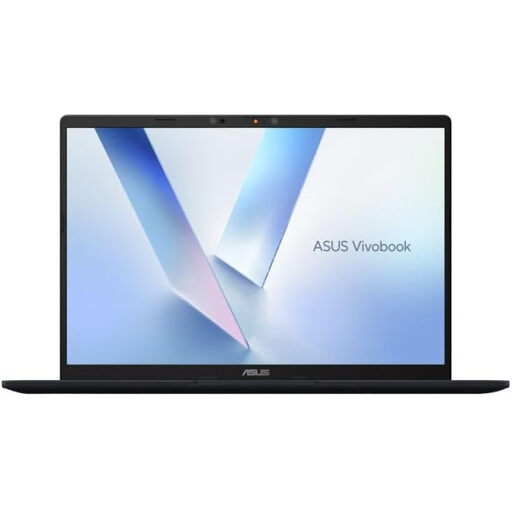
ASUS Vivobook 14 X1407QA-LY003W, Quiet Blue
Consider this conventional laptop if you prefer to choose your writing keyboard and second display separately. Confirm that its video output works with your intended monitor and cable.
The product name specifies a Snapdragon X processor, 16 GB RAM and a 512 GB SSD.
View on Joybuy
 No image available
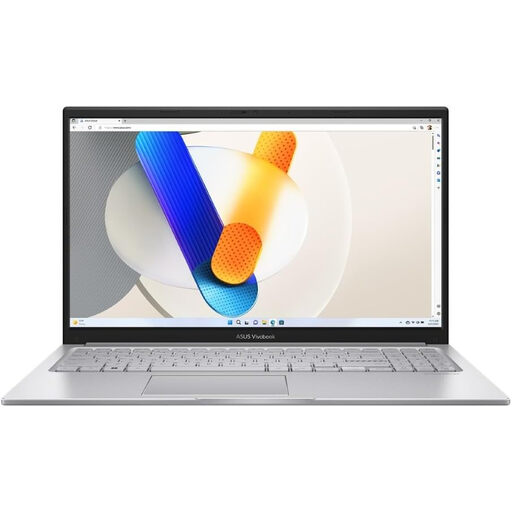
ASUS Vivobook 15 X1504VA, Cool Silver
Consider this conventional laptop if you want its built-in screen for drafting and plan to use a compatible external display for notes. Check the proposed monitor connection and power arrangement.
The product name specifies a 15.6-inch display, Intel Core 5 120U, 24 GB memory and a 1 TB SSD. Check expected battery runtime if you write away from power.
View on Joybuy
 No image available
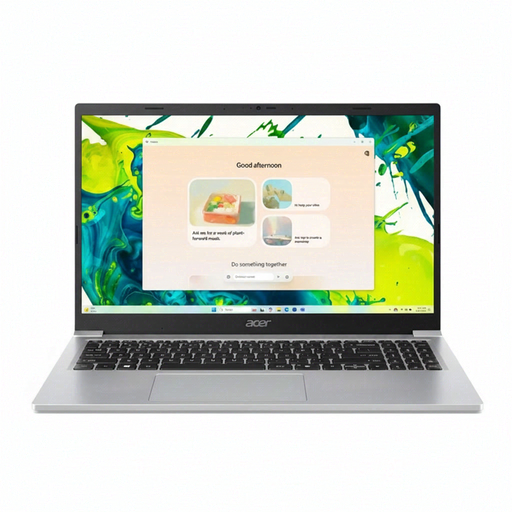
Acer Aspire Lite AL15-36P-C29Z, Silver
This is a conventional laptop for a setup in which you add a compatible monitor for outlines or research. Check the complete display connection before purchasing.
The product name specifies a 15.6-inch Full HD screen, Intel N150, 8 GB DDR4 RAM and a 128 GB SSD. Confirm the supplied Windows configuration if your writing software depends on it.
View on Joybuy
 No image available
UPERFECT 14-inch 60 Hz Touchscreen Portable Monitor with VESA and Adjustable Stand
Consider this separate display if you already have a laptop and want another place for your short-story notes. It is a monitor, not a complete laptop setup.
The product name specifies 100% sRGB, VESA compatibility and a 180° adjustable stand. Check the laptop’s video output and the monitor’s cable and power requirements before buying.
View on Joybuy
Frequently asked questions
Should I choose a dual-screen laptop or add a portable monitor for short-story writing?
Choose a dual-screen laptop if you regularly need your draft and notes together while moving between locations. A conventional laptop plus portable monitor suits a desk-based setup or a laptop you already like using, provided its video output, cables and power arrangement work with the monitor.
How do I arrange a second screen in Windows?
Connect a compatible display, then open Settings, System and Display to identify and arrange the screens to match their physical positions. Microsoft Support also describes display detection and options for remembering window locations when a monitor is reconnected.
Will any USB-C laptop work with a USB-C portable monitor?
No: the connector shape alone does not confirm video output or the required power arrangement. Check the specific laptop port, monitor input and cable requirements together before ordering.
What if an online-purchased laptop or monitor is faulty or not as described?
GOV.UK says a seller must offer a full refund when an item is faulty, not as described or does not do what it is supposed to do. A change-of-mind return is a different question: check the applicable cancellation conditions and any separate retailer policy rather than assuming the same process covers both.


