
24/7 Customer Support

Free returns

Same-day & Next-day Delivery

Quality Guaranteed

Unlock Your Welcome Offers: FREE Delivery | Up to 80% OFF | Free 30-day JoyPlus trial
Download the APP
Spending long hours at a desk is a modern reality for many of us, whether we're in a corporate building or a home office. The consequence is often a familiar one: nagging lower back pain, stiff shoulders and a general sense of discomfort that can disrupt focus and productivity. A standard chair simply isn't designed for prolonged sitting.
This is where an ergonomic office chair becomes less of a luxury and more of a necessity. This guide is designed to help you navigate the key features to look for, offering practical advice to help you find a chair that supports your body correctly. We will also share some of our top recommendations to make your search for a new home office chair UK residents can rely on a little easier.
Finding the right chair involves more than just picking one that looks good. Consider these key factors to ensure you are investing in your comfort and well-being.
The core principle of ergonomics is fitting the equipment to the user, not the other way around. A truly adjustable office chair allows you to customise it to your unique body shape and posture. Look for chairs with multiple adjustment points:
The material of your chair directly impacts your comfort over long periods. While leather and fabric have their appeal, a mesh desk chair offers superior breathability. The open-weave material allows for continuous airflow, which helps to regulate body temperature and prevent discomfort from heat and moisture build-up, keeping you cool and focused throughout the day.
When you're investing in a chair for daily use, you want to be sure it's built to last. Look for certifications from independent bodies like BIFMA (Business and Institutional Furniture Manufacturers Association) and SGS. These certifications indicate that the chair has passed rigorous tests for safety, durability and structural integrity, from the gas lift mechanism to the overall weight capacity.
Based on the criteria of adjustability, materials and certified quality, here are some standout options to consider for your workspace.
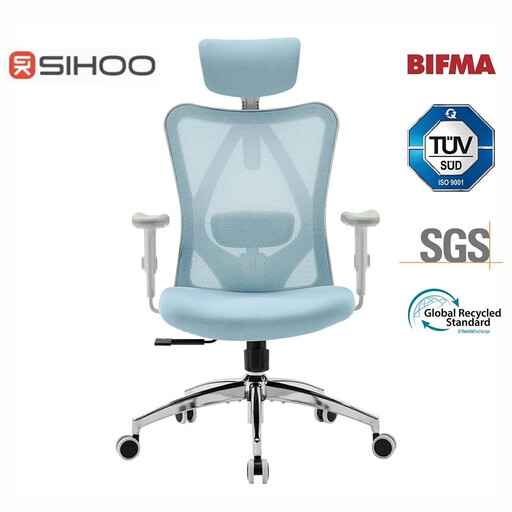
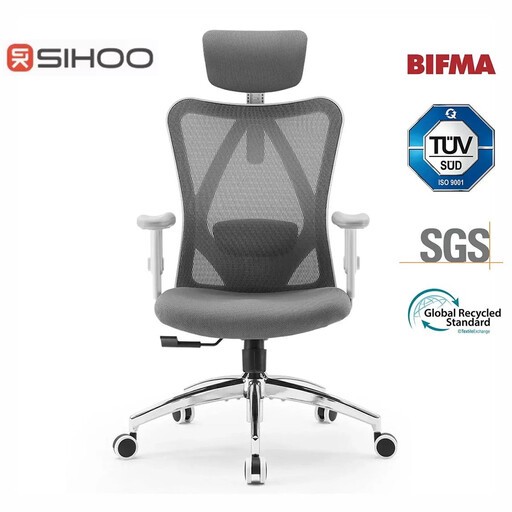
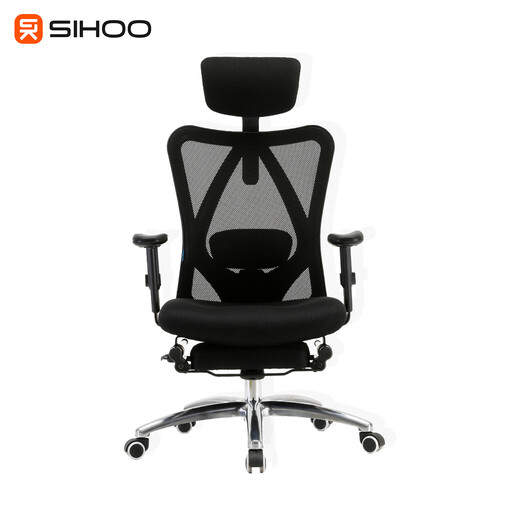
While an ergonomic office chair is designed for neutral support and professionalism, some users may prefer the distinct aesthetic and body-hugging feel of a gaming chair. These chairs often feature bold designs and a racing-seat style.
For those who favour this look, we invite you to explore our curated collection of PC gaming chairs.
An office chair is considered ergonomic when it is designed with adjustability to support a range of body types and promote healthy posture. Key features include adjustable seat height, depth, lumbar support, armrests and recline functions. The goal is to reduce stress on the spine, neck and joints during prolonged periods of sitting.
Lumbar support is one of the most critical features of an ergonomic chair. The lower part of your spine (the lumbar region) has a natural inward curve. Sitting for long hours without support can cause you to slouch, flattening this curve and straining the muscles and ligaments in your lower back. Adjustable lumbar support helps maintain this natural curve, reducing strain and minimising the risk of back pain.
While an ergonomic chair is not a medical device, it can play a significant role in alleviating and preventing discomfort associated with poor posture. By providing proper support and encouraging a healthy sitting position, it reduces the strain on your back, neck and shoulders. For individuals with existing back conditions, a well-adjusted ergonomic chair can make a noticeable difference in daily comfort.