What matters when choosing a drive?
Portable HDD
Consider it when: Your journal is backed up with photos, documents or other files and you want substantial local capacity.
Bear in mind: Check the connector and backup-software compatibility, and protect the drive from rough handling.
Rugged portable SSD
Consider it when: You frequently carry the backup or copy large journal attachments.
Bear in mind: Samsung says the T7 Shield's stated maximum speeds require a compatible host, cable and UASP; its resistance claims come from controlled tests.
For a personal journal, choose a backup routine you can maintain, then decide how much privacy protection and portability you need.
| Concern |
What to check |
Who this matters to |
| A repeatable backup routine |
Check that your chosen backup tool includes the journal folder and can retain earlier versions. Microsoft describes versioned backups with File History; Seagate describes scheduled backups with Toolkit. |
If I edit my journal often, I need copies to happen without relying on memory and a way to retrieve an earlier entry. Around 40% of consumers put a repeatable routine first. |
| Privacy and recovery |
Check password-protection support for your operating system and plan where to keep a disconnected copy. Western Digital identifies password protection on its cited My Passport line as Windows-only; the National Cyber Security Centre advises disconnecting storage when unused. |
When my journal contains private information, I want to limit access without leaving its only backup exposed to a problem on my computer. Protecting privacy and recovery is the first concern for around 30% of consumers. |
| Carrying and copying |
Check the drive's connector and the conditions behind any speed or resistance rating. Samsung says the T7 Shield's stated speeds need a compatible USB 3.2 Gen 2 host, cable and UASP. |
If I take my backup between locations, I care about carrying it safely and copying larger attachments without unnecessary delay. Roughly 30% of consumers prioritise portability and copying. |
Joybuy product choices
These portable HDDs and SSDs offer different capacities and carrying options for a journal backup. Check how you will schedule copies and protect private files on your own computer before choosing a drive.
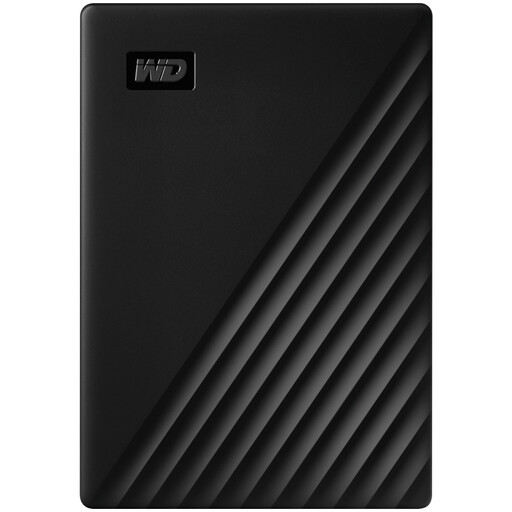 Image unavailable
Western Digital My Passport 4TB Portable Hard Drive, Black
Consider this portable HDD if you want 4TB for journal backups alongside other files.
Before relying on automatic backups or password protection, check the features available for this variant and your operating system.
View on Joybuy
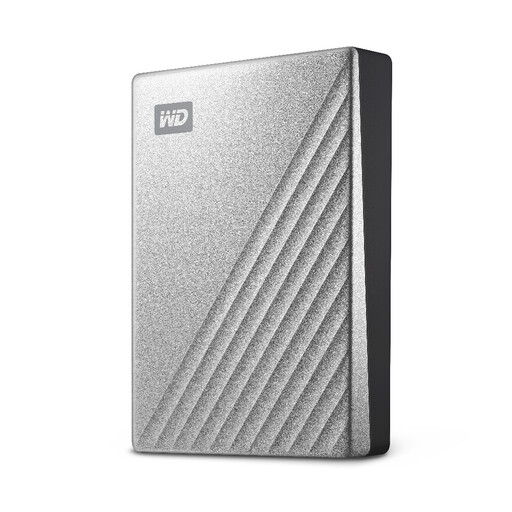 Image unavailable
Western Digital My Passport Ultra 4TB Portable Hard Drive, Silver
This 4TB portable HDD is an option when you want to keep a journal and a wider file archive on the same backup drive.
If you use a Mac, check the intended file format and Time Machine arrangement before putting files on the drive.
View on Joybuy
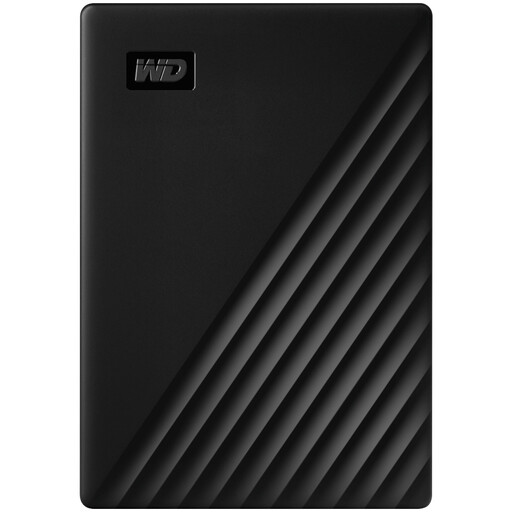 Image unavailable
Western Digital My Passport 2TB Portable Hard Drive, Black
Consider this 2TB portable HDD if that capacity fits the journal versions and other files you intend to keep.
Check that your backup method covers the journal folder and that any password feature works with your computer.
View on Joybuy
 Image unavailable
Samsung T7 Shield MU-PE1T0S 1TB Portable SSD, Black
Consider this 1TB SSD when you carry your journal backup regularly. The listed connection is USB Type-C with USB 3.2 Gen 2.
Samsung says the T7 Shield's stated maximum speeds require a compatible host, cable and UASP; its resistance ratings do not replace a separate backup.
View on Joybuy
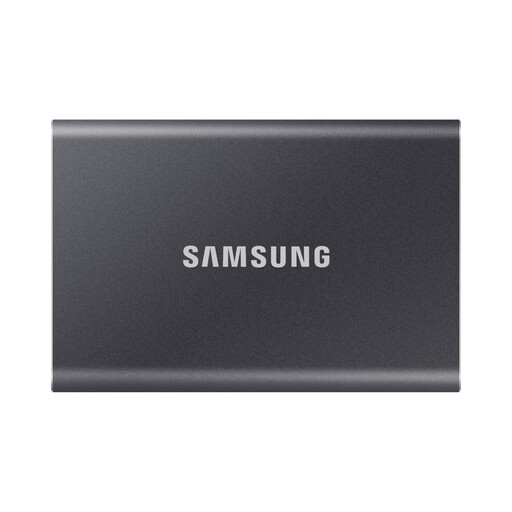 Image unavailable
Samsung T7 4TB Portable SSD, Grey
This 4TB SSD is an option if you want to carry journal copies alongside a larger collection of files. Its listed connection is USB Type-C with USB 3.2 Gen 2.
Check how you will schedule backups of the journal folder. Do not assume this T7 has the T7 Shield's resistance rating.
View on Joybuy
Frequently asked questions
Should I choose an HDD or SSD for my journal backup?
Choose a portable HDD if your journal shares backup space with a larger file archive; consider a rugged portable SSD if you frequently carry the drive or copy large attachments. For the Samsung T7 Shield, stated transfer speeds and resistance ratings have specific conditions, so check your connection and keep another backup copy.
Can one Mac drive hold both Time Machine backups and ordinary files?
Yes, if you set up suitable volumes before using the drive for both purposes. Apple prefers APFS or APFS Encrypted for Time Machine and describes using a separate volume for other files; move anything you need to keep before reformatting, which erases existing data.
How can I back up a journal folder automatically on Windows?
Microsoft File History can back up files in included libraries to an external drive and recover previous versions. If your journal folder is outside a library, add it to one before setting up File History, then check that backups are running as intended.
Should I leave my journal backup drive plugged in?
Disconnect it after backups when you are not using it. The National Cyber Security Centre advises against leaving external backup storage connected because a problem affecting the computer can also affect connected storage; keep the drive somewhere secure between backups.


