For completed projects that usually stay in the studio, start with a desktop hard drive sized for the library and its expected growth; choose a portable drive when moving a project copy between locations matters more. Whichever format suits the work, treat the drive as one copy in a documented archive: keep a separate copy, check files after transfer and agree how the team will access them.
Who needs this setup?
Studio archive custodians
If you need to retrieve camera originals, edits and exports long after a job closes, plan for separate copies, an inventory and checks when files are moved. Archives Wales recommends complete copies in separate locations and integrity checks during copying or moving.
Mixed Mac and Windows teams
If editors use different computers, agree the drive format and who may write to the archive before loading projects. Seagate says the LaCie d2 Professional is supplied as exFAT for Mac and Windows interchange and advises unmounting it before disconnection.
Editors moving projects off-site
A portable drive can carry a current project or a separately stored copy. Match the drive and cable to the computers used for transfers rather than assuming that a quoted maximum speed applies to every connection.
What should the studio prioritise?
High-capacity desktop HDD
Choose when: Completed projects normally remain at a studio desk and the library needs room to grow.
Allow for: External power and a fixed place for the drive; capacity alone does not provide another archive copy.
Creator-oriented desktop HDD
Choose when: The desk-based archive drive also receives large projects regularly.
Allow for: Host-dependent transfer rates and the enclosure’s placement requirements. Seagate says the LaCie d2 Professional must stand upright with airflow and must not be stacked.
Portable SSD
Choose when: An editor needs to move a current project or take a separate copy off-site.
Allow for: Capacity suited to the files being carried and a connection that supports the drive’s quoted speed; portability does not replace the studio archive.
| Concern |
What to check |
Who this matters to |
| Recovery and retrieval |
Plan a complete copy in a separate location and decide how copied files and the archive inventory will be checked. |
If I am responsible for finding a finished project later, I need more than one drive holding the only copy. Around 33% of consumers put recoverability and retrieval first. |
| Team access |
Agree a format that works on the actual Mac and Windows systems, assign write access and require safe ejection. |
When projects pass between edit suites, I need a hand-off that colleagues can open without changing the archive unexpectedly; around 27% of consumers prioritise controlled cross-platform access. |
| Archive capacity |
Compare the current library and expected growth with usable space, and check power and placement for a desktop drive. |
I want completed projects to fit alongside their revisions without immediately adding another volume. Capacity for desk-based storage comes first for around 27% of consumers. |
| Off-site transfers |
Match the required copy size to the drive, then check the workstation port and cable against its transfer specification. |
If I regularly take a project copy to another location, carrying it and completing the transfer matter most to me; around 13% of consumers put portable transfers first. |
Mistakes to avoid
-
Calling one large drive the entire archive
A single drive leaves the studio with only one copy. Archives Wales recommends complete copies in separate locations and checking integrity when content is copied or moved.
Assign each drive a place in the copy plan, record what it holds and check transferred files before marking a project as archived.
-
Assuming USB-C guarantees the quoted speed
The connector alone does not establish the speed of the computer, cable and drive together. Samsung says the T7 Shield’s quoted maximum requires a USB 3.2 Gen 2 connection, a suitable cable and UASP support.
Check each workstation’s port specification and the cable to be used with the exact drive.
-
Treating a rugged drive as a protected sole copy
Samsung’s IP65 and drop-test claims for the T7 Shield refer to controlled conditions; Samsung also excludes liquid, dust and drop damage from its warranty.
Keep an independently stored copy even when the travelling drive has a rugged enclosure, and read the warranty exclusions.
-
Planning from the capacity printed on the box
Seagate explains that an operating system may show a lower capacity than the drive’s stated decimal figure, with some space used for formatting and other functions.
Compare usable space with the existing project library, expected additions and the studio’s chosen reserve.
Relevant brands for reference
Seagate
Its Expansion Desktop range is relevant to a desk-based archive where capacity is the starting consideration.
- Seagate UK lists Expansion Desktop capacities from 4 TB to 30 TB.
- Check the exact capacity and connection offered by the intended retailer, then plan separate archive copies.
LaCie
The d2 Professional is a desktop option for studios that also transfer project files onto their archive drives regularly.
- Seagate specifies d2 Professional models up to 30 TB and quotes transfer speeds up to 290 MB/s for the range.
- Seagate’s manual requires the powered enclosure to stand upright with ventilation, without stacking.
Samsung
The portable T7 Shield range is relevant to moving projects or keeping a separate copy off-site.
- Samsung quotes T7 Shield sequential speeds up to 1,050 MB/s read and 1,000 MB/s write when the required host and connection conditions are met.
- Samsung’s controlled-test ruggedness claims do not make the drive an independent backup or cover liquid, dust and drop damage under its warranty.
Joybuy drives for these workflows
These drives cover a desk-based archive volume and portable HDD or SSD copies for project hand-off and off-site storage. Choose capacity against the files each copy must hold, and agree the format before sharing a drive across studio computers.
 No image available
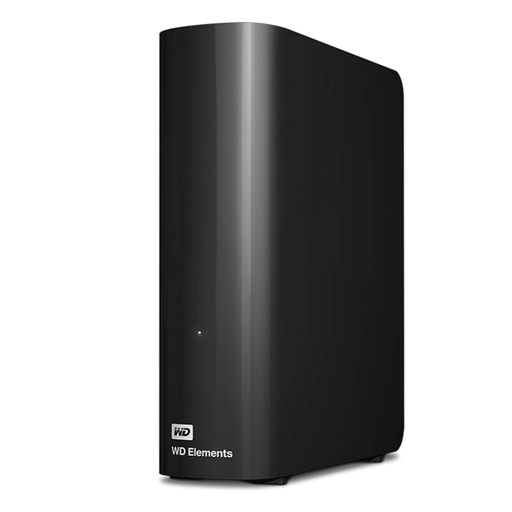
Western Digital Elements Desktop 10TB
A desktop HDD to consider when a completed-project library needs a 10TB archive volume at the studio. Check its usable space against planned growth and confirm the format needed by the team’s computers; it remains one copy, not the whole archive.
View on Joybuy
 No image available
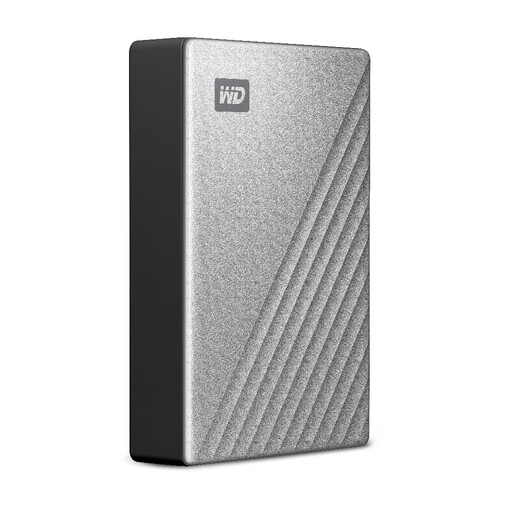
Western Digital My Passport Ultra for Mac 5TB, Silver
A portable HDD to consider for a 5TB project copy in a Mac-centred workflow. Before relying on it for team hand-offs, confirm how the studio’s Windows computers will access the chosen format, and check the applicable warranty terms.
View on Joybuy
 No image available
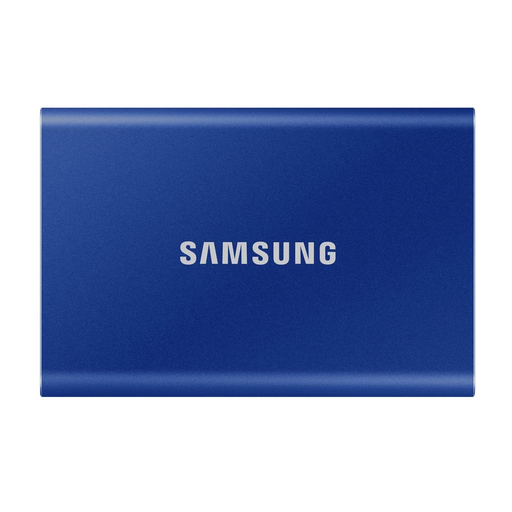
Samsung Portable SSD T7 2TB, Blue
A portable SSD to consider for moving current projects or keeping a 2TB off-site copy. Its name specifies USB 3.2 Gen 2; check the host, cable and file format before using it for transfers between studio computers.
View on Joybuy
 No image available
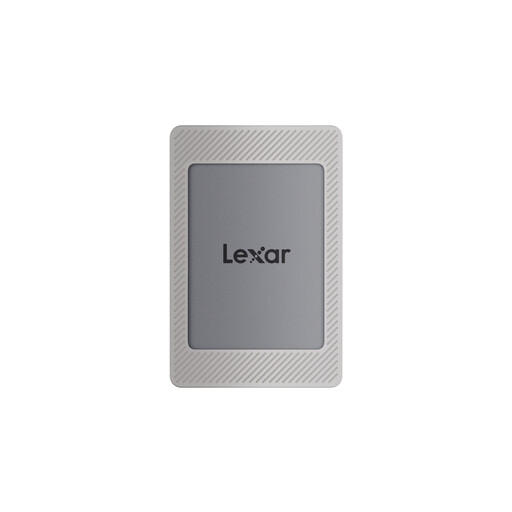
Lexar ES4 Portable SSD with Magnetic Set, 2TB
A portable 2TB copy to consider for project transfers. The product name specifies USB 3.2 Gen 2 and quotes up to 1,050 MB/s read and 1,000 MB/s write; actual transfer speed depends on the connection and workflow. Agree the file format before loading a shared copy.
View on Joybuy
 No image available
Western Digital Elements Port 4TB, Black
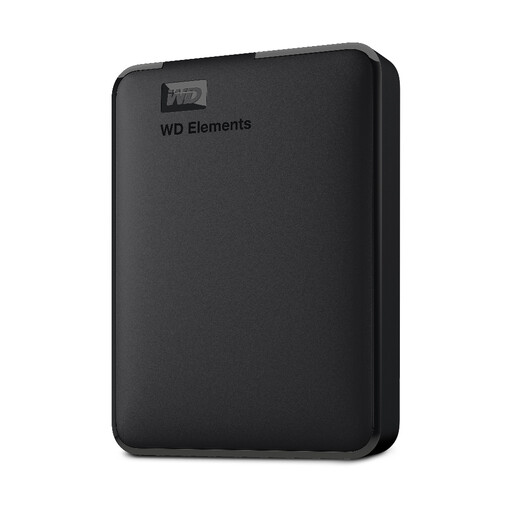
A portable HDD to consider when a project copy needs 4TB of stated capacity. Its name specifies USB 3.0; check usable space, the connection on each workstation and the file format required for Mac and Windows hand-offs.
View on Joybuy
Common questions
Can one external drive hold the studio’s complete archive?
One external drive should be treated as one copy, not the complete archive plan. Archives Wales recommends complete copies in separate locations and integrity checks when content is copied or moved; record which copy holds each project.
Should a mixed Mac and Windows studio use exFAT?
exFAT is a practical option when the same archive drive must move between Mac and Windows computers. Seagate says the LaCie d2 Professional is supplied in that format for compatibility; test the format on the studio’s actual systems and document the choice before copying files.
Why might a portable SSD copy files more slowly than its quoted speed?
A quoted maximum does not describe every computer and cable combination. For the T7 Shield, Samsung says its maximum sequential speeds require USB 3.2 Gen 2, a suitable cable and UASP support, and that performance varies with the host configuration.
Does a UK studio need an encrypted archive drive?
The choice of security measures depends on the personal data held and the risks involved, rather than on a universal requirement for a particular drive. The Information Commissioner’s Office says organisations processing personal data must use appropriate technical and organisational security measures; assess who can access portable and studio-held copies and whether encryption is appropriate to that risk.


