Joybuy backup-drive options
Joybuy product options for local household backups, including higher-capacity external hard drives and a portable SSD for frequent carrying or faster file transfers.
 No image available
Western Digital My Passport Portable External Hard Drive 2TB Black
Consider this for routine local copies of household photos and documents on a dedicated removable drive.
Stated 2TB capacity, USB 3.2 Gen 1 USB-A connectivity and Windows 10+ formatting; the listing also states that scheduled-backup software is included.
For Time Machine, confirm the format before use and preserve existing files before reformatting. A drive kept with the computer is not an off-site copy.
Joybuy
 No image available
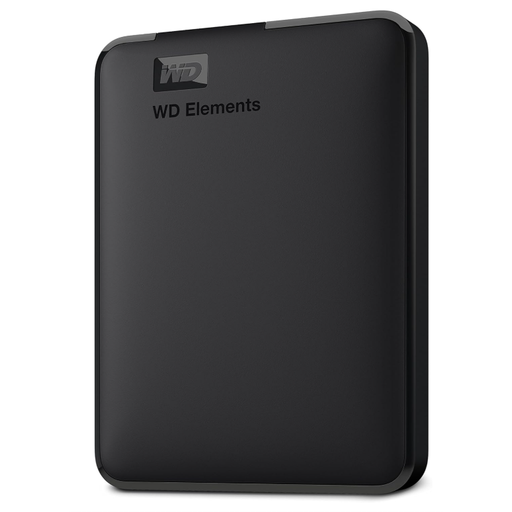
Western Digital Elements Portable External Hard Drive 6TB USB 3.0
Consider this when a larger photo, video and document library needs a defined local backup destination.
Stated 6TB capacity, USB 3.2 Gen 1 and USB 3.0 connectivity, bus-powered operation and an included USB-A cable; the listing identifies Windows Backup or File History setup.
It is stated to be pre-formatted for Windows. Mac use can require reformatting, which can erase files already on the drive.
Joybuy
 No image available
Western Digital Elements Portable 4TB Black USB 3.0
Consider this as a removable local destination for routine household backups where 4TB is enough for the files you plan to keep.
Stated 4TB capacity, USB 3.2 Gen 1 and USB 3.0 connectivity, with an included USB-A cable and Windows 10+ recognition.
Confirm the backup software and destination format before setup. The listing states that this drive is not waterproof or dustproof.
Joybuy
 No image available
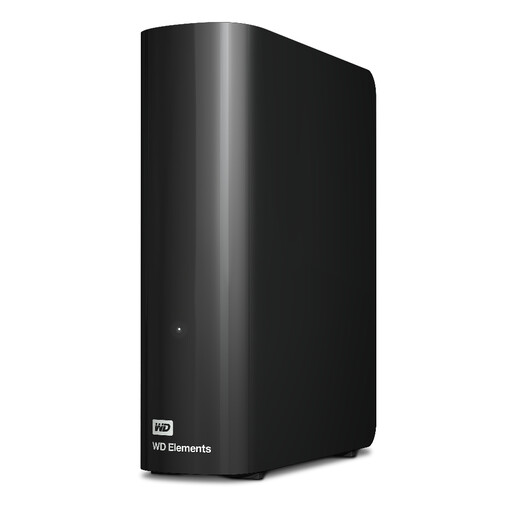
Western Digital Elements 12TB USB 3.2 Gen 1 Desktop Hard Drive
Consider this for a fixed household setup with a very large archive or several computers to back up locally.
Stated 12TB capacity, USB 3.2 Gen 1 and USB 3.0 connectivity, Windows NTFS setup and external AC power.
Its desktop format and power adapter make it less convenient for regular carrying. macOS use requires a file-system plan before setup.
Joybuy
 No image available
Samsung Portable SSD T7 Shield 1TB MU-PE1T0S
Consider this when the backup drive travels often or large files are copied regularly between compatible computers.
Stated 1TB capacity, USB Type-C USB 3.2 Gen 2, up to 1,050 MB/s read and 1,000 MB/s write, IP65 rating and up to 3m drop resistance.
Quoted speeds depend on the computer connection and conditions. Check that 1TB covers the files and backup history you intend to keep, and confirm the Time Machine format if using a Mac.
Joybuy
Frequently asked questions
Can an external drive be used for automatic backups on Windows?
Yes. Microsoft says File History lets you select an external drive or network location and turn on file backup. Keep the chosen drive connected or available for scheduled backups, then test restoring a file before relying on the setup.
Can I use the same Windows-formatted external drive for Mac Time Machine?
Not directly as a Time Machine destination. Apple says Time Machine cannot back up to a Windows-formatted disk; reformatting the disk can permanently remove its existing data. Apple identifies APFS or APFS Encrypted as the preferred Time Machine format.
Is cloud storage alone enough for household backup?
Cloud storage can keep a copy in a separate location, but check capacity, renewal, cancellation and restoration terms before relying on it. The National Cyber Security Centre also warns that cloud backups are not ransomware-resistant by default, so use strong account security and avoid treating synchronisation alone as proof of a recoverable backup.
What should I check before paying for cloud storage in the UK?
Check the files you need to protect, current shared-storage use, renewal terms, price-change notices and what happens to access if you cancel or the account is suspended. GOV.UK advises consumers to look for auto-renewal and service-price notices.
Are there UK disposal rules to consider when replacing an old external drive?
Yes. GOV.UK states that discarded external drives fall within the UK’s WEEE framework for electrical and electronic equipment. Check the appropriate reuse or recycling route available in your area before disposal.


