Choose cloud storage if automatic copies and access across devices matter most and your internet connection is dependable. An external hard disk drive provides a local copy, while a portable solid-state drive suits files you regularly carry or transfer; for irreplaceable photos and documents, keeping both a local and a separate cloud copy avoids relying on one location. Whichever route you choose, check capacity, compatibility and whether you can restore the files you need.
Who needs a backup?
People protecting irreplaceable photos
If family photos, personal records or creative files would be difficult to replace, keep a copy separate from the device holding the originals. The National Cyber Security Centre describes a backup as a copy kept in a separate safe location.
People using several devices
If photos and documents need to be available on a computer, phone or tablet, check which devices and folders a cloud service can back up. Access to files on several devices is useful, but it does not establish that every file on each device is protected.
People with large local libraries
If a computer holds a substantial photo or file library, measure it before choosing a drive. A local copy is particularly relevant when uploading that library over an unreliable or limited internet connection would be difficult.
What matters when choosing storage?
For important household files, decide where an independent copy will live before choosing between the convenience of cloud backup and the capacity or portability of a local drive. The NI Cyber Security Centre advises keeping copies on different devices, including one offline in another location.
External hard disk drive
Consider it when: You need a substantial local copy, particularly if internet access makes large uploads impractical.
Trade-off: The drive must be connected for backups and kept apart from the computer when not in use.
Portable solid-state drive
Consider it when: You regularly carry a local copy or transfer large photo and video files.
Trade-off: Advertised transfer speeds depend on a compatible computer connection and cable; a portable drive still needs a separate backup location.
Cloud storage
Consider it when: You want selected files or photos copied off-device and accessible across compatible devices.
Trade-off: Uploads depend on internet and account access, and a full storage allowance can stop new backups.
Local and cloud copies
Consider it when: Losing either the computer or one backup location would put irreplaceable files at risk.
Trade-off: You must check that both backup routines continue to work and that the local copy remains separate.
| Concern |
What to check |
Who this matters to |
| Independent recovery |
Where each copy is kept and whether you can restore a file; disconnect a local drive between backups where practical. |
If losing a device could also mean losing family photos or essential documents, I need another copy I can actually retrieve. Around 36% of consumers put independent recovery first. |
| Automatic backup and access |
Which folders and photos are included, device compatibility and available cloud-storage space. |
When files change across my phone and computer, I want recent copies without remembering to connect a drive. Automatic backup and access come first for roughly 29% of consumers. |
| Capacity for a large library |
The size of the files you intend to protect and room for future backups. For Mac Time Machine, Apple recommends a disk with at least twice the Mac's storage capacity. |
As my photo library grows, I need enough room for the files I intend to keep, not just the ones on my device today. About 21% of consumers make capacity their primary concern. |
| Portable speed and protection |
The exact drive model, computer port, cable and the conditions attached to any durability rating. |
If I regularly move large files between locations, carrying the drive and completing transfers matter most. Portable speed and protection are the main priority for around 14% of consumers. |
Backup mistakes to avoid
-
Assuming a synced folder is a recoverable backup
A full cloud account can interrupt new copies. Microsoft says exceeding a OneDrive storage limit stops new uploads, edits and syncing; Google says reaching its account limit stops Google Photos backups and new Drive uploads.
Check which folders and photos are included, monitor available space and try restoring a file before relying on the service.
-
Keeping the only backup beside the computer
A computer and a connected drive can be affected by the same theft, damage or malware incident. A drive left on the desk is not a copy in another location.
Disconnect the drive when a backup is not running, and keep another copy elsewhere or in suitable cloud storage for files you cannot replace.
-
Choosing a drive before checking the computer
The connection, disk format and required capacity affect whether a drive works for the intended backup. Apple recommends at least twice the Mac's capacity for Time Machine and says Time Machine cannot back up to a Windows-formatted disk.
Measure the data to protect, check the computer's ports and backup software, and preserve any existing files before changing a disk's format.
Reformatting a disk can permanently erase files already on it.
-
Treating a rugged rating as protection against every accident
Samsung's stated speed and IP65 and drop-test ratings for the T7 Shield have test and connection conditions; Samsung says liquid, dust and drop damage are outside its warranty coverage.
Check the exact model's conditions and keep a separate copy even if you carry a rugged drive.
Relevant brands for reference
Apple
iCloud+ is relevant to households using Apple devices for photos and files; Time Machine is Apple's local Mac backup route.
- Apple says Time Machine can automatically back up a Mac to compatible external storage.
- Apple says Time Machine cannot back up to a Windows-formatted disk. Check and preserve its contents before reformatting.
Microsoft
OneDrive is relevant when files need to be available across compatible computers and mobile devices.
- Microsoft describes OneDrive access across Windows, macOS, iOS and Android.
- Microsoft says new uploads, edits and syncing stop when the OneDrive storage limit is exceeded.
Google
Google One and Google Photos are relevant to households already keeping files or photos in a Google account.
- Google says an account includes up to 15 GB shared across Drive, Gmail and Photos.
- Google says reaching that account's storage limit can stop new Drive files, Gmail sending and receiving, and photo or video backups.
Samsung
Samsung's portable SSD range is relevant when a local copy needs to travel with you; the T7 Shield is one rugged-drive example.
- Samsung rates the 1 TB T7 Shield at up to 1,050 MB/s read and 1,000 MB/s write through USB 3.2 Gen 2, subject to the host connection.
- Samsung's IP65 and drop ratings come from stated test conditions, and liquid, dust and drop damage are not covered by its warranty.
External drives on Joybuy
These portable HDD and SSD choices provide local storage for files and photos. Check how much space your backup needs and where you will keep a separate copy before choosing a drive.
 No image available
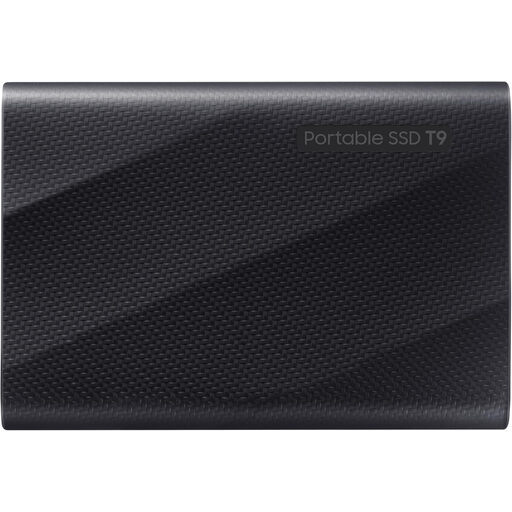
Samsung MU-PG4T0B 4 TB SSD, black
Consider this portable local drive if your file or photo library calls for 4 TB of storage.
Its stated connection is USB Type-C, USB 3.2 Gen 2x2; check your computer's port before choosing it.
View on Joybuy
 No image available
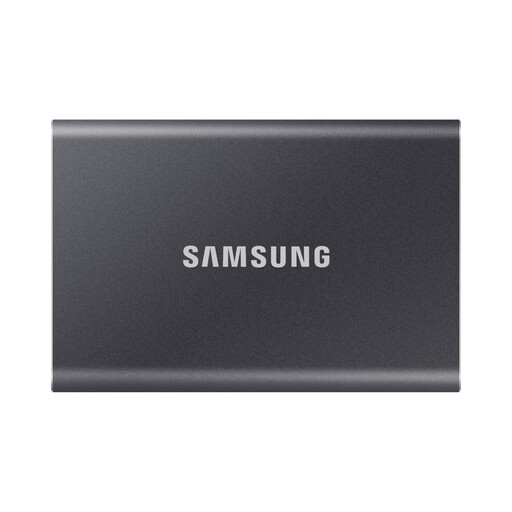
Samsung Portable SSD T7 4 TB, grey
This 4 TB portable SSD is a local-storage option for a substantial file or photo library.
The stated connection is USB Type-C, USB 3.2 Gen 2; confirm that it suits the device you intend to back up.
View on Joybuy
 No image available
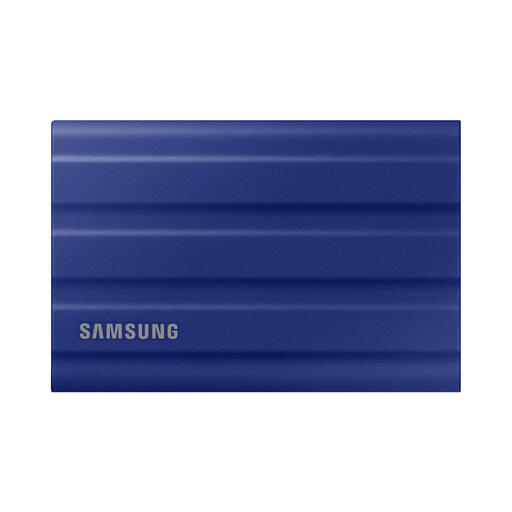
Samsung T7 Shield Portable SSD 1 TB, blue
Consider this portable local drive if 1 TB accommodates the files you plan to protect; measure the library first.
Its stated interface is USB 3.2 Gen 2. Keep another copy of irreplaceable files in a separate location.
View on Joybuy
 No image available
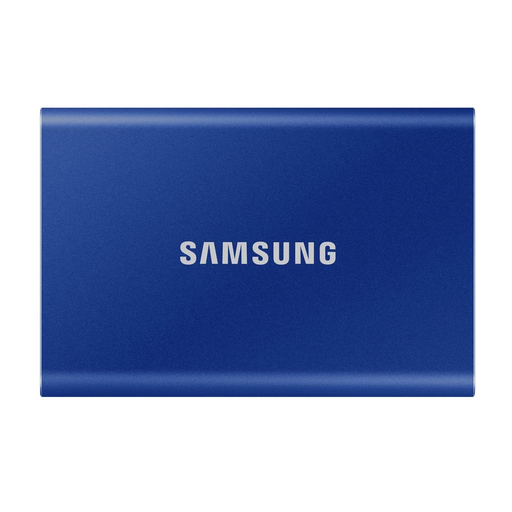
Samsung Portable SSD T7 1 TB, blue
This portable SSD offers a local copy if the files you intend to back up fit within its stated 1 TB capacity.
It lists USB Type-C, USB 3.2 Gen 2 connectivity; check the computer's port and your backup-capacity needs.
View on Joybuy
 No image available
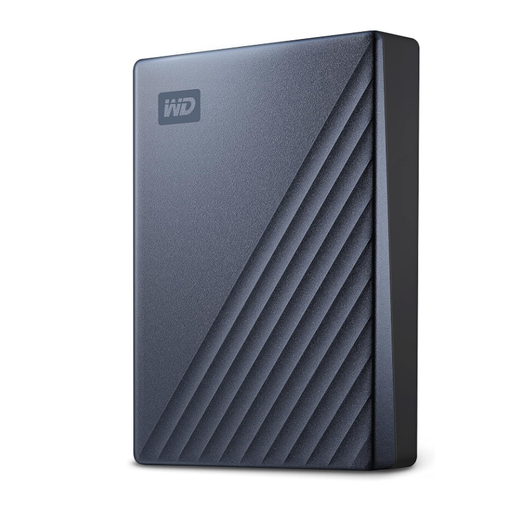
Western Digital My Passport Ultra 5 TB, blue
This portable external hard drive provides 5 TB for a local file or photo copy.
Check the disk format required by your computer and backup software before storing files on it.
View on Joybuy
Frequently asked questions
Is cloud storage enough for important family photos?
Cloud storage can keep an off-device copy, but it is not automatically sufficient for every file or failure. For irreplaceable photos, keep another independent copy, check that the right photos are included and test a restore.
How large should a drive be for a Mac Time Machine backup?
Apple recommends a backup disk with at least twice the Mac's storage capacity for Time Machine. That recommendation does not set the required size for a photo-only copy or every other backup method.
Can I use a Windows-formatted drive for Mac Time Machine?
Not in its Windows-formatted state: Apple says Time Machine cannot back up to a disk formatted for Windows. Plan the disk format before using it, and copy any existing files elsewhere before reformatting because that can erase them.
What happens when cloud storage fills up?
New backups can stop, so check the account's available space rather than assuming recent files have been copied. Microsoft says exceeding the OneDrive limit stops new uploads, edits and syncing; Google says a full account stops new Drive files, Gmail sending and receiving, and Google Photos backups.


