Everyday note movers
If you mainly carry documents, PDFs and slides between home, campus and library computers, focus on a convenient local copy and a connector that fits the machines you use.


For ordinary documents, PDFs and slides, a USB flash drive is a practical choice if its connector and capacity suit the computers you use. Consider a portable SSD when you regularly move large scans or recordings, or a portable hard drive when you need a larger local archive. Whichever you choose, check the connection and file format before copying notes, and keep a separate copy of important files.
If you mainly carry documents, PDFs and slides between home, campus and library computers, focus on a convenient local copy and a connector that fits the machines you use.
If your notes move between Windows and Mac computers, check the drive’s file format as well as its connector. Apple Support identifies exFAT as a Windows-compatible format, but changing a drive’s format erases its contents.
If coursework regularly includes scans, recordings, images or video, a portable SSD is worth considering. Quoted transfer speeds depend on the computer’s connection and, where required, the cable.
Choose it when: You mainly carry ordinary note folders and want a small drive that plugs into your computers.
Bear in mind: Its labelled capacity is not all usable, and a fast model still needs a suitable computer port to reach its quoted performance.
Choose it when: You regularly copy large scans, recordings or coursework media.
Bear in mind: Maximum quoted speeds depend on the host and connection; a model’s drop or water-resistance claim applies only under its stated conditions.
Choose it when: Your main aim is to keep a larger offline archive of notes and media.
Bear in mind: Check the exact model’s cable, computer compatibility and availability; one drive alone is not a separate backup of files stored only on it.
| Concern | What to check | Who this matters to |
|---|---|---|
| Connection and simple copying | Check whether each computer has USB-A or USB-C, and whether you would need an adapter. | I want to move ordinary notes between study locations without sorting out a connection each time; around 36% of consumers put straightforward local copying first. |
| Windows–Mac compatibility | Check the factory file format before adding files; if you need to reformat, copy existing files elsewhere first. | My files need to open on both Windows and Mac computers, so the format matters as much as the plug; around 29% of consumers prioritise cross-device access. |
| Large-file transfers | For an SSD, compare quoted speeds with the required USB port and cable, and read any protection claim’s test conditions. | Regular scans and recordings make repeated transfers an important part of my coursework; around 21% of consumers chiefly want a portable way to move large files. |
| Archive and recovery | Allow capacity for growing files, open a few copied files to check them, and keep a backup drive separate from the original device. | I need older course files to remain accessible without cloud storage; around 14% of consumers put a larger local archive and a recoverable copy first. |
USB-C identifies the connector, not the speed of the whole connection. Kingston says DataTraveler Max needs a USB 3.2 Gen 2 host for optimal performance; a port, hub or cable can limit a fast drive.
Check the computer port and any hub or cable against the drive’s requirements before choosing it for its quoted speed.
Apple Support states that erasing and reformatting a storage device deletes everything on it.
Decide which file format you need before copying files. If a change is necessary later, make and check another copy first.
Usable space can be below the labelled capacity, as Kingston explains, and scans or media may enlarge a course folder over time.
Check usable capacity and leave room for new coursework rather than choosing solely by the current folder size.
A drive containing your sole copy will not help you recover notes if that drive becomes unavailable. The National Cyber Security Centre describes a backup as a copy kept in a separate safe location.
Keep the original where possible, check that copied files open, and store the removable drive separately when it serves as your backup.
The T7 Shield MU-PE1T0S/EU is a portable SSD example for students who frequently move large scans, recordings or media alongside notes.
DataTraveler Max is a USB flash-drive option when a stick-shaped drive suits your daily note transfers.
The One Touch portable hard-drive line is an example to consider for a larger local archive rather than only current notes.
The X9 CT1000X9SSD9 is a 1 TB portable SSD example for copying larger collections of study files between compatible devices.
These Joybuy choices include USB flash drives for carrying notes, portable SSDs for larger file collections and a portable hard drive for local storage. Match the exact connector, capacity and file format to your computers and copying routine.
 No image available
Consider this portable SSD if your study files regularly include large scans or recordings.
The listed model has a 1 TB capacity and USB Type-C 3.2 Gen 2 connection. Check the file format for your computers and the connection needed for any quoted speed.
 No image available
The two connector types make this a choice to check if you copy notes between computers with different USB ports.
The title lists 128 GB, USB 3.2, a 360° swivel design and read speed up to 500 MB/s. Check the file format before relying on it across operating systems.
 No image available
Consider the 2 TB capacity if your notes sit alongside a larger collection of scans, recordings or other course files.
Check the physical connector and file format against the computers you plan to use.
 No image available
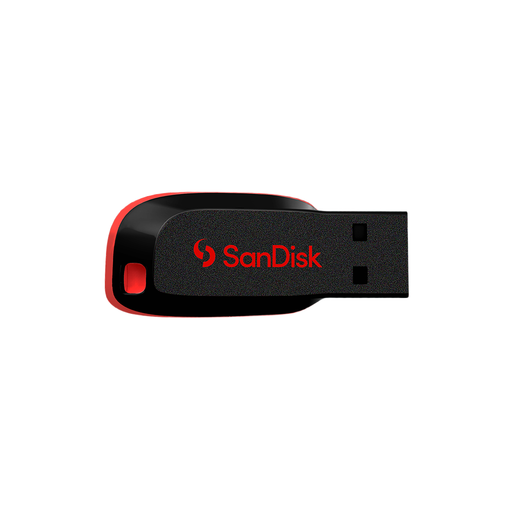
This flash drive is a choice to check for carrying a modest collection of documents and PDFs.
Its listed capacity is 64 GB. Confirm that its connector fits each intended computer before buying.
 No image available
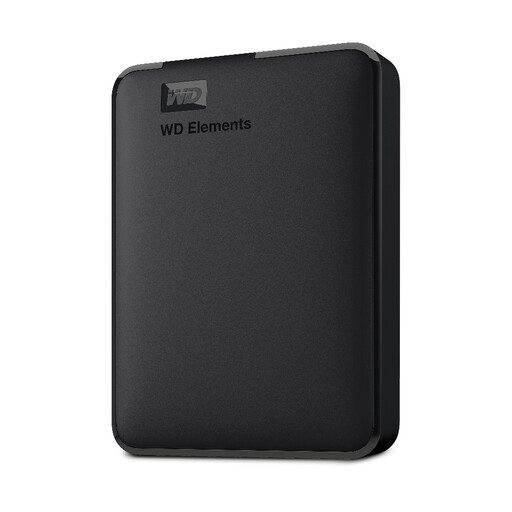
Consider this 1 TB hard drive if you want a local archive of notes alongside other course files.
Check its connection and file format for every computer you intend to use. If reformatting is needed, copy any existing files elsewhere first.
Yes, you can copy notes to an external drive without a cloud account, but keep another copy if you need the files to be recoverable. The National Cyber Security Centre describes a backup as a copy stored in a separate safe location; check periodically that files open from the drive.
ExFAT is a format to consider for copying notes between the two: Apple Support identifies it as Windows-compatible and specifies it for Windows volumes over 32 GB. Check the drive’s existing format first. Reformatting erases its contents, so copy any files elsewhere beforehand.
No. USB-C describes the connector, while transfer speed also depends on the drive and computer connection. Kingston says DataTraveler Max needs a USB 3.2 Gen 2 host for optimal performance; Samsung gives host, cable and UASP conditions for the T7 Shield’s maximum quoted speeds.
Not exactly. Kingston explains that storage calculations, formatting and reserved space reduce the capacity available for files. Allow room for new coursework rather than choosing a drive whose labelled capacity only matches your current folder.