
24/7 Customer Support

Free returns

Same-day & Next-day Delivery

Quality Guaranteed

Unlock Your Welcome Offers: FREE Delivery | Up to 80% OFF | Free 30-day JoyPlus trial
Download the APP
Running out of storage space on your laptop, console or PC is a familiar frustration. An external hard drive seems like a simple solution, but the market is filled with technical jargon and marketing claims that can lead to a disappointing purchase. Before you buy, it's crucial to understand the common pitfalls that cause many to waste money on a drive that's slow, fragile or incompatible with their devices.
As a Joybuy Product Recommendation Officer, my role is to help you navigate these choices. Here are the key traps to avoid:
To make a smart choice, focus on these core parameters that determine a drive's real-world performance and suitability for your needs.
This is the most important decision you'll make.
Instead of a single "best" drive, the right choice depends entirely on your needs. We've matched some of our top-performing models to different user profiles.
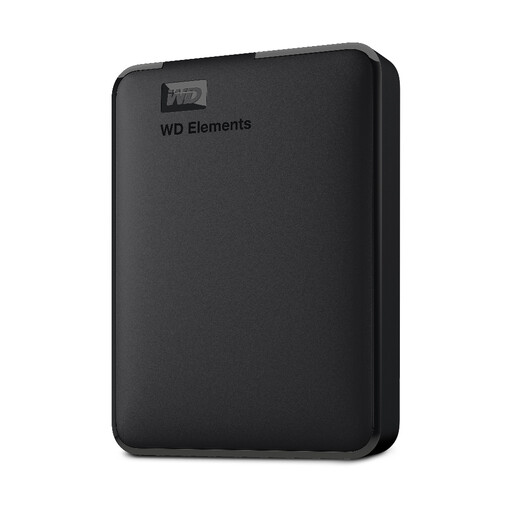
Why This Fits Their Persona: Perfect for students and home users in the UK who need a reliable, high-capacity backup drive for documents, photos and media without a high price tag. It's a workhorse for archiving data you don't need to access daily at lightning speed.
This is an HDD, so its value is in capacity, not speed or ruggedness. It sets a clear expectation, avoiding the "speed myth" and providing massive storage for its cost.
Massive Capacity: 4TB of space is ample for years of backups.
Plug-and-Play: Works instantly with Windows PCs straight out of the box.
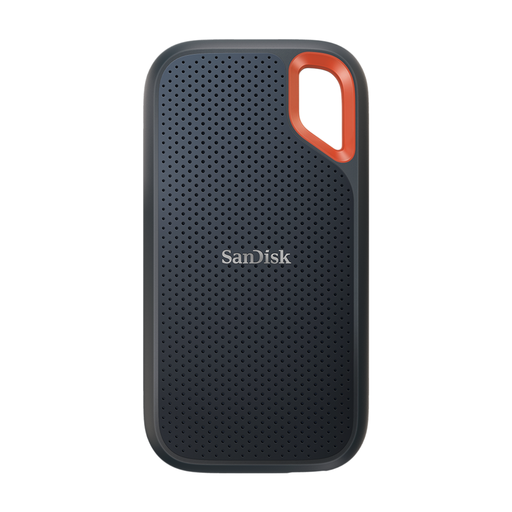
Why This Fits Their Persona: For photographers, videographers and designers who work with large files on the move. This drive offers the speed needed to edit directly from the drive and the durability to survive life outside the office, making it a great photo storage drive.
As an SSD with an IP65 rating for water and dust resistance and 3-metre drop protection, it directly counters the "fragile portable" trap, offering genuine durability.
High-Speed Transfers: Read speeds up to 2000MB/s save valuable time.
Rugged Design: Built to withstand drops, dust and water, protecting your work.
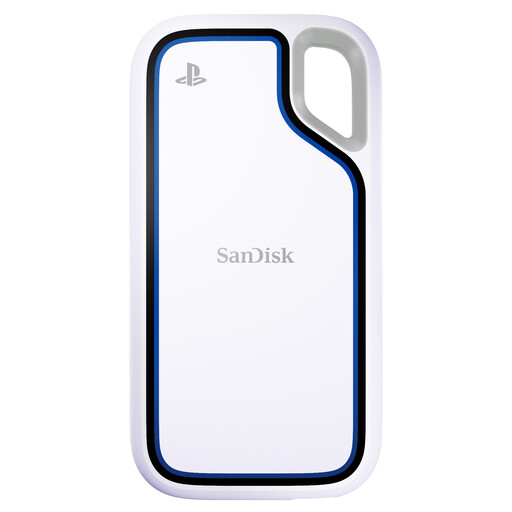
Why This Fits Their Persona: This is the definitive solution for PS5 owners needing more space. It provides massive capacity for archiving PS5 games and playing PS4 games directly, freeing up precious internal console storage for new titles.
Being officially licensed for PlayStation, this drive eliminates any compatibility or performance guesswork, a common trap for gamers buying generic PS5 external storage.
PS5 Optimised: Designed and tested for seamless performance with PlayStation consoles.
Epic Capacity: 2TB of space holds a huge library of games.
We have compiled a complete, real-time list of products that fully satisfy these strict selection criteria and UK safety regulations.
A: The lifespan of an external drive varies. A traditional HDD with moving parts typically lasts between 3 to 5 years with regular use, but this can be shortened by physical damage. An SSD has no moving parts and can often last much longer, typically 7 to 10 years or more, as its lifespan is determined by the number of write cycles, which is very high for modern drives. Regular backups to a second location are always recommended.
A: It depends. Most external drives, like the WD Elements series, come pre-formatted with NTFS for Windows. While a Mac can read files from an NTFS drive, it cannot write to it without extra software. For full read/write access and to use it as a hard drive for Mac with Time Machine, you will need to reformat it to APFS or Mac OS Extended (Journaled) using the Disk Utility app. This process is straightforward but will erase all data on the drive, so do it before you start using it. Some drives, like the WD My Passport for Mac, come pre-formatted for macOS.
A: For many users, yes. If you prioritise speed, durability and portability, an SSD is a worthwhile investment. The time saved transferring large files, the peace of mind from drop protection and the compact size are significant advantages for professionals, gamers and anyone who travels with their data. If your primary need is cheap, high-capacity archival storage that will mostly stay on a desk, a traditional HDD still offers excellent value.