What to check before buying
Start with the measured size of your library and the ports on the computer that will run the export, then choose a storage route that fits how the archive will be used and backed up.
| Priority |
What to check |
Your needs |
| Download workflow |
Use a computer-compatible connection; choose a stable destination folder; confirm the drive has room for the downloaded files. |
I need a practical route from Amazon Photos to a local destination, rather than relying on the Android app for a full external-drive download. |
| Capacity headroom |
Compare stated capacity with the measured library size; allow room for new media and a renewed export; do not plan to fill the drive completely. |
I want the full photo and video library to fit with room for future files and a repeat download if needed. |
| Connection and transfer routine |
Check the computer’s ports, the drive interface and included cable; treat quoted maximum SSD speeds as dependent on compatible host hardware. |
I need a drive that connects to my computer without unexpected adapters and suits how often I move or copy the archive. |
| Independent backup |
Keep another copy on a separate device or location; disconnect an external drive when it is not backing up; test restoring a sample of files. |
I want the local copy to be one part of a backup plan, not the only place where irreplaceable photos exist. The NI Cyber Security Centre recommends three copies on two devices, with one offline in a different location. |
Joybuy product options
Joybuy storage options for creating a local copy of a large photo library, including portable HDD and SSD routes. Check capacity against your measured export size and keep a separate backup copy.
 No image available
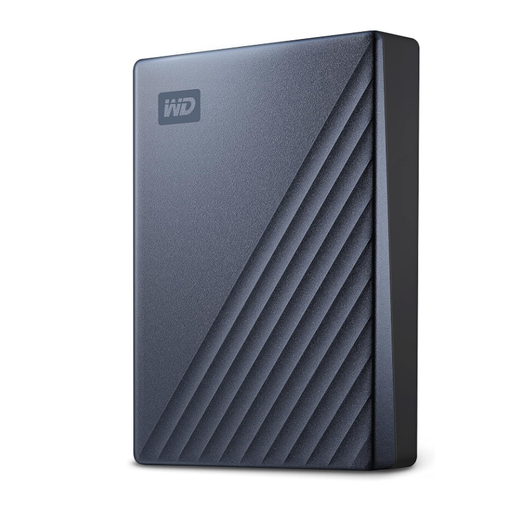
Western Digital My Passport Ultra 5TB Portable HDD
A substantial single-drive destination for a first local photo-library copy, subject to checking the measured export size and headroom.
Stated 5TB capacity; USB 3.2 Gen 1 Type-C; includes a USB-C cable and USB-A adapter. The listing states that macOS use requires reformatting. Keep another independent backup copy.
Joybuy
 No image available
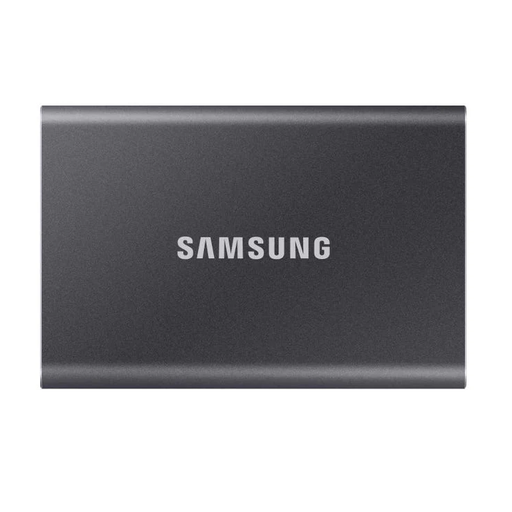
Samsung Portable SSD T7 2TB Grey
A portable option for frequent file transfers when a measured library fits within its stated capacity.
Stated 2TB capacity; USB 3.2 Gen 2; up to 1,050MB/s read and 1,000MB/s write; includes USB-C-to-C and USB-C-to-A cables. Maximum speed depends on the computer’s compatible USB port.
Joybuy
 No image available
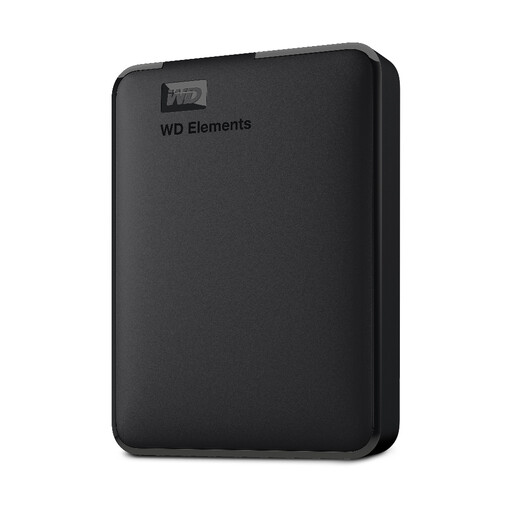
Western Digital Elements Portable 4TB Black
A portable HDD option for a computer-connected archive when 4TB leaves adequate room for the full export and future files.
Stated 4TB capacity; USB 3.2 Gen 1/USB 3.0; plug-and-play operation; includes a USB-A cable. The listing notes that reformatting may be required for Mac or other operating systems.
Joybuy
 No image available
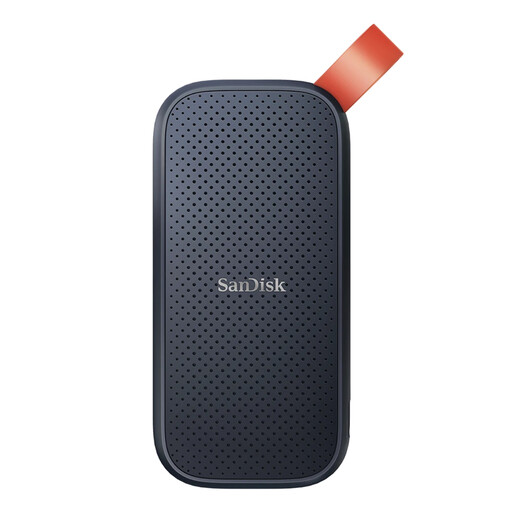
SanDisk Portable SSD 2TB
A compact portable route for a photo archive that fits within its stated 2TB capacity.
Stated 2TB capacity; read speeds up to 800MB/s; USB compatibility; 40g body; up to 2m drop protection. Confirm the connector type and included cable match your computer before buying.
Joybuy
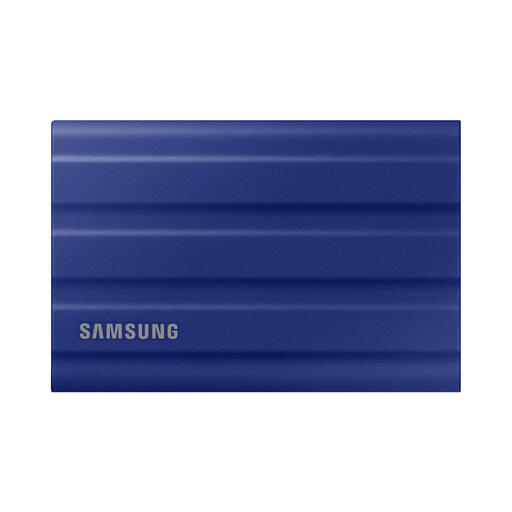 No image available
Samsung T7 Shield Portable SSD 1TB Blue
A portable SSD to consider when the archive is measured to fit and the drive will be moved frequently.
Stated 1TB capacity; USB Type-C USB 3.2 Gen 2; stated read/write speeds of 1,050/1,000MB/s; IP65 resistance and drop resistance up to 3m. Check USB-C compatibility and cable inclusion for your computer.
Joybuy
Frequently asked questions
Can I download Amazon Photos directly to an external drive from the Android app?
Amazon staff guidance in the UK forum says this is not supported in the Amazon Photos Android app. The described route is to use Amazon Photos for Desktop on a PC or Mac, choose a destination folder, then transfer the files to the external drive.
Can I download an entire Amazon Photos album in one browser action?
No. Amazon’s browser help says entire albums cannot be downloaded directly. Open the album, select the required photos or videos, then choose Download.
How much storage capacity should I buy for a cloud photo export?
Choose capacity after measuring the downloaded library or estimating it from the service’s library information. Leave working headroom for new media and a renewed export, and do not assume all labelled capacity will be usable; Western Digital notes that available user capacity can vary with the operating environment.
Is a NAS with two drives a complete backup solution?
No. A NAS can centralise and automate local backups, but it still needs an independent destination. The NI Cyber Security Centre recommends three copies on two devices with one offline in a different location, and Seagate’s NAS documentation also recommends backup to DAS or another NAS against drive and other failures.
Should an external backup drive remain connected all the time?
The NI Cyber Security Centre advises disconnecting an external hard drive when a backup is not being performed, helping reduce the chance that it is stolen or damaged along with the computer.


