What to consider when choosing
For a household backing up personal files, start with the loss or inconvenience you most need to guard against, then choose a route you can keep current and restore from.
| Concern |
What to check when buying |
Who this matters to |
| Recovering from loss |
Keep copies in separate locations; check recent files are present and test restoring a sample. |
If losing a device and one backup location would put family photos at risk, I would want another recoverable copy; around 31% of consumers put recovery from losing a copy first. |
| Keeping copies up to date |
Confirm which phone photos and computer folders are copied automatically; check deletion and restore controls. |
I want new photos and documents copied without relying on a routine I might forget; around 25% of consumers make automatic, up-to-date backups their primary concern. |
| Capacity and ongoing commitment |
Measure the files to be backed up; for a cloud plan, check its current allowance and whether storage is shared. |
If my archive is growing, I need capacity and a payment arrangement that suit it; around 19% of consumers put space and the ongoing commitment first. |
| Family sharing and access |
Check who can join a plan and whether its quota is pooled; review file and album permissions separately. |
If several relatives need a shared allowance but private files, I would check storage sharing separately from file access; around 13% of consumers prioritise family sharing and controlled access. |
| Local access and control |
Check whether the device needs internet access, then match its connector and operating-system compatibility to your equipment. |
If I prefer local access or cannot rely on a connection, I would check the hardware and keep a separate copy of important files; around 12% of consumers put local control first. |
Joybuy product options
These Joybuy listings focus on removable local storage and NAS hardware for household files, photos and documents.
 No image available
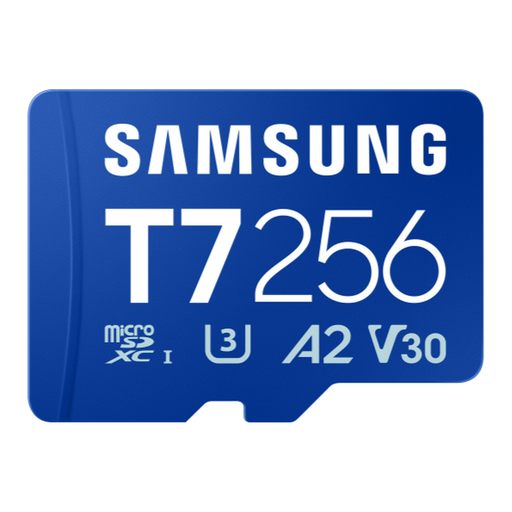
Samsung Micro SD T7 256GB
For a compatible device with a microSDXC slot, this card is described for storing photos, videos and files.
256GB capacity; microSDXC format.
Joybuy
 No image available
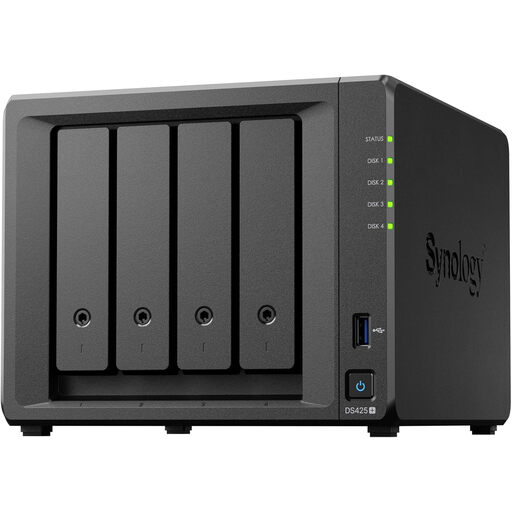
Synology DS425+ 4-Bay NAS
For a networked household file and photo library, the product description identifies file and photo management and data-protection features.
Four-bay NAS, as stated in the product name. Check the package contents and compatible drives before purchase.
Joybuy
 No image available
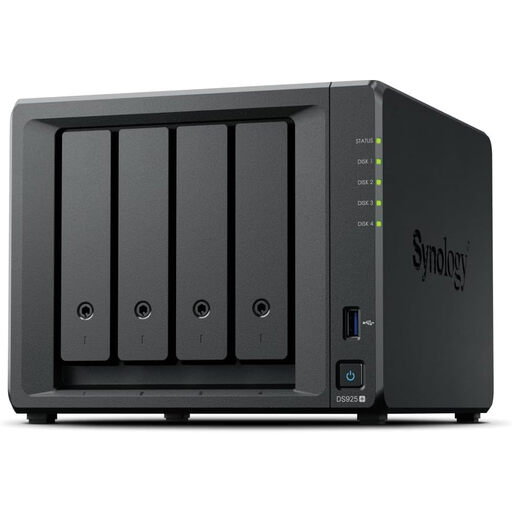
Synology DiskStation DS925+ 4-Bay NAS
For networked photo and file management, the product description lists file-management and data-protection features.
Four-bay NAS, as stated in the product name. The description says it is compatible only with Synology-branded drives.
Joybuy
 No image available
Samsung MU-PE1T0S 1TB USB Type-C
For a portable local copy, the product description lists use with PCs, Macs and Android devices.
1TB capacity; USB Type-C 3.2 Gen 2 (3.1 Gen 2). The description advises keeping a separate backup of important data.
Joybuy
 No image available
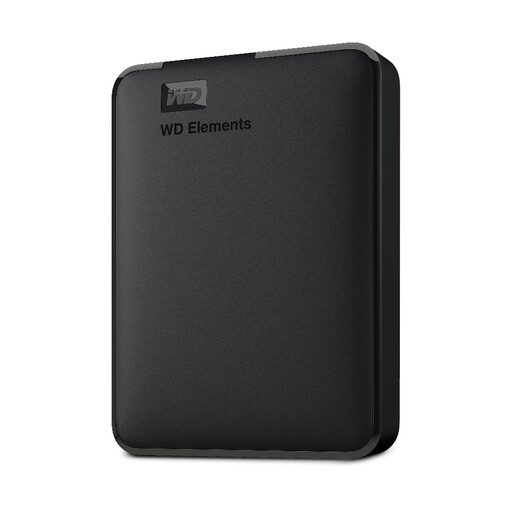
WD 2TB Elements Portable External Hard Drive
For a local copy of photos, videos and files, the product description lists use with PC and Mac.
2TB capacity; USB 3.0; formatted for PC and Mac, as stated in the product name.
Joybuy
Questions about family backups
How can I check that a backup will restore the files I need?
Check that the destination contains recent photos and newly created folders, then restore a sample file. For irreplaceable files, keep another copy in a separate destination rather than treating the presence of a storage device as proof that the backup works.
Can I recover a family photo deleted from a synced service?
Recovery depends on the service and what happened after deletion. Apple says a photo deleted in iCloud Photos is also deleted from connected devices and is recoverable for 30 days. Microsoft describes a 30-day recovery period for deleted files in personal OneDrive, excluding files permanently removed from its recycle bin. Keep a separately maintained copy for recovery beyond those service features.
Does sharing a cloud-storage plan let relatives see my files?
Not necessarily. Google says members of a Google One family group share the storage quota but cannot access each other’s files without permission. Check the service’s file and library sharing controls separately from its storage-sharing rules.
Will a portable hard drive work with my computer without another purchase?
Check the exact model’s connector and its compatibility with your backup software. For the cited Seagate One Touch portable HDD, Seagate specifies a USB-A cable, says USB-C computers need a separately purchased adapter and notes that Time Machine use may require reformatting.
What should I check when choosing between a cloud plan and local storage?
For a cloud plan, check its current UK allowance, renewal terms, sharing rules and recovery controls. For local hardware, check the exact capacity, connectors, compatibility and package contents, and plan where a separate copy will be kept. A hardware warranty is not a guarantee that lost files can be restored.


