A removable drive suits a substantial computer-based archive if you can update it, disconnect it and store it separately; cloud storage can make off-site copying more automatic when its file coverage and capacity fit your needs. For particularly irreplaceable files, using both can provide another recovery route, but synchronised photos alone may also carry a deletion across devices.
Who needs a separate backup?
Family-photo keepers
If family photos or videos matter to you, keep a copy that can be recovered if a device is lost or files are deleted. The UK National Cyber Security Centre and Apple Support guidance explain why a separate copy and a clear recovery route matter.
Growing-file households
If computer files are accumulating, check that the backup has room for the folders you intend to protect and can be stored apart from the computer. The UK National Cyber Security Centre recommends keeping important data in a separate safe location.
Multi-device file users
If you create files on phones as well as computers, check which devices and folders an automatic service covers and how you would restore a file. The UK National Cyber Security Centre and Google Photos Help guidance address separate backup copies and checking backup settings.
What to consider when choosing
The UK National Cyber Security Centre defines a backup as a copy kept in a separate safe location, so check that the route you choose can restore the files you intend to protect.
| Concern |
What to check |
Who this matters to |
| A separate, restorable copy |
Check that the intended files reach a separate destination and can be restored; review how deletions are handled. |
If losing a phone or computer would leave me without family photos or work files, I need a separate copy I can restore; around 31% of consumers put recovery first. |
| Capacity for the intended archive |
Work out which folders and devices to cover, then check that the available space can hold them. |
I want the full photo and work-file collection covered rather than only selected folders; around 25% of consumers prioritise capacity. |
| Coverage across devices |
Check each device’s backup status, selected folders and whether you can restore a recent file. |
If files change across my phone and computer, I want copying to stay current without relying on memory; around 25% of consumers prioritise multi-device coverage. |
| Compatibility and file protection |
Confirm that ports, cables, operating systems and backup software work together; check how encrypted files can be unlocked. |
I need the drive or card to work with my devices and want sensitive files protected if storage is lost; around 19% of consumers prioritise compatibility and protection. |
Backup mistakes to avoid
-
Treating synced photos as an independent backup
Apple says deletions in iCloud Photos propagate to devices using the service, and photos in iCloud Photos are not duplicated in iCloud Backup.
Check the service’s recovery behaviour and keep another separately stored copy of files you cannot replace.
-
Choosing capacity without checking the whole file set
Backup settings may cover only selected files, leaving other photos or work folders out of the copy.
Total the folders and devices you intend to cover, then confirm that a recent backup includes them.
-
Assuming a familiar connection guarantees compatibility
A drive’s rated speed depends on the host, cable and connection support; a Mac backup disk may also need reformatting.
Check the exact device ports, supplied cable, operating system and backup format before buying or setting up the drive.
-
Leaving the only removable backup connected
The UK National Cyber Security Centre warns that malware can affect removable media while it is attached. A card left in the original device is not a separately stored copy.
After checking that files copied correctly, disconnect removable storage and keep it in a separate safe place.
Relevant brands to know
These brands illustrate different backup routes; the details and conditions below apply to the named product lines, not every product from each brand.
Seagate
The Expansion Portable HDD line is relevant to removable backups of computer files.
- Seagate lists 2TB, 3TB, 4TB and 5TB Expansion Portable variants.
- Check the capacity and connection for the exact variant, and plan to update, disconnect and store the drive separately.
Samsung
The portable T7 SSD line is relevant when compact removable storage and frequent file transfers matter.
- Samsung rates its 1TB MU-PC1T0T/WW T7 at up to 1,050MB/s read and 1,000MB/s write when the specified host, cable and UASP support are in place; the model includes USB-C-to-C and USB-C-to-A cables.
- Those are manufacturer specifications, not a guarantee of the same speed on every device; the drive still needs a separate storage location and backup routine.
Kingston
DataTraveler Exodia USB-A flash drives may suit a deliberately selected, limited set of files.
- Kingston lists 64GB, 128GB, 256GB and 512GB variants.
- The USB-A connection needs a matching port or a separately checked adapter, and a small drive should not be assumed to cover an entire household archive.
SanDisk
Ultra microSD is relevant to compatible devices or a separate removable-card copying routine.
- SanDisk lists a 256GB Ultra microSD variant with an SD adapter.
- A card used only to expand storage in the original device is not a separately stored backup; check the device and reader compatibility.
Apple
iCloud+ is a cloud-storage service relevant to Apple-device files and family sharing.
- Cloud storage can provide an off-site route for files covered by the service.
- Apple says iCloud Photos deletions propagate to devices using it and those photos are not duplicated in iCloud Backup; check the recovery route for the files you rely on.
Joybuy storage choices
These Joybuy choices cover removable storage for computer-based archives, including portable SSDs and desktop hard drives; check the connections and setup required for your devices.
 Image unavailable
Samsung Portable SSD T7 4 TB
A portable SSD option for keeping a separate copy of computer files.
4 TB capacity; USB Type-C 3.2 Gen 2 (3.1 Gen 2).
Joybuy
 Image unavailable
Western Digital My Book 22TB
A desktop external drive option for a large computer-file archive.
22TB capacity; USB 3.0; password protection and hardware encryption.
Joybuy
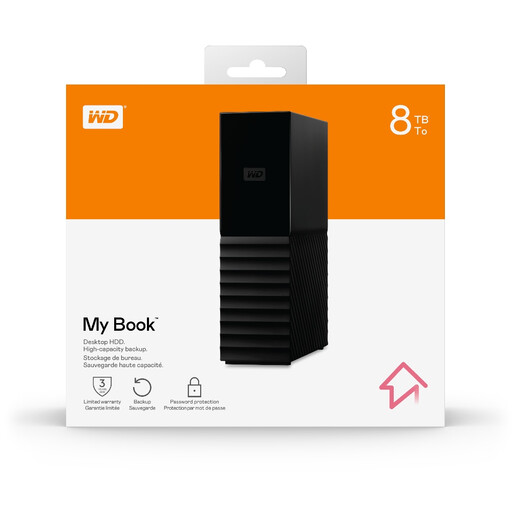 Image unavailable
Western Digital My Book 8TB
A desktop external drive option for keeping a computer-based archive separate from the computer.
8TB capacity.
Joybuy
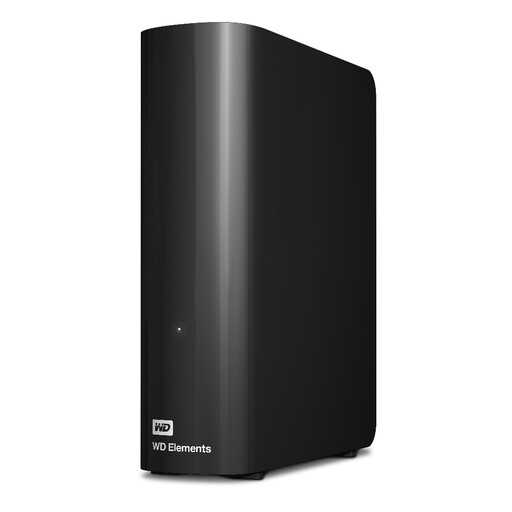 Image unavailable
Western Digital WD Elements Desktop Hard Drive 20TB
A desktop drive option for consolidating a large computer-file archive.
20TB capacity.
Joybuy
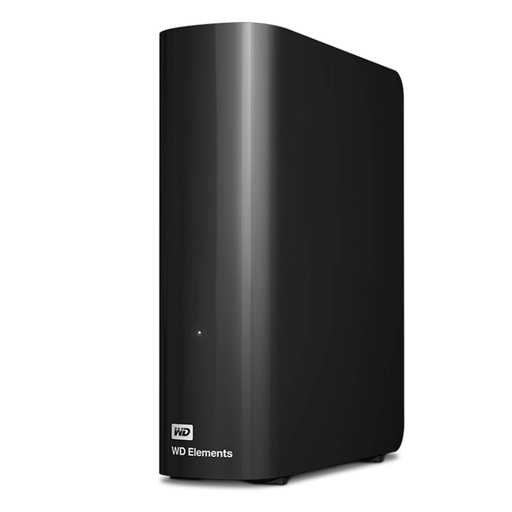 Image unavailable
Western Digital Elements Desktop Hard Drive 10TB
A desktop drive option for a large computer-based file collection.
10TB capacity. The product description says macOS use requires reformatting.
Joybuy
Backup questions answered
How can I check that my photos are backed up rather than merely synchronised?
Check which photos and folders reached a separate destination, then try restoring a recent item. Apple says deletion in iCloud Photos affects participating devices and that those photos are not duplicated in iCloud Backup.
Should I leave a backup drive connected?
The UK National Cyber Security Centre advises disconnecting removable media when it is not in use because malware can affect attached media. Reconnect it for the next backup and check that the new files copied correctly.
Can I use any external drive with Mac Time Machine without changing its format?
Not necessarily. Apple says a new backup disk that is not already formatted as APFS may need erasing and reformatting; check what is on the disk before accepting that step.
How do I compare cloud storage with a removable drive?
Compare which devices and folders each route covers, the available capacity and how files can be restored. Cloud services can provide off-site copying, while a removable drive needs a regular backup routine and separate storage.
Does UK GDPR apply to a household backing up family photos?
For processing that is purely personal or household activity, the Information Commissioner’s Office says UK GDPR does not apply. Do not assume the same applies to professional or commercial activity; check the requirements that apply to work files with the relevant employer or client.


