Who needs which approach?
Match the storage route to where your photos begin, how often you move files and who needs access to them.
Households with a computer library above 1TB
A 4TB portable hard drive is one local-copy option for a library around 1TB to 1.5TB, with space for further files. If the drive stays beside one computer and the archive grows much larger, check desktop-drive capacities too. Neither drive alone provides a copy away from home.
Families taking most photos on phones
Choose a way to capture new phone photos without relying on manual transfers, then retain an independent recovery copy. Google Photos supports automatic uploads to a Google Account, while Synology Photos supports mobile backup to a NAS. Apple warns that iCloud Photos synchronises deletions across devices.
Families moving large video files
A portable SSD is worth considering when transfers and carrying the drive are regular parts of your routine. Check the connection your devices provide and the capacity you need; a faster drive remains just one copy unless you back it up separately.
What should you check before choosing?
Work out the library’s size and where its next copy will live before comparing drive connections or backup features.
| Priority | What to check | Your needs |
|---|
| Independent copies |
Decide where the local copy and a separate copy will live. Check that you can restore files, and disconnect a removable backup when it is not in use: the UK National Cyber Security Centre warns that incidents can affect connected USB and network backups. |
I could not replace these family files, so I want a copy that remains available if my computer or local drive is lost. |
| Capacity |
Measure the current library and allow for new videos and any backup history you intend to retain. Seagate lists One Touch portable drives in 2TB and 4TB capacities and its desktop line in 8TB to 24TB capacities; check the exact model you choose. |
My library is already around 1TB or more, and I need space for what the family will add next. |
| Device compatibility |
Check the connector, disk format and backup application against each intended device. Apple says a Windows-formatted disk cannot be used directly for Time Machine and identifies APFS or APFS Encrypted as preferred Time Machine formats. |
I use a Mac, Windows PC or more than one device, and I want the drive to work for the backup task—not just for copying individual files. |
| Phone uploads |
Check how new phone photos reach storage and whether the account or local destination has enough capacity. Google Photos supports automatic account uploads; Synology Photos supports mobile backup to a Synology NAS. |
Most of our new photos start on phones, so I do not want every backup to depend on remembering a cable transfer. |
| Transfer and location |
Choose between a drive you carry and one that stays beside a computer. If considering an SSD for large transfers, check its stated interface against your computer; if considering a NAS for shared local uploads, plan for setup, updates and a separate backup. |
I regularly move large video files—or several people need access to the household library—so the workflow matters as much as the drive’s capacity. |
Which brands are relevant?
These brand ranges illustrate different storage routes; check the specifications and support terms of the exact model before choosing.
Seagate
Its One Touch range includes portable hard drives for a computer copy and higher-capacity desktop models for a stationary archive.
- Seagate lists 2TB and 4TB One Touch portable capacities and 8TB to 24TB desktop capacities.
- Seagate says supported Toolkit activities depend on the drive. Confirm the backup workflow for your exact model and operating system.
Samsung
The T7 Shield portable SSD is a reference point for buyers considering a drive they will carry while transferring large files.
- The 2TB T7 Shield is listed with read speeds up to 1,050 MB/s and write speeds up to 1,000 MB/s.
- Those listed maximum speeds are not a promise of transfer speed with every computer and connection.
Toshiba
Canvio Flex is a portable hard-drive range intended for use across specified phones, tablets, Macs and Windows PCs.
- Toshiba says Canvio Flex includes USB-C and USB-A cables and lists 1TB, 2TB and 4TB capacities.
- Direct use with a phone or tablet still depends on that device’s connection and external-storage support.
Synology
Synology NAS devices offer a shared local destination for households managing photos from several devices.
- Synology’s Photos guidance describes mobile backup from Android and iOS devices to a Synology NAS.
- A NAS needs compatible disks, network setup and ongoing administration. It is not an off-site copy simply because several household devices can use it.
Joybuy drive options for local copies
These portable SSD, portable hard-drive and desktop-drive options can provide local storage for a growing photo and video library. Choose a separate backup location as well when the files would be difficult to replace.
 No image available
Samsung Portable SSD T7 4 TB, grey
Consider this portable SSD if you regularly carry a local copy or move large video files. Its title specifies 4 TB and USB Type-C 3.2 Gen 2; check your device’s connection and keep another independent copy.
View on Joybuy
 No image available
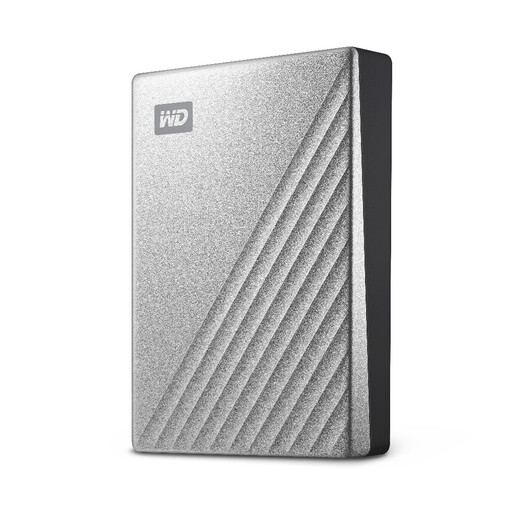
Western Digital My Passport Ultra 4TB, silver
This portable hard drive offers a 4TB local destination for a growing computer photo library. If you use a Mac, check the drive’s format and your intended backup application before relying on it; retain a separate copy elsewhere.
View on Joybuy
 No image available
Western Digital My Passport 4TB, black
This 4TB portable hard drive can hold a local computer-library copy with room beyond an approximately 1TB library. Confirm its formatting against your computer’s backup workflow, particularly on a Mac, and keep an independent copy.
View on Joybuy
 No image available
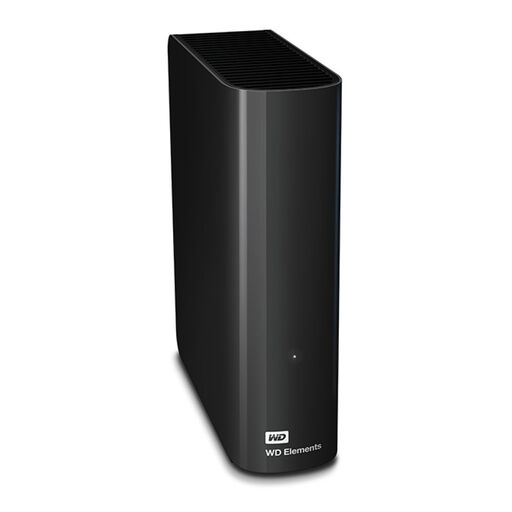
WD Elements 8 TB, black
Consider this 8 TB external hard drive for a larger archive that will usually stay beside one computer. Check its power and computer connections, and confirm your intended Mac backup workflow if applicable; a stationary drive is still only a local copy.
View on Joybuy
 No image available
Western Digital Elements Portable 4TB, black
This portable 4TB drive is an option for making a local copy during occasional computer backups. Its title specifies USB 3.0; check the connection, formatting and backup-app requirements for your computer, and store another copy independently.
View on Joybuy
Frequently asked questions
Is one external drive enough for family photos and videos?
One drive gives you a local copy, but it should not be the only recovery copy of files you cannot replace. The UK National Cyber Security Centre warns that incidents can affect connected USB and network backups, so keep an independent copy and disconnect a removable backup when it is not in use.
Can iCloud Photos be my only recovery copy?
Do not rely on it as your only recovery copy. Apple says iCloud Photos reflects edits and deletions across devices and advises keeping backup copies of the library; check that you can retrieve files from that separate copy.
Can I use one external drive with both Mac and Windows?
You can format a disk for ordinary file sharing between Mac and Windows, as Apple documents, but that does not make it a suitable Time Machine destination. Apple says Time Machine cannot back up directly to a Windows-formatted disk and prefers APFS or APFS Encrypted. Decide on the drive’s roles before formatting it, and copy existing files elsewhere first.
Can phone photos back up without a computer?
Yes, with a compatible route configured for your phone. Google Photos can automatically upload photos and videos to a Google Account, while Synology Photos supports mobile backup from Android and iOS to a Synology NAS. For a cable-connected drive, confirm your exact phone’s external-storage support rather than assuming automatic backup.
Does a drive warranty cover lost photos?
Do not assume it does. Seagate says its limited warranty excludes data loss and recovery costs unless the product was purchased with its Rescue Data Recovery Service Program. Check the terms for the exact drive and maintain independent copies regardless of its warranty.


