What to consider before buying
For fast-paced PC games, decide which matters most to you: attainable speed, image detail, a compatible connection or the ability to switch between modes.
High-refresh monitors
Consider when: Your PC produces high frame rates in the games and resolution you intend to use.
Trade-off: A higher refresh-rate rating does not create frames your PC cannot render, and some models prioritise FHD over QHD or 4K detail.
Higher-resolution monitors
Consider when: You value image detail and your PC can sustain a suitable frame rate at the chosen resolution.
Trade-off: A higher-resolution mode asks the PC to render more detail; check the refresh rate specified at that resolution.
Dual-mode monitors
Consider when: You want to switch between a sharper mode and a faster, lower-resolution mode.
Trade-off: The fastest mode may not be the 4K mode; Dell specifies 4K/180Hz and FHD/360Hz for the AW2725QF, while ASUS specifies 4K/240Hz and FHD/480Hz for the PG32UCDP.
Use the table to compare the checks that affect each priority. The percentages describe the relative emphasis of these consumer scenarios, not measured UK purchaser shares.
| Concern |
What to check when buying |
Who this matters to |
| Achievable speed and motion clarity |
Compare frame rates in your games with the refresh rate at your intended resolution; consider motion handling as well. |
When I mainly play fast shooters, I want the screen’s speed to match what my PC can deliver. Around 33% of consumers put achievable speed and motion clarity first. |
| Detail at playable frame rates |
Check your game’s frame rate at the resolution you want, then confirm the monitor’s refresh rate at that resolution. |
If I also want a sharper QHD or 4K image, I need to balance detail against the frame rate my PC can sustain. Around 25% of consumers prioritise detail at a playable frame rate. |
| Connection and variable refresh |
Check the PC output, monitor input, cable and supported resolution/refresh-rate mode; confirm VRR compatibility for the exact setup. |
When I want a particular mode or variable refresh to work with my existing PC, I need to confirm each part of the connection. Around 25% of consumers put connection compatibility first. |
| Switching between sharp and fast modes |
Read the resolution and refresh rate for each mode, and check your PC output and the exact model’s warranty. |
If I switch between detail-focused and competitive games, I want to know what changes when I switch modes. Around 17% of consumers prioritise that flexibility. |
Joybuy gaming monitor options
These Joybuy options focus on high-refresh QHD gaming, with one dual-mode OLED option for switching between 4K detail and faster FHD play.
 No image available
HKC G27H2DPro 27" QHD Fast IPS Gaming Monitor
For fast PC games where QHD detail and a high listed refresh rate suit your priorities, subject to your PC’s frame output.
2560×1440 resolution; 220Hz; IPS panel; FreeSync.
Joybuy
 No image available
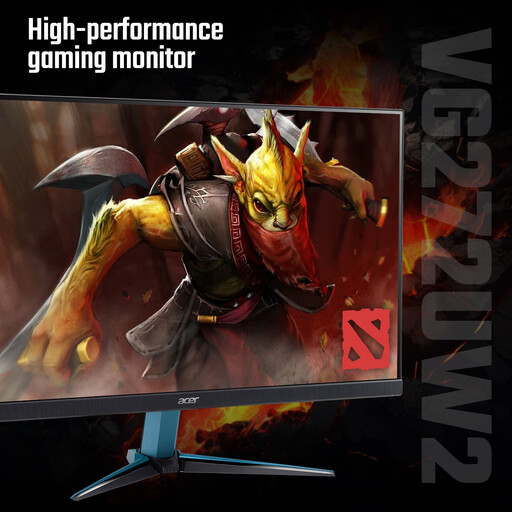
Acer Nitro VG272UW2bmiipx 27" QHD IPS Gaming Monitor
For fast-paced PC gaming when you want QHD and a listed 240Hz refresh rate; check that your PC and chosen connection support the mode.
2560×1440; 240Hz at QHD; IPS; FreeSync Premium. HDMI and DisplayPort cables are listed as included.
Joybuy
 No image available
MSI MAG 275QF X32 27" WQHD Gaming Monitor
For competitive FPS or racing games when you want a high listed refresh rate at WQHD, provided your PC can deliver the frame rate.
2560×1440 resolution; 320Hz; Rapid IPS; Adaptive-Sync.
Joybuy
 No image available
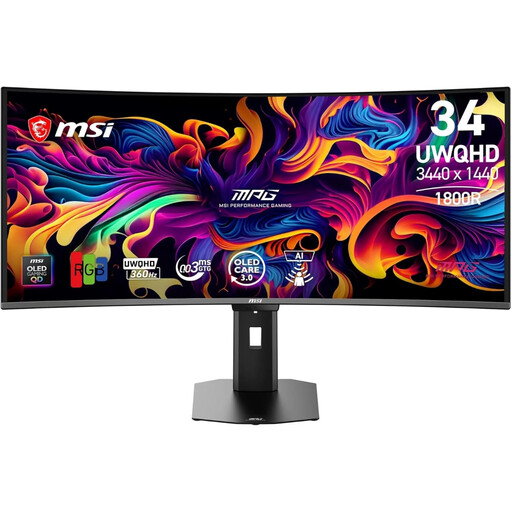
MSI MPG 341CQR QD-OLED X36 34" UWQHD Gaming Monitor
For fast-paced gaming when you want a high listed refresh rate alongside the model’s UWQHD resolution.
3440×1440 resolution; 360Hz; QD-OLED; Adaptive-Sync.
Joybuy
 No image available
LG UltraGear 32GS95UV-B 32-inch OLED Dual-Mode Gaming Monitor
For players who want to switch between a detailed 4K mode and a faster FHD mode; choose based on the resolution and refresh rate you intend to use.
4K at 240Hz or FHD at 480Hz; OLED; NVIDIA G-SYNC Compatible and AMD FreeSync Premium Pro.
Joybuy
Frequently asked questions
Why does my fast monitor not show its highest advertised refresh rate?
The selected input and resolution may not support the mode you expect. Check the exact monitor specifications and available refresh rates in Windows Advanced display; Microsoft notes that the available rates depend on the display. Also check the PC output and cable.
Do I need variable refresh rate if my game’s frame rate changes?
Check that the PC, monitor input and selected mode support the VRR implementation you want to use. AMD says FreeSync works with compatible Radeon graphics over supported HDMI or DisplayPort connections, so the connector and hardware combination matter.
Can a console use a monitor’s maximum PC refresh rate?
Do not assume it can: the console, game, monitor input and cable each affect the supported output. Sony specifies PS5 support for 4K at 120Hz and supported 1440p and VRR modes; Xbox UK guidance specifies a suitable HDMI connection for Series X 4K/120Hz. These console modes do not establish support for a monitor’s higher PC refresh-rate modes.
What UK rights apply if an online-bought monitor is faulty or I change my mind?
GOV.UK says online sellers must tell consumers about the right to cancel up to 14 days after delivery, subject to applicable rules. Faulty-goods rights are separate: government guidance says sellers cannot remove consumer rights with a no-returns notice. Check the seller’s terms and the exact model’s manufacturer warranty; a voluntary warranty is not a substitute for statutory rights.
How should I dispose of a monitor I replace?
Ask the retailer what electrical-waste take-back service applies to your purchase. GOV.UK guidance sets out retailer take-back duties and notes that home collection may involve transport charges.


