Choose an external drive if you want a local copy you can disconnect; choose cloud storage for off-site access, or a dedicated backup service if you want automated computer-file backups and have checked its coverage and retention. For files that would be difficult to replace, keep copies separate and test restoration. The UK National Cyber Security Centre advises maintaining a recent offline backup of important files.
Who needs which kind of backup?
The right arrangement depends on which files you need to retrieve and what could happen to the computer and its copies.
Households with irreplaceable photos and documents
Keep retrievable copies away from the main computer, particularly for files you could not recreate. Which? identifies loss, theft, damage and malware as reasons to back up personal files; the UK National Cyber Security Centre also advises storing important copies in a separate safe location.
Windows users who want automatic folder backup
Microsoft’s Windows Backup can synchronise selected folders to OneDrive through a personal Microsoft account. Check that the folders you care about are selected and that the account has enough space; the free Microsoft account includes 5 GB of OneDrive storage.
Mac users who want a local backup
Apple’s Time Machine backs up Mac files to external storage. Apple advises a Time Machine disk with at least twice the Mac’s storage capacity. If you encrypt a backup drive, keep its password somewhere you can retrieve it without the drive.
What should you check before choosing?
An external hard drive or portable SSD can hold a local backup; a USB stick is more suited to a deliberately selected set of files. Cloud storage adds off-site access, while a dedicated backup service calls for a closer look at its file coverage, version history and restore process. These routes can also be used together.
| Priority | What to check | Your needs |
|---|
| Files you can restore |
Decide whether to copy selected folders or broader computer contents. Check how to retrieve a file and how long older versions remain available; Backblaze states that its default version history is 30 days. |
I need to retrieve the documents and photos that matter if my computer or a file becomes unavailable—not just transfer them elsewhere once. |
| Separate copies |
Plan where an off-site copy will live and whether a local copy can be disconnected between updates. The UK National Cyber Security Centre warns that ransomware has affected connected USB and network backup drives. |
If a computer is stolen or affected by malware, I do not want every copy exposed to the same incident. |
| Storage capacity |
Allow for the files being copied and retained versions. For Time Machine specifically, Apple advises a disk with at least twice the Mac’s storage capacity. Google says its standard account’s up to 15 GB is shared across Drive, Gmail and Photos. |
My backup needs room for the files I intend to keep, not only enough space for its first run. |
| Local storage format |
Match an external drive or portable SSD to the computer connection and the backup software you will use. For a USB stick holding selected files, establish a routine for updating and restoring that set. |
I may want a removable local copy, but I need to know whether it covers a few important folders or a wider backup. |
| Portable-copy privacy |
Check whether your computer supports the encryption method you intend to use and how you will retain its password or recovery information. Apple says encrypting an external device through Mac Disk Utility requires erasing it first. |
If I carry a backup drive, I want to protect its contents without losing access to them myself. |
Backup mistakes to avoid
-
Relying on one synchronised folder or connected drive
The UK National Cyber Security Centre has seen ransomware affect connected backup drives and cloud-storage locations. Synchronised changes may also make an unwanted deletion harder to undo if the relevant version is no longer retained.
Keep an important copy separate from the computer, check the service’s version history and maintain a recent offline copy of files whose loss would be serious.
-
Choosing capacity from today’s folder size alone
Ongoing backups and older versions can take more space than the initial copy. Cloud allowances may be shared with other services: Google says Drive, Gmail and Photos use the same standard account storage.
List what you intend to protect, check current account usage and revisit capacity as the file collection grows.
-
Erasing a drive that holds your only copy
Apple says its Disk Utility process for encrypting an external device requires erasing the device first. An encrypted copy also depends on retaining the password needed to unlock it.
Make and test another copy before erasing or reformatting a drive, and keep the password or recovery information separately.
-
Assuming setup means files are protected
A backup arrangement is only useful for files it includes and can restore. Account capacity and version-retention settings can also affect what remains retrievable.
Check the latest backup, inspect the included folders and restore a non-sensitive sample file before you need it in an emergency.
Relevant services and operating-system tools
These names refer to backup tools or storage services, not to the availability of their products in the Joybuy selection below.
Microsoft
Windows Backup is relevant if you want selected Windows folders synchronised through OneDrive.
- Microsoft lists Desktop, Documents, Pictures, Videos and Music among the folder choices.
- The consumer route uses a personal Microsoft account. Check the selected folders and available OneDrive space; the free account includes 5 GB.
Apple
Mac users can consider Time Machine for an external-storage backup and iCloud for cloud-based file access.
- Apple describes Time Machine as an automatic way to back up Mac files to external storage.
- Apple advises a Time Machine disk with at least twice the Mac’s storage capacity. Do not assume iCloud synchronisation replaces a separately recoverable backup.
Google
Google storage is relevant if files already sit in Drive or Photos.
- Google says a standard account includes up to 15 GB of storage shared across Drive, Gmail and Photos.
- Existing use of those services affects the space available for additional files; check the account before choosing what to synchronise.
Backblaze
Backblaze Personal Backup is a dedicated service for user-created files on Mac and Windows computers.
- Backblaze says Personal Backup covers user-created data on the computer and physically connected external drives.
- Backblaze states that its default version history is 30 days. Check coverage, restore steps and any extended-retention option against the files you need to protect.
Joybuy external drives and portable SSDs
These are local storage options for copies of computer files: two portable external hard drives and three portable SSDs. A drive still needs a backup routine that covers the right files, plus a way to test restoration.
 No image available
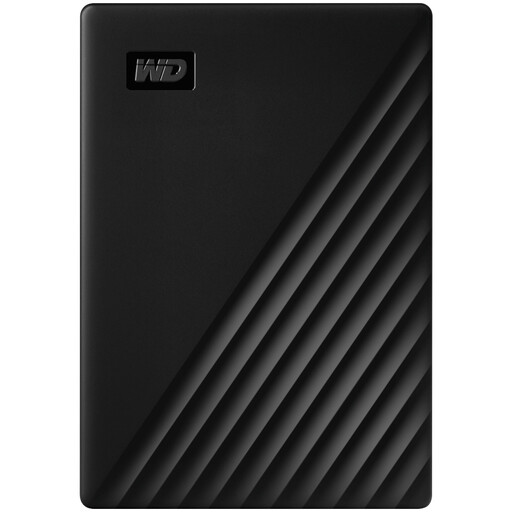
Western Digital My Passport 2TB portable hard drive, black
This 2TB portable hard drive can be a local destination for computer-file copies. Choose which folders to back up and check how you would restore them; confirm the setup needed for a Mac before use.
Joybuy
 No image available
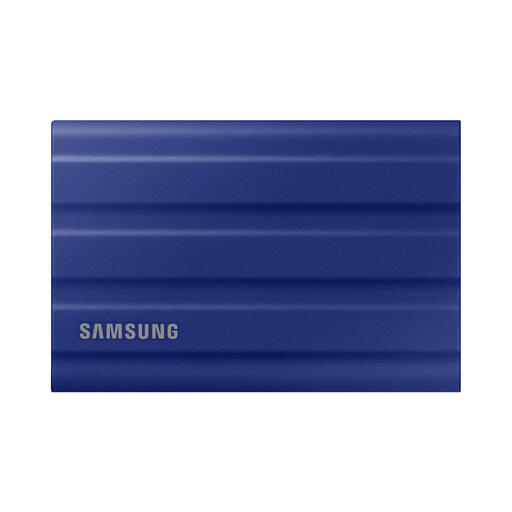
Samsung T7 Shield 1 TB portable SSD, blue
For a portable local copy, this 1 TB SSD has a USB 3.2 Gen 2 connection. Set up the backup schedule or file-copy routine you need, and test a restore rather than assuming the drive does that work by itself.
Joybuy
 No image available
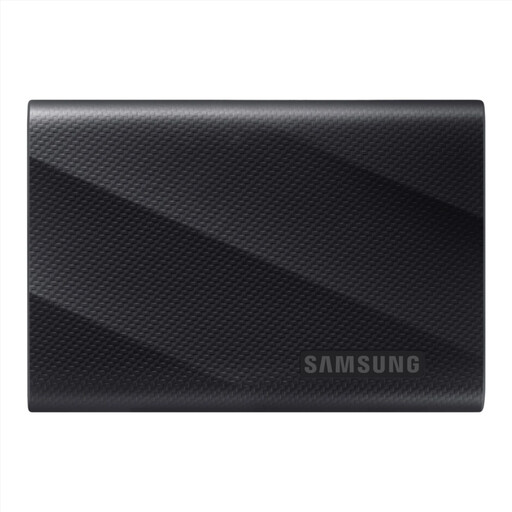
Samsung MU-PG2T0B 2 TB USB Type-C SSD, black
This 2 TB USB Type-C device is an option for a portable local file copy. Check your computer’s connection and the backup software’s file coverage and restore steps before relying on it.
Joybuy
 No image available
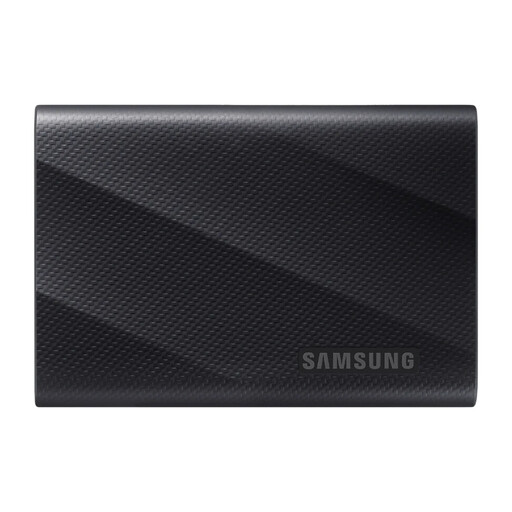
Samsung MU-PG1T0B 1 TB USB Type-C SSD, black
For a selected set of files you want to keep locally, this variant provides 1 TB and a USB Type-C connection. Check that your backup routine includes those files and lets you restore them.
Joybuy
 No image available
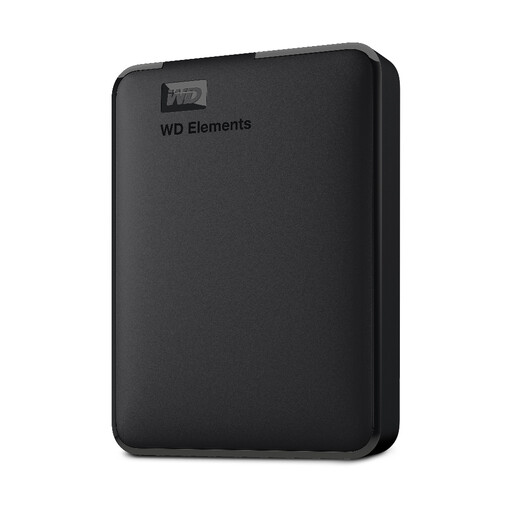
Western Digital Elements portable 4TB USB3.0 hard drive, black
This 4TB portable hard drive offers a local destination for a larger collection of computer files. Check the formatting needed for your computer, particularly a Mac, and arrange and test the backup routine separately.
Joybuy
Backup questions answered
Is OneDrive sync a complete Windows backup?
Do not assume it covers everything on the computer. Microsoft says Windows Backup synchronises the folders you select to OneDrive; check the enabled folders and other backup categories against what you would need to restore.
How large should a Time Machine drive be?
Apple advises a storage device with at least twice the Mac’s storage capacity for Time Machine. That is a Time Machine recommendation, not a sizing rule for every USB drive, cloud account or backup service.
Should an external backup drive stay connected?
Not if it is the offline copy you rely on to survive ransomware. The UK National Cyber Security Centre warns that connected USB and network backup drives have been affected in ransomware incidents; connect an offline copy when you need to update or restore it.
Can I encrypt a Mac external drive that already holds files?
Apple says encrypting an external device through Disk Utility requires erasing it first. Make and verify a separate copy of any files you need to keep before using that method.


