What to check before choosing
Start with the household task, then check the exact device’s update information and the accounts, network or accessories needed to manage it.
| Concern |
What to check when buying |
Who this matters to |
| Security-update commitment |
Match the manufacturer’s support information to the exact model and version; distinguish a minimum security-update period from automatic update delivery. |
If I want to know how long the exact device is due to receive security updates, I will check its model-specific commitment before setup. Consumers who put update support first make up around 33%. |
| Accounts and privacy |
Review app and account requirements, available two-step verification, permissions and privacy controls. |
If managing another account or sharing household information is a concern, I want to review those choices before activating the device. Consumers who prioritise account access and privacy make up around 27%. |
| First household task |
Match the device type to the intended job: voice interaction, TV streaming or app-controlled switching and scheduling. |
If I have one immediate task in mind, I want a device that addresses that task rather than a broader system I may not use. Consumers who prioritise task fit make up around 20%. |
| Network and physical fit |
Check the required Wi-Fi band or hub, the UK socket version and any appliance-load limits. |
If I am connecting a plug or other device to existing equipment, I need to confirm the network and physical fit before setup. Consumers who prioritise compatibility make up around 20%. |
Joybuy product choices
These Joybuy choices relate to household network setup, appliance control and TV streaming. Check each model’s support information and setup requirements separately.
 No image available
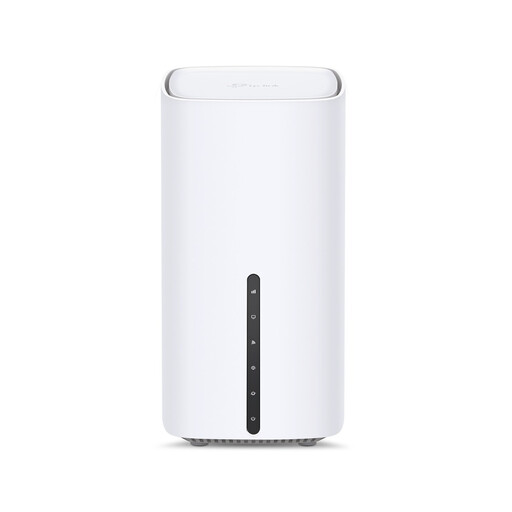
TP-Link Archer NX500 5G AX3000 Router
For a household setting up or managing its network, the listing describes management through the Tether app or a web interface.
The product name identifies 5G, AX3000, dual-band Wi-Fi and Gigabit. The listing describes SIM-based 5G/4G setup and WAN/LAN use; check which connection route fits your setup.
Joybuy
 No image available
Eve Energy Matter Smart Plug with Power Meter, UK Type G
For app-based switching and energy monitoring of a compatible appliance, the listing describes remote control, schedules and power-use tracking.
The listing identifies Matter over Thread and a UK Type G plug. The described setup requires a compatible Matter Controller and Thread Border Router and is for indoor use.
Joybuy
 No image available
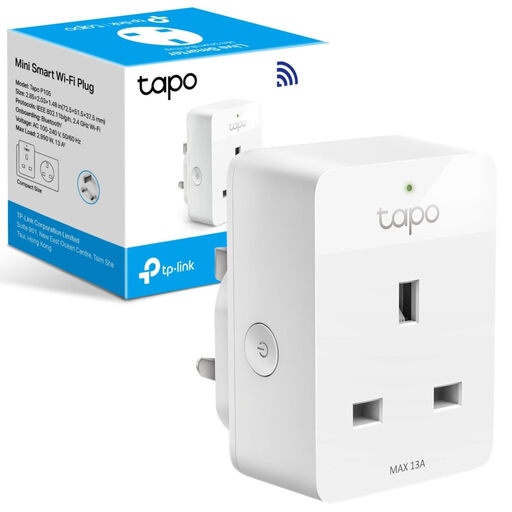
Tapo P105 Mini Smart Wi-Fi Plug (1-Pack)
For app-based switching or scheduling of an existing appliance, the listing describes remote control and timers through the Tapo app.
The listing describes a 2.4 GHz Wi-Fi connection without an additional hub. Check that your network meets the stated requirement.
Joybuy
 No image available
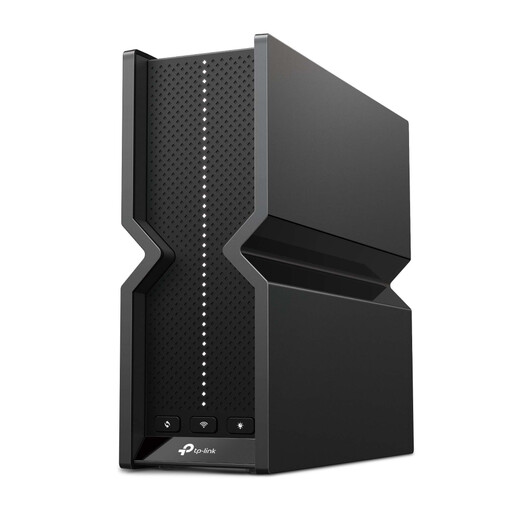
TP-Link BE9300 Tri-Band Wi-Fi 7 Router
For a household setting up or monitoring its home network, the listing describes management through the Tether app.
The product name identifies Wi-Fi 7 and tri-band networking; the listing also identifies EasyMesh compatibility. Check that these features fit the network you plan to use.
Joybuy
 No image available
Roku Streaming Stick 4K
For adding streaming to a television with an HDMI input, the listing describes an HDMI-connected streaming stick.
The product description lists 4K Ultra HD, Dolby Vision and HDR10+. Check that the television has an HDMI input and that the intended viewing setup matches the listed formats.
Joybuy
Frequently asked questions
Do UK product-security rules cover speakers, streaming devices and smart appliances?
They can cover relevant consumer products that connect to the internet or a network, but coverage depends on the product and statutory exceptions. The UK government and the National Cyber Security Centre identify connected consumer devices in their guidance; check the current government guidance for the exact product and applicable exceptions.
Does a missing update period in a retailer’s description mean the manufacturer has not published one?
No. UK government guidance describes the requirement as the manufacturer making the minimum security-update period available, so a retailer description that omits it does not by itself establish whether the manufacturer has published it. Look for the manufacturer’s information for the exact model.
Are strong passwords, two-step verification and installing updates legal duties for buyers?
The UK National Cyber Security Centre presents these as household security practices, distinct from manufacturers’ product-information obligations. It advises changing an applicable default password, using two-step verification when offered, and installing software and app updates.
Will any smart plug work with my router and wall socket?
No; compatibility depends on the exact plug and household setup. TP-Link says its listed Tapo plugs use 2.4 GHz Wi-Fi, while Eve says the current Eve Energy requires a compatible Matter Controller and Thread Border Router. Check the UK socket version and the intended appliance’s requirements before use.
What does it mean when a device’s stated security-update period ends?
The stated period is a minimum commitment to provide security updates, not a promise of the device’s physical lifetime. The UK National Cyber Security Centre advises avoiding unsupported devices where possible because missing security fixes can increase risk; check the manufacturer’s current information before deciding whether to keep using or replace the device.


