What to check before buying
Start with the communication tasks the child must complete independently, then check whether the chosen phone and family account can support them.
| Priority |
What to check |
Your needs and respondent share |
| Communication access |
Check for at least 4G capability, calls and SMS, and whether the phone supports any agreed messaging, navigation or school apps. Confirm SIM compatibility and coverage for the places the child will travel. |
My child needs a way to contact us during travel or after-school routines, without apps they do not yet need. Ofcom reported that 78% of UK children aged 8–17 had their own mobile phone in 2026; this is ownership, not a measure of preferred phone type. |
| Content and spending controls |
Check app-download approval, purchase settings, saved payment methods, contact controls and content restrictions. Review mobile-network spending permissions separately from app-store controls. |
I want to limit unsuitable content, unexpected purchases and unwanted contact, while remembering that settings do not remove every online or interpersonal risk. |
| Family-account fit |
Confirm the exact phone can use the household's Apple or Google account setup. Check Family Sharing or Family Link requirements, location-sharing settings and the child-account age process before setup. |
Our household needs controls that an adult can actually manage on the child's chosen operating system, rather than assuming every service follows the same rules. |
Joybuy phone options
Joybuy smartphone options for a child who needs 4G communication, approved apps and everyday online access. Confirm the family-control setup, SIM compatibility and local coverage before choosing a handset.
 No image available
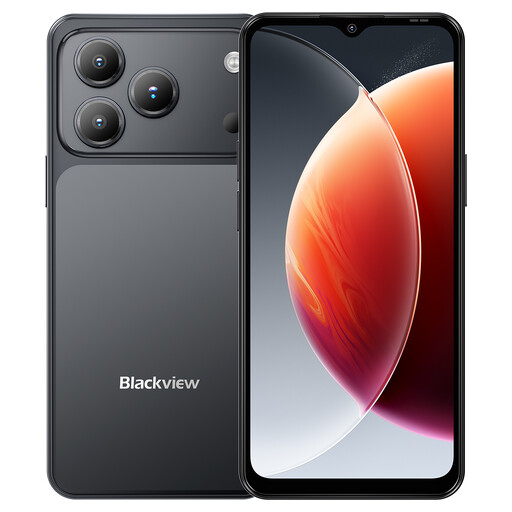
Blackview Wave 7C Android 16, 64GB, Black
A 4G Android option for communication and navigation during independent travel, subject to account setup and SIM coverage.
Stated specifications include 4G Dual SIM, GPS, 64GB storage, a dedicated microSD slot, 5000mAh battery, IP54 rating and 3.5mm jack. Confirm Google Family Link compatibility for this exact model and regional software build; IP54 is for splashes and dust, not immersion.
Joybuy
No image available
Blackview Wave 7C Android 16, 128GB, Black
This variant may suit a child who needs more built-in space for agreed apps and files alongside everyday communication.
Stated specifications include 4G Dual SIM, GPS, 128GB storage, expandable storage up to 2TB, 5000mAh battery, IP54 rating and 3.5mm jack. Confirm Google Family Link compatibility for the exact handset and regional software build; IP54 does not cover immersion.
Joybuy
 No image available
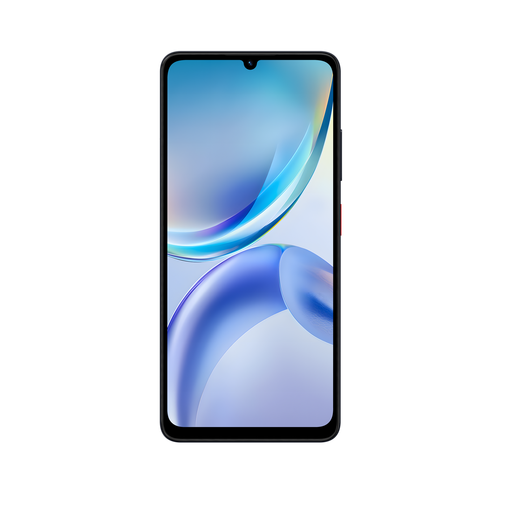
ZTE Blade A36 4GB+128GB, Black
An Android option to consider where 4G calls, messaging and navigation are required alongside expandable storage and wired audio.
Stated specifications include 4G, VoLTE, GPS, dual Nano-SIM support, 128GB storage, a dedicated TF slot, 5000mAh typical battery, USB-C and a 3.5mm earphone port. Add suitable protection for school-bag use, as no water- or dust-resistance rating is stated; confirm Family Link compatibility and UK SIM support.
Joybuy
Frequently asked questions
Does a child starting secondary school need a smartphone?
Not necessarily. Ofcom shows that ownership commonly rises at this transition, but that describes a trend rather than a rule. Choose a smartphone when approved apps, internet access, navigation or app-based messaging are needed; choose a 4G basic phone when calls and texts meet the immediate need.
Can parental controls replace supervision and conversations?
No. UK government guidance says parental controls can help manage time, content, purchases, activity and location, but they cannot fix everything. Test controls before handing over the phone, revisit them as apps or circumstances change, and agree how the child can ask for help.
What needs to be set up for an Android first phone?
For Family Link device supervision, the child needs a Google Account and a supported Android device. A parent can manage apps, permissions, screen time, mature-content restrictions and Android-device location subject to setup requirements. Google says purchase approval applies only to purchases billed through Google Play, so check other payment methods separately.
What needs to be set up for an iPhone first phone in the UK?
Set up Family Sharing, add the child's Apple Account and enable Content & Privacy Restrictions before relying on Screen Time controls. Apple says that, in the UK, a child under 13 needs parent or guardian help and consent to create an Apple Account and must be in a Family Sharing group.
Is an older 2G or 3G basic phone a sensible first-phone purchase?
Not for a new long-term purchase. Ofcom says UK 3G networks are already switched off, and 2G-only devices will need upgrading to at least 4G as 2G networks are withdrawn. Check both the phone's network support and the selected SIM provider's coverage before buying.


