What should you check before choosing?
Managed handset
Consider it: When a guardian wants to introduce apps and contacts gradually; HMD describes guardian-managed app access for the Fusion X1.
Check: HMD describes its enhanced controls as subscription-managed, so confirm the service terms and what remains usable without them.
Android with Family Link
Consider it: When the family wants a conventional Android phone and an adult can supervise the child’s Google Account.
Check: Available controls and safety functions depend on the account, device and feature; confirm those needed on the exact handset.
iPhone with Family Sharing
Consider it: When a guardian can maintain a Family Sharing group and manage the child’s Screen Time settings.
Check: Apple says available controls can vary by device, age and region. In the UK, an under-13 child needs guardian help and consent to create an Apple Account and must join Family Sharing.
Whichever route you choose, start with the account and supervision setup, then check the handset and its day-to-day use.
| Priority | What to check | Your needs |
|---|
| Child account |
Confirm who creates and supervises the separate child account. Check the guardian’s device, family-group requirements and approval workflow. |
I want the child’s apps and settings managed without sharing an adult account. |
| Adjustable controls |
Check app, website, communication and screen-time controls on the intended account and device. Review how permissions can change later. |
As the child becomes more independent, I need rules we can revisit rather than a fixed all-or-nothing setup. |
| Support and protection |
Compare the exact model’s update commitment and repair options. Check the fit of a case and screen protector; do not assume an ingress-protection rating prevents damage. |
The phone will be carried regularly, so continued software support and a practical repair route matter to me. |
| Emergency plan |
Add contacts and emergency information where supported. Check the handset’s emergency settings, permissions and network conditions, then show the child how to reach the emergency dialler. |
I want the child to know whom to contact and how to call 999 or 112, without depending on an untested SOS feature. |
Joybuy phone options for a first smartphone
These phones offer mainstream Android and iPhone options for families planning supervised access. Compare each model with the account setup and controls you intend to use; this list does not cover the managed-handset route.
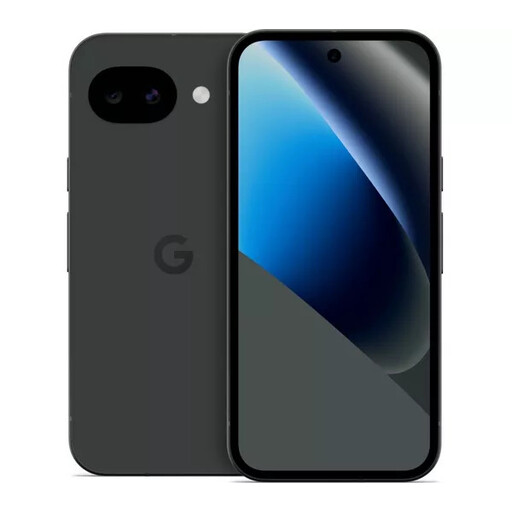 Image unavailable
Google Pixel 10a 128GB Obsidian
A conventional Android option for a family prepared to set up a supervised Google Account. Google Store UK states a seven-year update commitment for Pixel 10a; check the Family Link and emergency functions needed on this handset before relying on them.
View on Joybuy
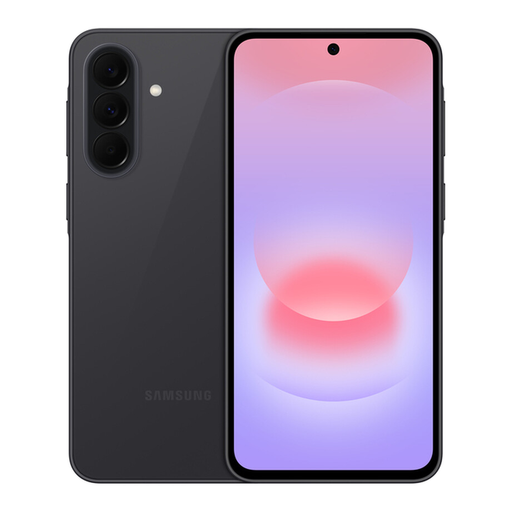 Image unavailable
Samsung Galaxy A37 5G Graphite
An Android option to consider if a guardian intends to use Google’s supervision route. Confirm the child-account controls and RAM and storage variant before ordering, as the stated configurations conflict.
View on Joybuy
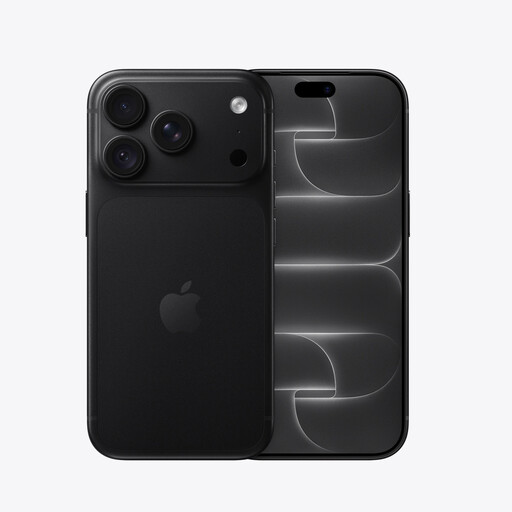 Image unavailable
iPhone 18 Pro 256GB Black
An iPhone option for a household prepared to manage a child’s Apple Account through Family Sharing and Screen Time. Apple says a UK child under 13 needs guardian help and consent for account creation; check the controls and software requirements for this exact model.
View on Joybuy
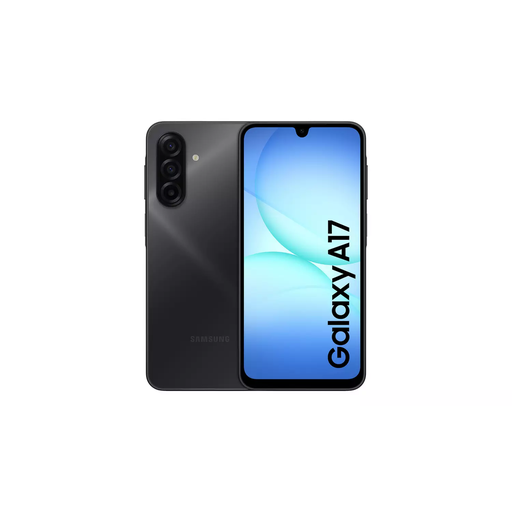 Image unavailable
Samsung Galaxy A17 5G A176 Dual SIM 4GB 128GB Grey
Consider this Android model if its child-account setup meets the family’s supervision needs. Confirm the intended Family Link controls and whether you need a compatible charging adaptor.
View on Joybuy
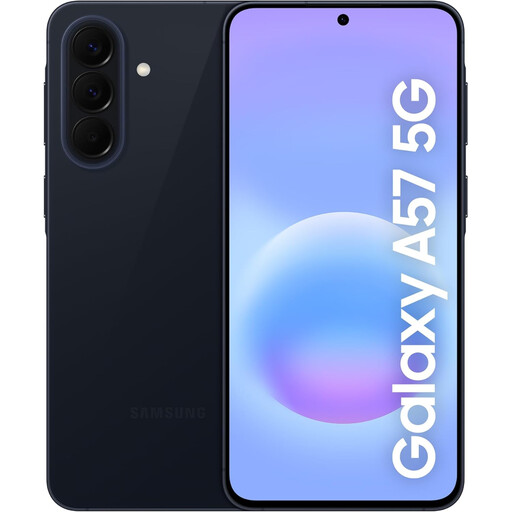 Image unavailable
Samsung Galaxy A57 5G 256GB Awesome Navy
A mainstream Android option for everyday communication and online access. Before choosing it for a child, confirm the intended Family Link setup, the exact model’s update commitment and its charger requirements.
View on Joybuy
First-phone questions
Can a UK child under 13 create an Apple Account alone?
No. Apple says a child under 13 in the UK needs parent or guardian help and consent to create an Apple Account and must be part of a Family Sharing group. Set up a separate child account rather than sharing an adult’s.
Can I supervise a child’s Google Account on Android?
Yes, if Google’s account and supervision requirements are met. Google says parental consent is required below the applicable minimum age, and Family Link can manage a child’s account; check the controls available on the intended device and for the child’s account.
What should I set up for emergencies?
Teach the child how to call 999 or 112 and add emergency contacts and information where the phone supports them. Ofcom says calls to both numbers are free from all phones. Check any SOS, contact-alert or location-sharing feature against the exact handset, permissions and network conditions rather than assuming it will always work.
Can I arrange a repair if the phone is damaged?
Repair routes depend on the make, model and damage. Samsung UK describes doorstep, pick-up and in-store mobile repairs, plus self-repair for some Galaxy devices; it warns that damage caused by an attempted repair outside an authorised service centre is not warranty-covered. Check eligibility for the exact handset.


