What matters when choosing?
Settle who will administer the child’s account, then compare handsets for daily handling, support and the equipment needed to use them.
iPhone
Consider it when: An adult can create the child’s own Apple Account and manage it through Family Sharing and Screen Time.
Allow for: Apple says an adult must create the account for a child under 13, and some current controls depend on compatible, updated family devices.
Android
Consider it when: The family wants to use a supervised Google Account and Family Link while comparing different handsets.
Allow for: Google’s app controls have device and software conditions, and limits cannot be applied to every system app.
| Concern |
Buying check |
Who this matters to |
| Account and supervision |
Confirm who will manage the child’s own account and whether the intended controls work with the adult’s devices and the chosen handset. |
If I want to approve apps and set boundaries before my child uses the phone independently, account setup comes first. About 36% of consumers put parent-managed setup and permissions first. |
| Daily handling and longevity |
Compare the exact model’s dimensions, protection rating and stated software-support period; check the fit of a case. |
A phone carried on the journey to school needs to be manageable and ready for the day. For about 29% of consumers, durability and everyday practicality are the primary concern. |
| Family platform fit |
Identify the adult who will receive approval requests and check essential communication apps under the intended child account. |
If our household already uses one platform, I want to know who can help when settings or apps need attention. Around 21% of consumers place family platform fit first. |
| Protection and charging setup |
Check the exact box contents, charging requirements and availability of a fitted case and screen protector. |
Before the first school journey, I want the phone protected and able to charge with equipment we have. About 14% of consumers prioritise planning the complete setup. |
Smartphones to consider on Joybuy
These handsets offer options for families considering a first smartphone and a Google-account supervision route. Check each exact device’s Family Link compatibility before choosing it for that purpose.
 No image available
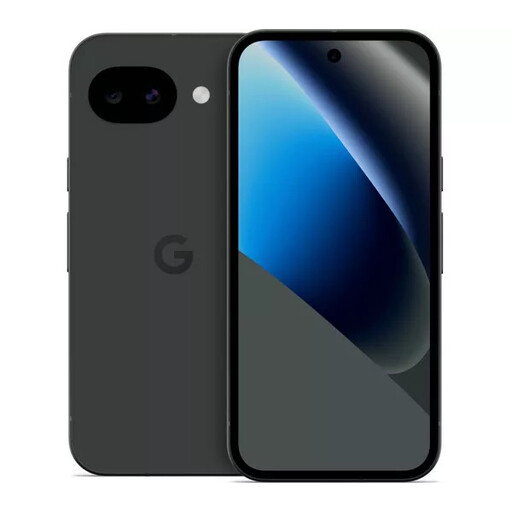
Google Pixel 10a 128GB Obsidian
Consider this 128GB variant if you are comparing a Pixel for the child’s first phone. Confirm that the intended Family Link controls work with its software, and check the charging equipment and fitted protection you will need.
View on Joybuy
 No image available
Google Pixel 9a 128 GB Obsidian, unlocked
This unlocked Android variant is an option if you need to arrange the child’s mobile connection separately. Check Family Link compatibility on the exact handset and confirm which charging equipment and protection to use.
View on Joybuy
 No image available
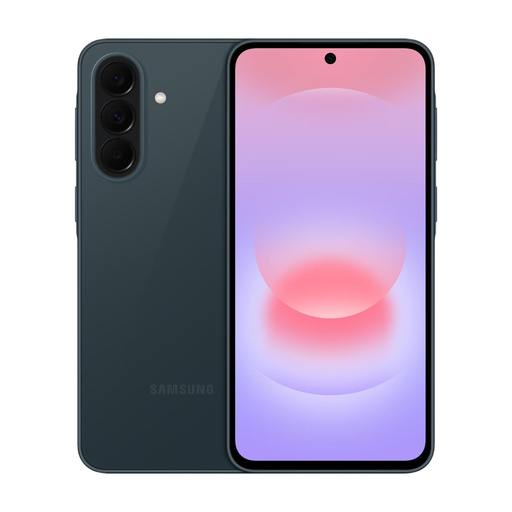
Samsung Galaxy A37 5G 128GB/6GB Awesome Graygreen
Compare this 5G, 128GB/6GB variant if you are considering a Galaxy phone for the school journey. Check the controls available on its exact software configuration. Confirm the box contents before arranging a charger, as the product information gives conflicting indications about adapter inclusion.
View on Joybuy
 No image available
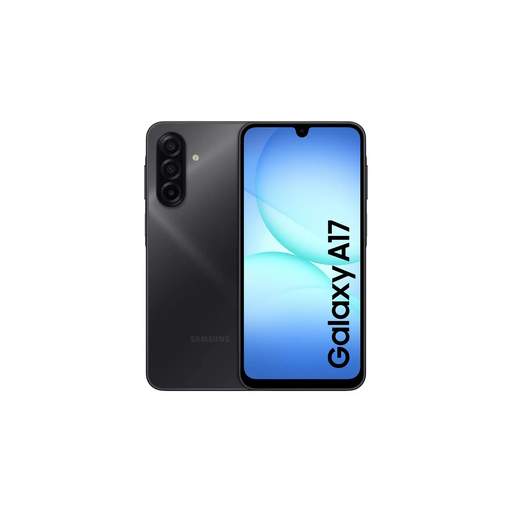
Samsung Galaxy A17 5G A176 Dual Sim 4GB 128GB Grey
This Dual Sim, 4GB/128GB variant gives families another Galaxy handset to assess for a first phone. Confirm the intended child-account controls on the exact device and check that the charging equipment meets its requirements.
View on Joybuy
 No image available
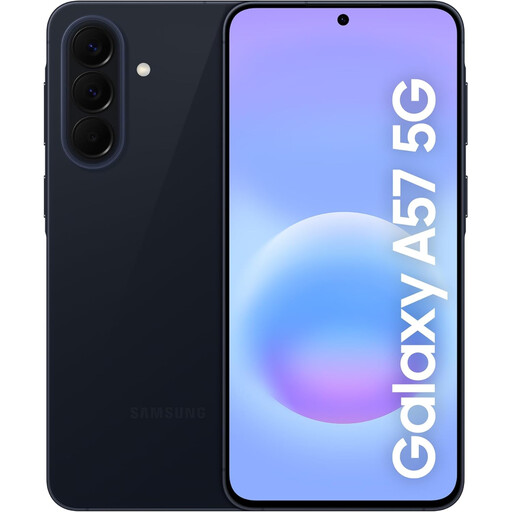
Samsung Galaxy A57 5G 256GB Awesome Navy
Consider this 256GB Galaxy variant if that storage configuration suits the child’s planned use. Before choosing it for several school years, confirm the exact model’s software-support period, Family Link compatibility and charging requirements.
View on Joybuy
Common questions
Should my child use my Apple or Google Account?
Give the child their own account and connect it to the adult’s family or supervision arrangement. Apple explicitly advises against sharing an Apple Account with a child; Google describes how a parent can create and manage an account for a child under 13 using Family Link.
Can I set up parental controls after buying the phone?
Yes, but arrange the child account before the child begins using apps and services. Apple’s setup uses Family Sharing and a child account, while Google describes creating or adding supervision through Family Link; available features depend on the device, software and service.
Does an app’s age rating mean it is suitable for my child?
Not by itself. Google says its content ratings indicate content maturity, not whether an app was designed for a particular age. Check communication, location and purchase features before approving an app.
Can my child use the phone during the school day?
Check the individual school’s current policy rather than planning around unrestricted use. Department for Education material concerning England describes restrictions on mobile phones in secondary schools; ask the school about storage and emergency contact as well as permitted use.
Will a charging adapter come with the phone?
Check the exact handset and seller listing. Samsung says its UK Galaxy A56 5G includes a data cable but not a travel adapter; that box content should not be assumed for another model.


