What matters when choosing
Start with the walking, running, cycling or general activity you want to record, then decide how much you need to do with notifications on your wrist. A smart ring can suit app-led tracking instead, but phone-app alerts are different from a watch interface.
Fitness tracker
Consider it when: Activity logging and basic paired-phone alerts are enough for your routine.
Trade-off: Its smaller interface is less suited to reading detailed notifications or handling replies on the wrist.
Smartwatch
Consider it when: You want to see exercise detail and use supported phone-companion functions on your wrist.
Trade-off: The functions you can use depend on the exact watch, phone and software combination.
Smart ring
Consider it when: You prefer finger-worn, app-led routine tracking to a watch display.
Trade-off: Alerts rely on the phone app, and access to some Oura features depends on membership.
| Concern |
What to check |
Who this matters to |
| Activity fit and comfort |
Check the exact model’s activity modes and how it feels during your usual exercise. If you want an outdoor route record, establish whether GPS requires your phone. |
If I am trying to keep up regular walks or runs, I need a device I can wear comfortably and use for those activities. Around 31% of consumers put activity fit and comfort first. |
| Notifications and phone fit |
Confirm compatibility with your phone and software, then check whether the alerts you need can only be viewed or can also be acted on. |
When I am exercising or away from my phone, I want to know whether a wrist alert will let me deal with a message. Around 31% of consumers prioritise phone-linked functions. |
| Charging and water use |
Compare battery claims under their stated usage conditions. Match the exact model’s water guidance and band to your planned activities. |
If frequent charging interrupts my routine, or I plan to wear the device in water, its stated limits matter to me. Roughly 23% of consumers make charging and water-use conditions their main concern. |
| App and membership |
Check what remains available without membership and review the app’s data deletion, export and connected-service controls. |
I want to keep using the records I care about without overlooking an app requirement or losing control of my data. Around 15% of consumers put app access and data controls first. |
Wearables for activity routines on Joybuy
These Joybuy choices include activity-focused bands and a smartwatch. Compare each one against your exercise routine and the notification functions you need; a band’s place in this list does not establish that it offers the same phone interaction as the smartwatch.
 No image available
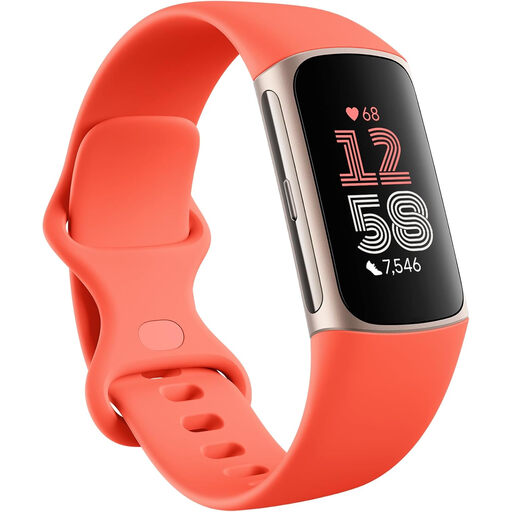
Fitbit Google Charge 6, Coral / Champagne Gold Aluminium
Consider this tracker if activity recording and phone-linked alerts both matter to your routine. The product name includes Google Wallet, Maps and three months of Google Health Premium; check which connected functions work with your phone and what remains available after that period.
Advertised battery life is up to seven days and varies with use. Follow the stated water-use instructions, including the restrictions on hot water and pressing buttons underwater.
View on Joybuy
 No image available
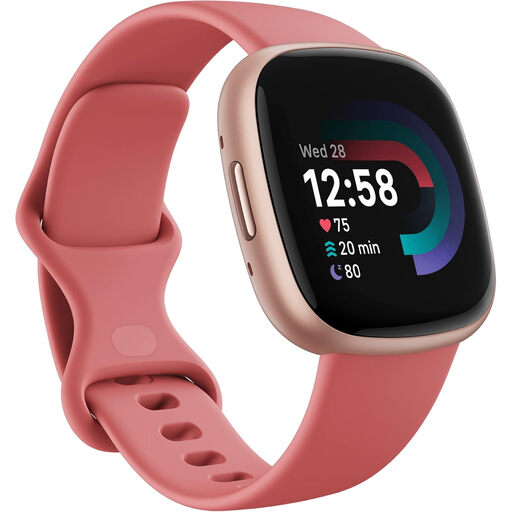
Google Fitbit Versa 4, Pink Sand / Copper Rose Aluminium
Consider this smartwatch if you want activity tracking alongside wrist access to phone functions. Confirm that the particular alerts and interactions you want work with your phone.
Check the fit and actual device weight before choosing it for regular wear. Battery duration depends on use, and membership-dependent app functions need checking separately.
View on Joybuy
 No image available
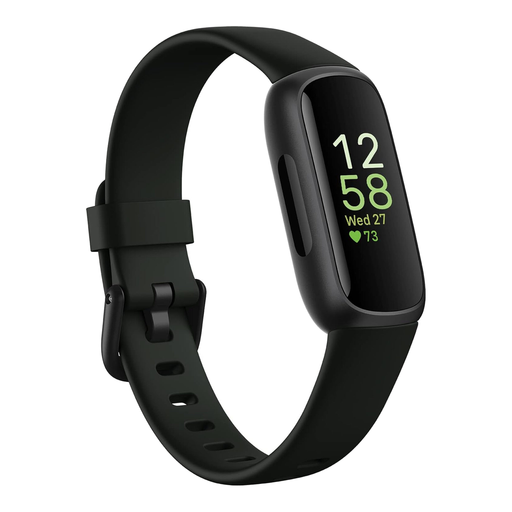
Fitbit Inspire 3, Midnight Zen / Black
Consider this tracker for a regular activity routine if carrying your phone on outdoor routes suits you: its Connected GPS uses the phone’s GPS.
Advertised battery life is up to ten days and varies with use and settings. Check the Fitbit app functions and data controls that matter to you.
View on Joybuy
 No image available
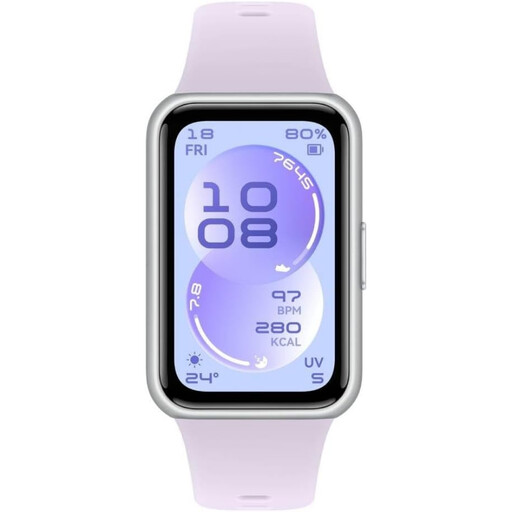
HUAWEI Band 11, Purple, Polymer Case
Consider this band for routine activity logging if its Huawei Health setup suits your phone. Check its named workout modes and GPS method before relying on it to record a particular outdoor route.
Confirm which message alerts it can show. For swimming, follow the model’s permitted-use guidance rather than treating its water rating as permission for diving or fast-moving water.
View on Joybuy
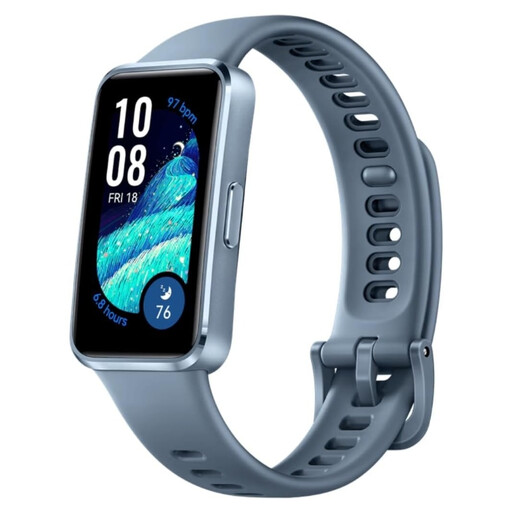 No image available
HUAWEI Band 10 (Nora-B29F), Blue
Consider this band for routine workout logging with the Huawei Health app. Its listing states no GPS; check whether phone-based route recording is possible if that matters to you.
Battery claims distinguish up to eight days of typical use from up to 14 days of light use. Confirm its notification functions and permitted water activities before depending on either.
View on Joybuy
Common questions
Can a fitness tracker show phone notifications?
Yes, some fitness trackers can show paired-phone alerts, so a smartwatch is not necessary just to preview them. If you want to reply or use other phone functions on your wrist, check what the exact smartwatch and phone combination supports; Which? distinguishes these broader companion functions from basic tracker alerts.
Will an Apple Watch work with an Android phone?
Choose an Apple Watch only after checking its stated iPhone requirements, rather than assuming it will pair with an Android phone. Apple publishes compatibility by watch model, iPhone model and software version.
Can I use a water-resistant wearable for any swim or water sport?
No: permitted water activities depend on the exact device and band. Apple distinguishes water resistance from waterproofing, while Samsung’s guidance allows pool or shallow-water use for listed Galaxy Watch models but excludes activities such as diving and fast-moving water.
Do wearable app features require a membership?
Some do. Google says certain Google Health features require Premium and can vary by device and country; Oura says membership provides access to its full feature set for eligible rings. Check the functions you would retain without membership before choosing either ecosystem.
What privacy controls should I check in a wearable app?
Check how the app lets you delete or export data and manage connected services before setting it up. Google Health documents deletion, export and feature controls; review the controls of the app you will actually use rather than assuming every wearable handles data alike.


