What matters when choosing?
Decide where the child will play and whether a full computer is needed, then check the child-account and payment arrangements for the games and services they will actually use.
TV-connected console
Choose when: The family wants a fixed setup around a shared TV or monitor.
Bear in mind: Child-account controls depend on the platform, and local multiplayer depends on the game and suitable controllers.
Hybrid console
Choose when: Both handheld and family-room TV play matter; Nintendo UK confirms these modes for standard Nintendo Switch systems.
Bear in mind: Nintendo Switch Lite does not support TV mode. Nintendo UK says Switch console parental controls apply to the console rather than individual users, while eShop purchase restrictions use Nintendo Account family settings.
Tablet
Choose when: Portable, touch-based app games are the main use.
Bear in mind: Purchase approvals have limits: Google Play approvals cover its own billing system, while Apple identifies actions that do not trigger Ask to Buy.
Gaming-capable laptop
Choose when: The child needs a full computer as well as a device for games.
Bear in mind: Accounts, browsers and game services need separate attention. Microsoft warns that Windows administrator access can let a child change or disrupt Family Safety settings.
| Concern |
What to check |
Who this matters to |
| Shared-screen play |
Check TV output on the exact model and local multiplayer support in the intended games. |
I want the child to play where the family can join in, rather than relying on a personal screen. Roughly 27% of consumers would put shared-screen play first. |
| Portable play |
Check the device’s portable-play mode and whether the chosen child-account controls work on it. |
If play will mostly happen away from the TV, I need a device the child can use there. Portable play would be the primary need for around 27% of consumers. |
| Accounts and spending |
Check child-account settings, purchase approvals and the treatment of gift cards or stored balances. |
I need to know which purchases require approval before the child starts using games with in-app spending. For roughly 27% of consumers, account and spending controls would take priority. |
| Computer use |
Check standard child-account access and which browsers, apps and game services the selected controls cover. |
When the same device must handle computer tasks and games, I need to manage more than one route online. Around 19% of consumers would make that broader computer use their main concern. |
Joybuy consoles for family-room play
These console choices are relevant to families considering gaming around a shared screen. Compare the exact game format and account setup you need; a console purchase alone does not establish that every intended game supports local multiplayer or that every payment route requires approval.
 No image available
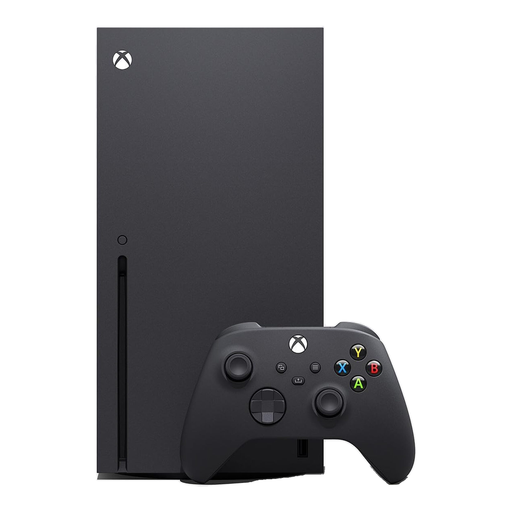
Xbox Series X 1TB Console (Black)
Consider this console if the family wants a shared-screen Xbox setup and can provide a suitable display.
The named variant has 1TB storage. Xbox family settings offer child-account controls, but Xbox says gift cards and money already in a child’s Microsoft account remain spending routes.
View on Joybuy
 No image available
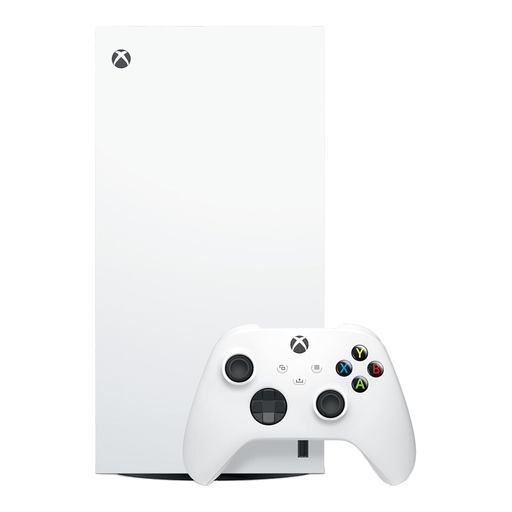
Xbox Series X 1TB Digital Edition Console (White)
Consider this Xbox variant for family-room play if its Digital Edition suits how the household obtains games.
The named variant has 1TB storage. Check game access before choosing it, and review stored funds separately from Xbox child-account purchase approval.
View on Joybuy
 No image available
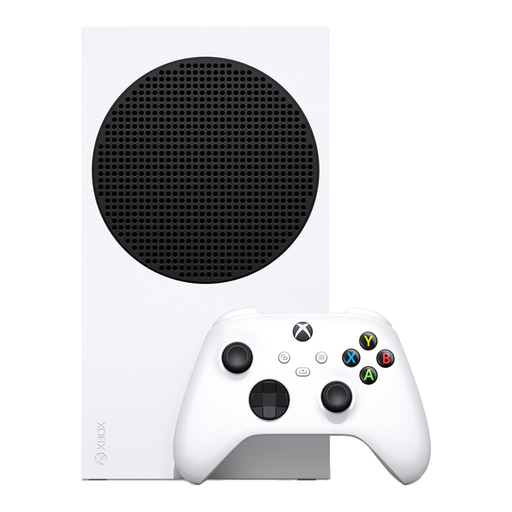
Xbox Series S 512GB Console (White)
Consider this console for a shared-screen Xbox setup if its storage and game-access arrangement suit the family.
The named variant has 512GB storage. Check the space needed for the intended games, and remember that Xbox child-account purchase approval does not block spending from existing gift cards or account funds.
View on Joybuy
 No image available
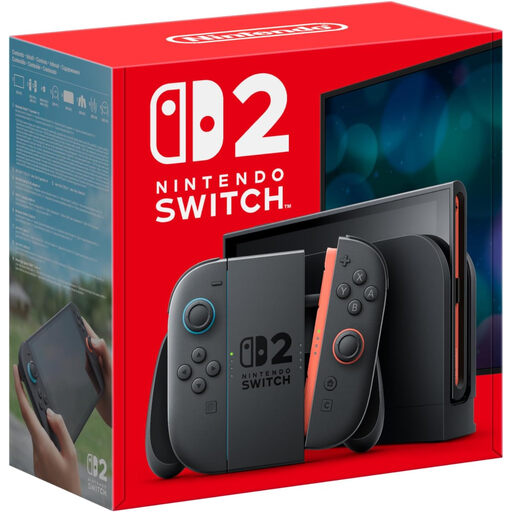
Nintendo Switch 2 Console (UK Version)
If the family wants to move between individual and shared-screen play, check the intended play modes on this exact Switch 2 package.
Before choosing it for a child, confirm the Switch 2 account, parental-control and purchase-restriction settings the household needs; guidance for earlier Switch models should not be assumed to establish this model’s behaviour.
View on Joybuy
Common questions
Should my child use my adult console account?
Set up a separate child account where the platform offers one. PlayStation says a child using an adult account does not receive parental controls, so check the child account’s content, communication and spending settings before use.
Do purchase approvals block every in-game purchase?
No: their coverage depends on the payment route and platform. Xbox says a child can spend gift cards or money already in their Microsoft account, Google limits its approvals to Google Play billing, and Apple identifies redemption-code use as an action that does not trigger Ask to Buy.
Will one parental-control app cover every device and browser?
No; check the intended device, account, browser and service separately. Google says Family Link cannot supervise iPhones, iPads or computers other than Chromebooks, while Microsoft says its app and game filters work on Windows and Xbox and sets conditions for web and search filtering.
Can every Nintendo Switch model connect to the TV?
No. Nintendo UK says standard Nintendo Switch systems support TV mode but Nintendo Switch Lite does not; confirm TV connection for the exact model you intend to buy, including a Switch 2 if that is your choice.
What do PEGI age labels mean when buying a game in the UK?
UK Government Kids Online Safety guidance says games rated PEGI 12, 16 or 18 cannot be sold or hired to someone below the stated age. PEGI 3 and 7 remain age-suitability guidance, but that guidance does not describe them as subject to the same sale-or-hire prohibition.


