Shared-room voice-chat players
Players who want game audio and conversation close to them while others are nearby. Headset connection, microphone controls and a workable charging routine shape the choice.


Choose equipment around how the room is shared: private audio, the number of people playing, available desk or TV space, and the devices each accessory must serve. Wireless gear can remove cables but needs charging and the right connection; compact controls save desk space but can remove keys you use.
Players who want game audio and conversation close to them while others are nearby. Headset connection, microphone controls and a workable charging routine shape the choice.
Households that pass controllers between players and need enough compatible controllers, straightforward pairing and somewhere to charge and store them.
Players moving between a compact desk, TV area and other devices who need to consider physical space, cables and which features work on each device.
Start with the people and devices using the room, then check how each accessory connects, fits and gets put away.
| Concern | What to check | Who this matters to |
|---|---|---|
| Private audio and voice chat | Confirm the headset connection and microphone controls on the device used for game chat. For wireless models, check the charging routine. | I want to hear teammates without filling a shared room with game sound. Around 27% of consumers put private audio and communication first. |
| Controllers ready for several players | Count players in the games you use, then match controllers and charging equipment to the exact console generation. | If controllers are shared, I need enough paired and charged before we start playing. Keeping controllers ready is the main concern for around 33% of consumers. |
| Display placement | Measure the surface or mounting area and stand depth; check the display inputs and output modes of the connected PC or console. | A screen has to fit our bedroom or living room without taking over furniture everyone uses. That room-layout need comes first for around 20% of consumers. |
| Compact desk controls | Compare keyboard layouts with the keys you use for gaming, work or study, and check connection options for your PC. | When the desk serves more than gaming, I need room to put other things down without losing essential keys. Around 20% of consumers prioritise that shared-desk space. |
PlayStation says DualSense features vary by device, connection and game; connecting a controller does not establish that its haptics, audio or other functions will work as expected.
Check connection, chat, controller audio, haptics and configuration software separately for every device you plan to use.
Nintendo says original Switch Joy-Con can connect wirelessly to Switch 2 but cannot charge on the Switch 2 console.
Match the charger to the precise controller generation, then check its charging positions and power requirements.
A compact layout can free desk space but remove keys used for games, work or study. Razer’s BlackWidow V3 Mini, for example, omits a function row, home cluster and numpad.
Compare the layout with the keys and shortcuts you regularly use before choosing a smaller board.
Logitech G says the G535’s stated battery life is based on headset volume at 50% and can vary with use and computing conditions.
Check the conditions behind a model’s battery claim and decide where it can charge without occupying a shared surface.
PS5 controllers and accessories to consider when a household also uses supported computers or mobile devices.
Controllers and headsets for households using Xbox consoles alongside supported PCs or mobile devices.
Controllers and accessories relevant to local play across Switch generations.
PC-oriented gaming peripherals, including headsets with different wireless connection methods.
PC keyboards and mice to consider where gaming shares limited desk space with other activities.
These choices cover personal gaming audio and a Switch 2 Joy-Con charging dock. Match the connection or controller generation to the devices used in your room.
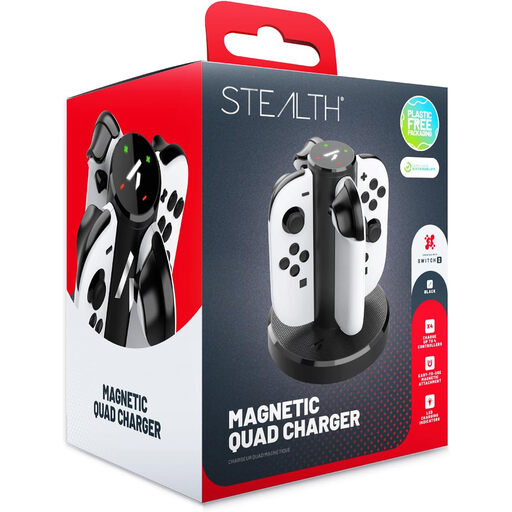 Image unavailable
A charging dock to consider when a shared Switch 2 setup has several Joy-Cons to keep together.
Check the controller generation and whether you have the power supply needed for your setup.
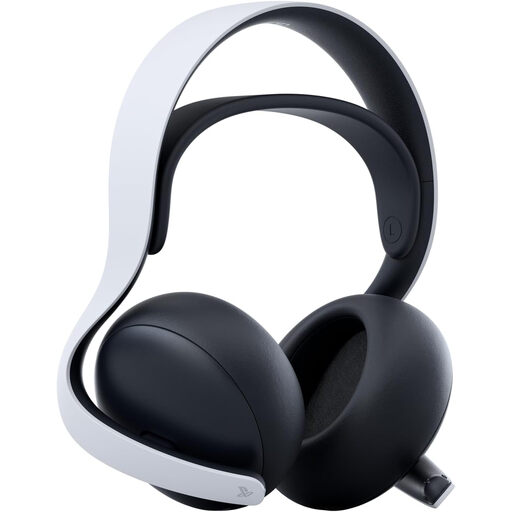 Image unavailable
For personal game audio where a compatible PlayStation Link device and a Bluetooth device are both in use.
PlayStation says PULSE Elite can play audio from those two connections simultaneously; check support for your intended devices and chat setup.
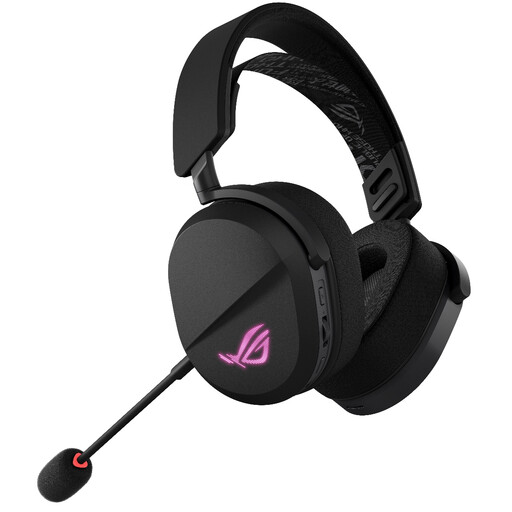 Image unavailable
A wireless headset option for keeping gaming audio personal in a shared room.
Before using it across devices, confirm which connection works with each one and whether it supports your intended game chat.
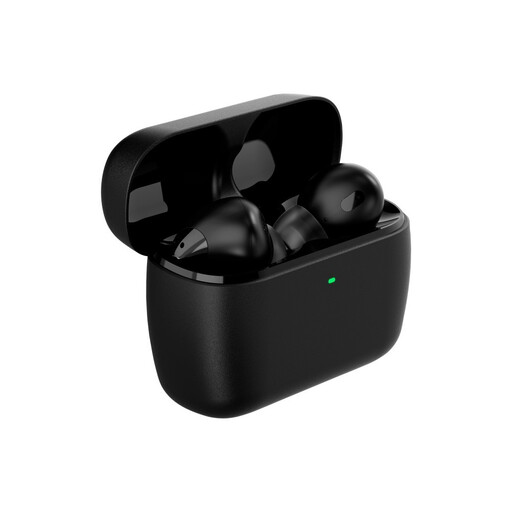 Image unavailable
In-ear gaming audio with a microphone for someone who does not want a full-size headset in a shared space.
Confirm the connection fits your intended device and supports the chat you need.
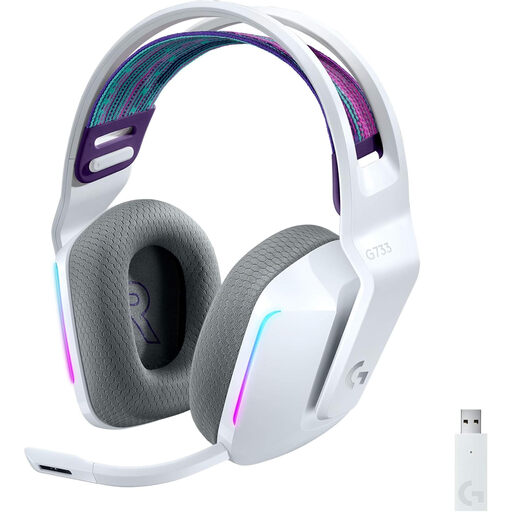 Image unavailable
A wireless headset to consider for personal audio at a fixed gaming position without a headset cable.
Check connection and chat support for the exact PC or console setup you intend to use.
No. Wireless can keep a cable out of the room’s way, but it adds charging and connection checks; a wired option may suit someone who stays in one seat. Logitech G, for example, specifies the G535’s USB receiver for PC and PlayStation, not every console.
Do not assume it will. PlayStation lists DualSense connections for supported non-console devices but says features vary by device and game; Xbox also gives different pairing routes for console, PC and mobile. Check both basic connection and the features you need on each device.
Check the charger against the precise Joy-Con generation rather than relying on the console name. Nintendo says original Switch Joy-Con can connect wirelessly to Switch 2 but cannot charge on the Switch 2 console, so a compatible charging arrangement is needed.
Measure the available surface or mounting area, stand depth, seating position and cable route. Then check the exact monitor’s inputs and mounting details against the PC or console you will connect; a screen size alone will not establish whether the setup fits.