Console-first multiplayer players
If you mainly play on one Xbox or PlayStation console, establish how the exact headset connects and whether its microphone works with your intended chat service before comparing other features.


Start with the exact console, connection and voice-chat service: a compatible 3.5 mm wired headset avoids charging, while wireless support must be checked for the specific model variant. In a shared room, headset audio keeps game sound private, but you should still check the microphone and mute control for team chat. Choose wireless if freedom from a cable is worth managing charging and any required adapter.
If you mainly play on one Xbox or PlayStation console, establish how the exact headset connects and whether its microphone works with your intended chat service before comparing other features.
If other people are nearby, private game audio and an accessible microphone mute matter together. A boom microphone gives you a defined position for voice chat, but its performance around household noise is worth testing in the room.
If you move between a console, PC, Switch or phone, check whether the exact headset can use your required connections simultaneously or must switch between them. Wireless alone does not establish either capability.
Confirm game audio and microphone chat on your main platform first; then decide whether a cable or wireless setup better fits how you use the shared space.
Choose it when: You want private audio and chat without charging, and your controller or device has a compatible headset jack.
Trade-off: The cable limits movement, and features that depend on a USB connection or software may not operate through an analogue jack.
Choose it when: You want to move without a controller cable and the exact variant supports your console and chat connection.
Trade-off: Charging, pairing and any required USB adapter become part of the setup; phone Bluetooth support does not establish console compatibility.
| Concern | What to check | Who this matters to |
|---|---|---|
| Platform and chat compatibility | Match the exact model variant and connection to your console. Check game audio and microphone support for the chat service you intend to use. | If my headset cannot carry both game sound and team chat on my main console, its other features will not help. About 37% of consumers put confirmed platform and chat compatibility first. |
| Microphone control | Look for a positionable microphone and an accessible mute control; test the chat settings in the room where you play. | When conversation or a television is audible nearby, I need teammates to hear my callouts and a quick way to mute. Clear, controllable team chat is the primary concern for about 27% of consumers. |
| Wireless flexibility | Confirm whether console audio and phone Bluetooth can run together or only switch, and check the adapter and charging arrangements. | I want to move without a controller cable and use another device without putting audio through room speakers. About 18% of consumers primarily seek that cable-free, multi-device flexibility. |
| Wired simplicity | Check for a compatible 3.5 mm headset jack and microphone connection on the controller or device. | For regular evening sessions, I would rather keep listening private than manage headset charging or pairing. Avoiding that wireless setup is the leading need for about 18% of consumers. |
Xbox Support states that Xbox One does not connect headsets directly over Bluetooth. Bluetooth support on a headset may instead be intended for a phone or another device.
For your exact Xbox console, confirm the headset's supported wireless method or use a compatible 3.5 mm controller connection.
SteelSeries says its Nova 3PW is not compatible with Xbox consoles, while Nova 3XW adds Xbox support. Similar names and appearances do not establish the same connection options.
Check the full model suffix against the manufacturer's compatibility information for every console you intend to use.
Noise-reduction features do not establish how clearly teammates will hear you amid the particular conversations, keyboard noise or television sound in your room.
Position the microphone, try its mute control and make a party-chat test in the actual playing space.
PlayStation's wireless-headset pairing instructions require a USB adapter to be connected. Wireless listening also introduces a charging routine that a compatible wired connection avoids.
Before choosing wireless, check what adapter the exact headset uses and where you will charge it between sessions.
Relevant to a PS5-led setup if you want a headset designed around PlayStation Link.
Relevant when comparing a 3.5 mm wired route with wireless models whose console support depends on the variant.
Relevant if you are considering a console-labelled wireless variant with phone connectivity and a microphone mute control.
These wired and wireless gaming headsets offer different ways to keep multiplayer audio private in a shared home. Choose by your console, intended chat connection and tolerance for a cable or charging routine.
 No image available
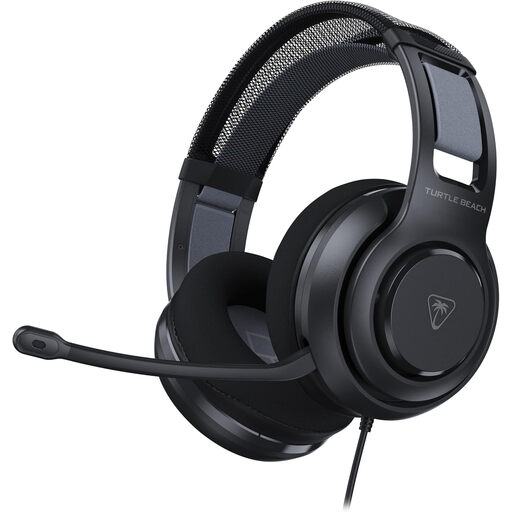
Consider this wired route if your controller or device has a compatible 3.5 mm headset jack and you want private game audio without charging. Confirm that the jack also accepts microphone input; the cable will restrict movement.
 No image available
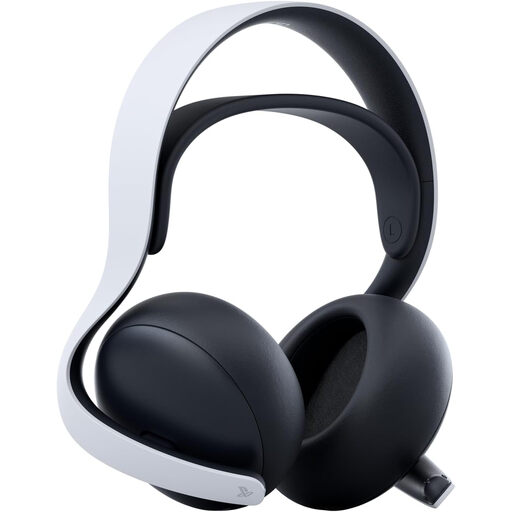
For a PlayStation-led setup, this model offers a wireless route with a retractable microphone. PlayStation lists PlayStation Link connectivity for PS5, PC, Mac and PS Portal, alongside Bluetooth; allow for adapter setup and charging. If you also play on Xbox, check support for your exact console rather than assuming it from those listed connections.
 No image available
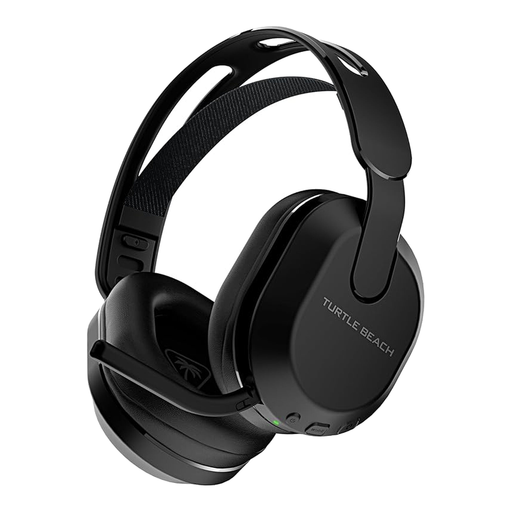
This wireless variant is a candidate for private play on the PC, PS5 or PS4 platforms named in its title. If phone audio matters too, check how switching between connections works for this exact variant. Plan for charging and its wireless receiver, and verify compatibility before using it with another console.
 No image available
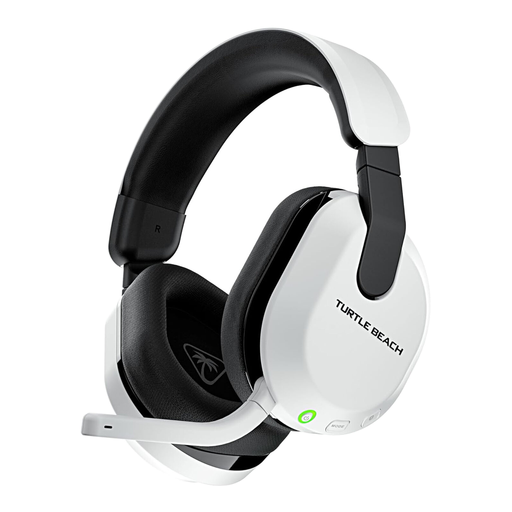
The XB variant is the one to examine if Xbox is your main platform and you want wireless private listening with a microphone for team chat. Confirm its connection and chat support for each additional device you use. Turtle Beach describes a flip-to-mute microphone for the Stealth 600 Gen 3 line, but test voice clarity in your own room.
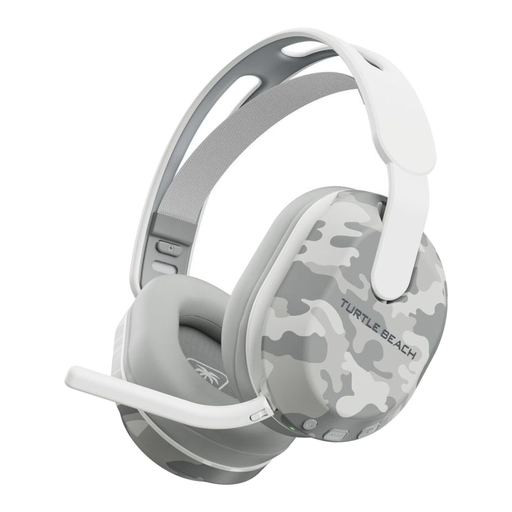 No image available
Consider this Xbox-and-PC variant if you want to avoid a headset cable during multiplayer sessions. Check the connection mode and microphone-chat support on the exact Xbox or PC you use, and confirm compatibility separately for any other console. Wireless use also means making time to charge the headset.
Do not assume it can: Xbox Support says Xbox One consoles do not have Bluetooth functionality for headset connections. For your exact Xbox model, use a documented Xbox-compatible wireless method or check whether a compatible 3.5 mm headset can connect through its controller.
Discord says calls can be connected directly from PS5, Xbox Series X|S and Xbox One after the relevant console account is linked. Your headset still needs working audio and microphone input on that console.
No. SteelSeries says its Nova 3PW is not compatible with Xbox consoles, while Nova 3XW adds Xbox support. Check the complete model suffix and the connection method listed for your console.
Test game sound, microphone input in your intended chat service, mute control and the wired or wireless connection in the room where you play. If you use a compatible headset through an Xbox controller, Xbox also provides volume, chat-mix and microphone-monitoring settings to check.