Joybuy monitor options
These options include compact Full HD monitors for limited desk space and a 27-inch QHD model for consumers who can accommodate a larger screen. Check each monitor’s footprint and connection requirements against your own setup.
 No image available
KOORUI MG24A12FV2 24-inch curved gaming monitor
Consider this compact Full HD option if desk space matters but you also play faster games.
VA panel; 180Hz; 1500R curvature; Adaptive Sync; two HDMI inputs and DisplayPort. The product name also specifies VESA compatibility and tilt adjustment.
Measure the space needed for the stand and confirm the refresh rate available through your chosen connection.
View on Joybuy
 No image available
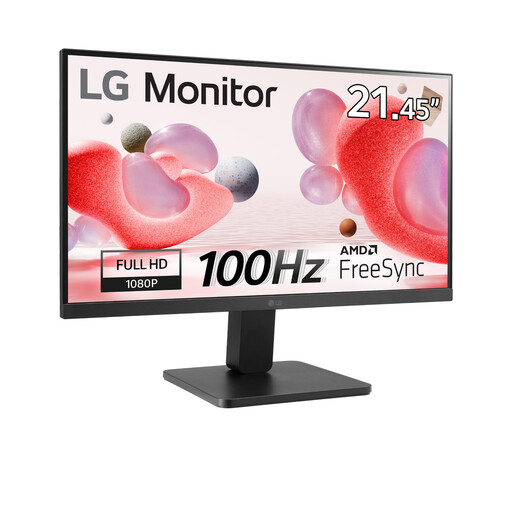
LG 22-inch Full HD VA 100Hz monitor
Consider this smaller-screen option if fitting a monitor onto a very limited desk takes priority over a larger game view.
The product name specifies a VA panel, 100Hz refresh rate and HDMI connection.
Check its dimensions with the stand and the refresh rate supported by your device’s connection.
View on Joybuy
 No image available
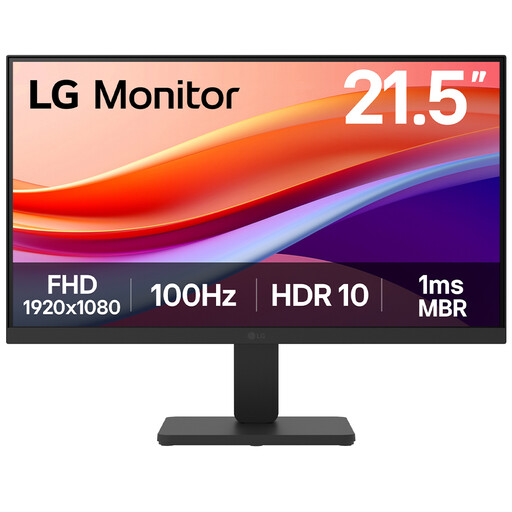
LG 22U401A-B 22-inch Full HD VA monitor
This is another 22-inch option to consider when the desk is too constrained for your preferred larger display.
The product name specifies 100Hz and HDMI.
Compare the available viewing area with the maps and menus in your games, and check your connection’s supported refresh rate.
View on Joybuy
 No image available
Gawfolk 24.5-inch curved Full HD monitor
Consider this compact-format option if you want a curved screen and built-in speakers for a mixed-use desk.
The product name specifies 100Hz, 3000R curvature, AMD FreeSync, HDMI and a 75 × 75 mm VESA mount.
Check the stand footprint and whether your viewing position suits the curve before buying.
View on Joybuy
 No image available
Samsung Odyssey G6 S27DG612 27-inch QHD OLED gaming monitor
Consider this larger-screen route if you have measured enough desk space and prioritise QHD for building-game maps and interfaces.
The product name specifies an OLED panel and 240Hz refresh rate.
Check its dimensions with the stand, your PC’s QHD performance and the refresh rate available through the input you intend to use.
View on Joybuy
Common questions
Should I choose 24 inches or 27 inches for building games on a small desk?
Start with a 24-inch-class Full HD monitor if physical fit is the limiting factor; consider 27-inch QHD if you have measured the space and want more pixels for maps and interfaces. Check the stand footprint and your PC’s QHD performance rather than choosing by screen diagonal alone.
Do city-builders need a 180Hz monitor?
No: 180Hz need not be the priority for city-builders, particularly if desk fit and interface detail matter more to you. A higher refresh rate becomes more relevant if you also play faster games, provided your device and connection can make use of it.
Which connection should I use for a QHD high-refresh monitor?
Use an input that supports your intended resolution and refresh rate on the exact monitor and computer. For the G2725D, Dell UK lists up to QHD 180Hz through DisplayPort 1.4 and up to QHD 144Hz through HDMI 2.1; limits on other models may differ.
What can I do with an old monitor in the UK?
Look for an appropriate electrical-equipment reuse or recycling route, such as a retailer take-back service or a local authority service that accepts monitors. GOV.UK identifies the Waste Electrical and Electronic Equipment Regulations 2013, as amended, as underpinning UK measures for electrical-equipment recovery, reuse and recycling; check which collection options are available locally.


