Joybuy gaming monitors
These Joybuy listings cover high-refresh gaming monitors, including QHD models and a dual-mode option. Check each model’s specifications against your PC’s actual output and the games you play.
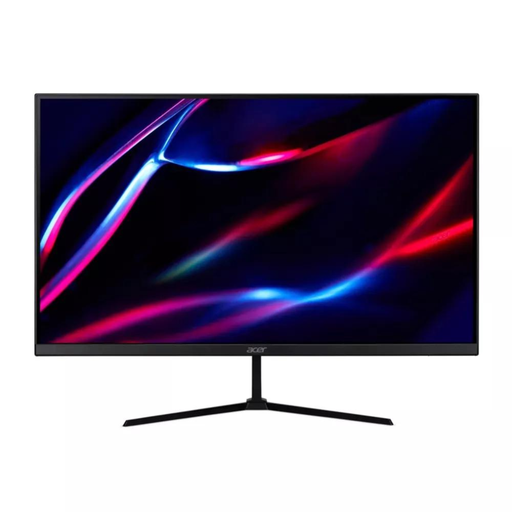 Image unavailable
27-inch QHD IPS 180Hz Gaming Monitor
Consider it if you want a QHD screen with a high refresh rate for fast PC games; check that your system can deliver the frame rates you want at QHD.
27-inch; QHD; IPS; 180 Hz; HDMI and DisplayPort; FreeSync Premium.
Joybuy
 Image unavailable
HKC G27H2DPro 27-inch QHD Fast IPS 220Hz Gaming Monitor
Consider it if you want a QHD gaming display specified at 220 Hz; compare that mode with the frame rates your PC achieves in your games.
27-inch; QHD (2560 × 1440); Fast IPS; 220 Hz.
Joybuy
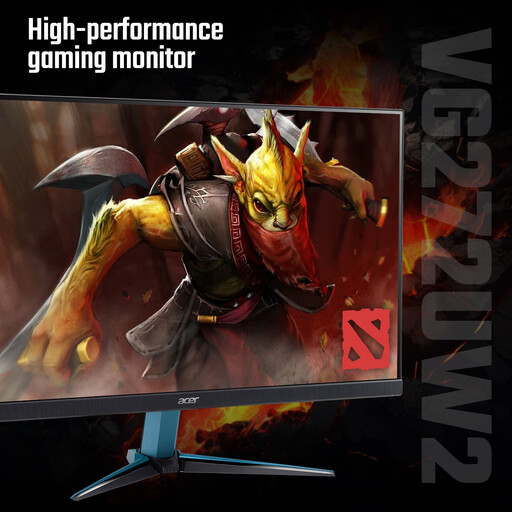 Image unavailable
Acer Nitro VG272UW2bmiipx 27-inch QHD IPS 240Hz Gaming Monitor
Consider it if you want QHD resolution alongside a 240 Hz specification, provided your PC can use the intended mode in your games.
27-inch; QHD; IPS; 240 Hz; HDMI and DisplayPort; FreeSync Premium.
Joybuy
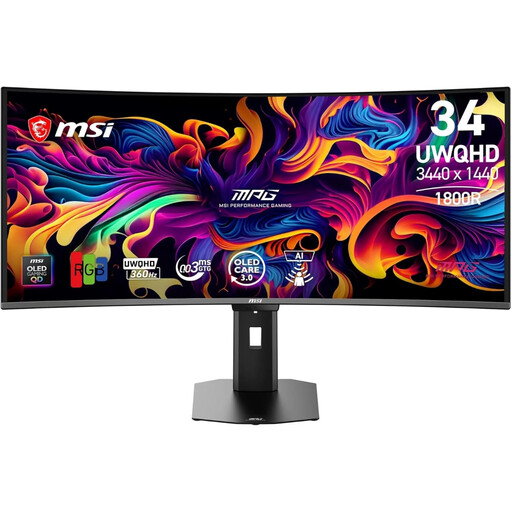 Image unavailable
MPG 341CQR QD-OLED X36 34-inch UWQHD 360Hz Gaming Monitor
Consider it if a 34-inch curved UWQHD screen and a 360 Hz specification fit your setup; check your PC’s frame rates at the intended resolution.
34-inch curved display; UWQHD (3440 × 1440); QD-OLED; 360 Hz; Adaptive-Sync; HDMI and DisplayPort.
Joybuy
 Image unavailable
LG UltraGear 32GS95UV-B 32-inch OLED Dual-Mode Gaming Monitor
Consider it if you will use separate detailed-image and high-refresh modes for different games; confirm that your PC and connection support each pairing.
32-inch; OLED; 4K at 240 Hz or Full HD at 480 Hz; HDMI 2.1 and DisplayPort. The resolution and refresh-rate pairings are separate modes.
Joybuy
Frequently asked questions
How do I check whether Windows is using the refresh rate I want?
In Windows, open Settings, then System, Display and Advanced display to inspect the selected screen’s resolution, refresh rate and VRR status. Microsoft notes that some refresh rates require a resolution change; check the monitor’s mode and input specifications as well.
Do I need DisplayPort rather than HDMI for PC gaming?
Neither connector is universally preferable: compare the supported resolution and refresh-rate combination for your graphics output, monitor input and cable. If both connections deliver the same intended mode, the connector choice alone does not establish a performance difference.
What should I consider when maintaining an OLED gaming monitor?
Prolonged static, high-contrast images can lead to image persistence or burn-in on OLED displays. Follow the protection and pixel-cleaning guidance for the exact model and check its warranty terms; ASUS describes these features for applicable OLED models, not as a guarantee against burn-in.
What UK rights apply if an online monitor purchase is faulty or unsuitable?
For an applicable distance purchase, GOV.UK says to tell the trader within 14 days of receiving the item that you wish to cancel, then return it within a further 14 days. Faulty or misdescribed goods have separate statutory remedies, so check the seller’s procedure without treating its warranty as a replacement for those rights.
What maintenance should I consider for an OLED gaming monitor?
With prolonged static, high-contrast images, OLED image persistence or burn-in is possible. Follow the exact model’s screen-protection and pixel-cleaning instructions and check its warranty wording; ASUS describes these functions for applicable OLED ranges rather than guaranteeing that burn-in cannot occur.


