
24/7 Customer Support

Free returns

Same-day & Next-day Delivery

Quality Guaranteed

Unlock Your Welcome Offers: FREE Delivery | Up to 80% OFF | Free 30-day JoyPlus trial
Download the APP
Buying one of the many gaming monitors available in the UK involves more than choosing the largest screen or highest refresh rate. A display that looks impressive on a product page may be unsuitable for your graphics card, desk or preferred games.
The most common buying mistakes include:
A QHD gaming monitor at 2560 × 1440 is a practical choice for many PC gamers. It offers sharper detail than Full HD without placing the same graphics demand as 4K. A 27-inch QHD screen is a common fit for desks, while 32-inch models provide a larger viewing area for games, editing and multitasking.
A 4K gaming monitor displays 3840 × 2160 pixels and suits users with a capable graphics card, modern console or preference for detailed single-player games. Larger 43-inch screens can work as a desk-based entertainment display, but viewing distance and desk depth are important.
Ultrawide options use aspect ratios such as 21:9 or 32:9. A curved gaming monitor can make a wide panel easier to view from the centre, while a DQHD 5120 × 1440 display provides substantial horizontal workspace for applications, timelines and side-by-side windows.
A high refresh rate monitor updates the image more frequently, which can make camera movement and scrolling appear smoother. Common options include a 165Hz gaming monitor, 180Hz, 240Hz and, for esports-focused users, 320Hz.
Refresh rate is only one part of motion performance. Response time describes how quickly pixels change colour, but manufacturers may quote different measurement methods. Look for the measurement type, such as GtG or MPRT, and consider whether your computer can deliver enough frames.
Adaptive sync technologies, including FreeSync gaming monitor support and G-SYNC compatibility, can help coordinate the display refresh rate with compatible GPU output. This may reduce visible tearing and stuttering, but compatibility depends on the graphics card, connection and settings.
For a shared office and gaming setup, features such as height adjustment, VESA mounting, low-blue-light modes, flicker reduction and a matte coating may be more useful than additional refresh rate. These features can support a more comfortable setup, but they do not replace sensible brightness, viewing distance and regular breaks.
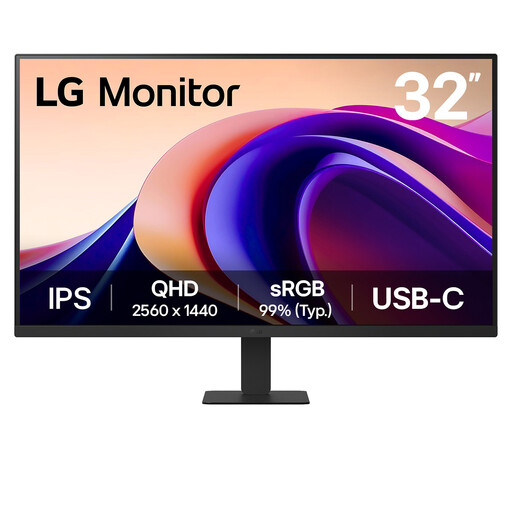
Why This Fits Their Persona: A sensible option for mixed gaming, study and home-office use where 100Hz performance and a 32-inch workspace are more useful than esports-level speed.
Its QHD resolution, 100Hz refresh rate and USB-C connection provide practical everyday features without paying for an unusable 240Hz specification.
32-inch IPS panel, 2560 × 1440 resolution, 99% sRGB coverage and Reader Mode with Flicker Safe technology.
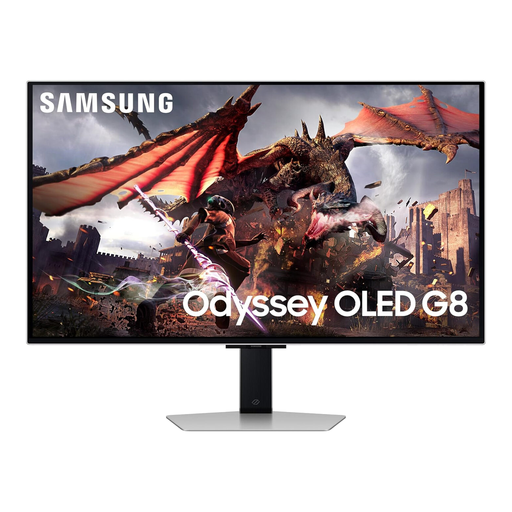
Why This Fits Their Persona: Suits users who want a 4K OLED gaming monitor for detailed PC or console gaming, films and smart-home entertainment in one display.
The specification lists 4K resolution, HDMI 2.1, 240Hz and OLED care features, making the key performance details easier to verify.
32-inch 4K QD-OLED panel, 240Hz refresh rate, 0.03ms response time, OLED Glare Free and Tizen smart features.
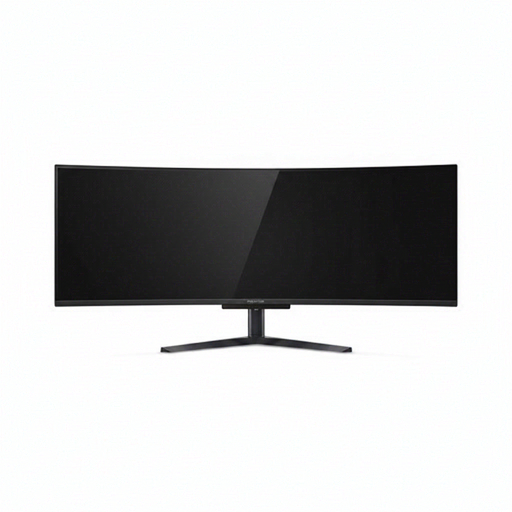
Why This Fits Their Persona: Designed for streamers, editors, multitaskers and immersive gamers who can accommodate a wide 49-inch display.
Its DQHD resolution and 32:9 format are clearly stated, while HDMI 2.1, DisplayPort and USB-C support help with multi-device setups.
5120 × 1440 QD-OLED panel, 240Hz refresh rate, 1800R curve, USB-C with 90W power delivery and height-adjustable stand.
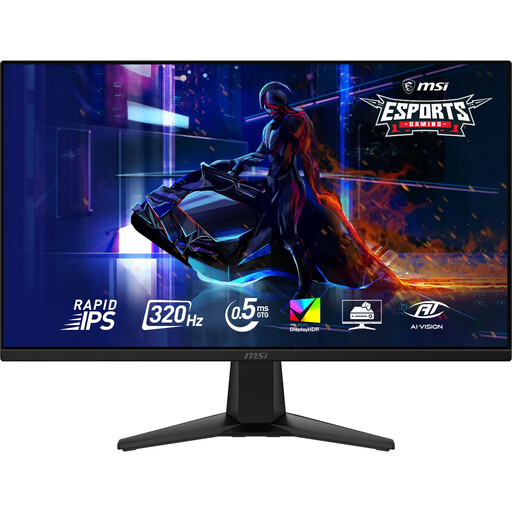
Why This Fits Their Persona: A 27-inch QHD format with 320Hz performance is aimed at players prioritising responsive motion in competitive FPS and racing titles.
The 320Hz specification is paired with a 0.5ms GtG rating, Adaptive-Sync and DisplayPort 1.4a, rather than relying on refresh rate alone.
2560 × 1440 Rapid IPS panel, 320Hz refresh rate, VESA DisplayHDR 400, HDMI 2.1 and PS5/Xbox VRR support.
We have compiled a complete, real-time list of products that fully satisfy these strict selection criteria and UK safety regulations.
For many PC gamers, yes. A 165Hz gaming monitor provides smoother motion than 60Hz and can suit fast games when the computer consistently produces high frame rates. Competitive players with powerful hardware may prefer 240Hz or 320Hz, while casual users may gain more from resolution, panel quality or ergonomic adjustment.
Yes, provided the monitor has suitable inputs and supports the required resolutions and refresh rates. Look for HDMI 2.1 when targeting higher-bandwidth console connections, and check specific console modes such as 120Hz, VRR and HDMI CEC. A monitor for PC gaming may offer different performance through DisplayPort and HDMI.
Power consumption varies with screen size, brightness, HDR use, refresh rate and panel technology. Large 4K and ultrawide screens generally have a higher rated maximum than smaller QHD models. Check the product’s power specifications, use standby settings and reduce brightness where comfortable to manage running costs.