What to prioritise when choosing
Check the connected device and intended display mode first, then confirm support on the specific input; assess desk fit and everyday-use needs before paying for a higher headline refresh rate.
| Concern |
What to check when buying |
Who this matters to |
| Console mode compatibility |
Match the console, intended resolution, supported game mode and monitor’s HDMI capabilities; check the cable for the required mode. |
If my console is the main device, I want its intended resolution and refresh rate to work through the monitor’s HDMI input, with game limitations in mind. Consumers who put console-mode compatibility first make up around 33%. |
| Room fit and repositioning |
Measure the screen with its stand in place; check stand adjustments and any stated mounting interface before choosing an arm. |
For a shared desk, I need the complete setup to fit and the screen to be positionable for the people using it. This is the primary concern for around 27% of consumers. |
| PC gaming refresh rate |
Compare the intended mode with the exact model’s HDMI or DisplayPort specification and the PC’s output. |
If PC gaming speed comes first, I want the graphics output, cable and monitor input to support the refresh rate I plan to use. Around 20% of consumers prioritise this PC mode. |
| Gaming and everyday use |
List the devices sharing the screen; check the relevant video inputs, display modes and whether the stand suits other users. |
When one screen has to serve both gaming and everyday tasks, I want its connections and placement to work for both. Around 20% of consumers make that mixed-use need their main priority. |
Joybuy product choices
These Joybuy listings are gaming monitors for PC or console setups; compare each model’s stated inputs and modes with your device, then check how its size and stand fit the shared room.
 No image available
HKC G27H2DPro 27-inch QHD Fast IPS Gaming Monitor
For a PC or console setup using HDMI or DisplayPort, the listing identifies this as a 27-inch QHD gaming monitor.
The title states 2560 × 1440 resolution and 220 Hz; the description lists HDMI and DisplayPort. Check the mode supported by the specific input and your connected device.
Joybuy
 No image available
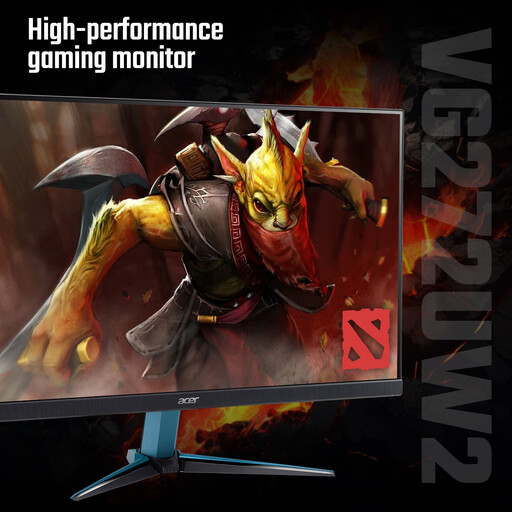
Acer Nitro VG272UW2bmiipx 27-inch QHD IPS Monitor
For a console or PC setup, compare the listed connections and modes with the output you intend to use.
The title states QHD resolution and 240 Hz; the description lists two HDMI inputs and one DisplayPort. It also states PS5 1440p support and Xbox Series X|S 1440p at 120 Hz; check the mode for the input, game and console you plan to use. The listing describes a tilt-adjustable stand.
Joybuy
 No image available
CRUA 49-inch Curved Ultrawide Gaming Monitor
Consider this large ultrawide model only if its footprint and handling suit the shared room.
The title lists DQHD 5120 × 1440, 165 Hz and a 32:9 VA panel; the description lists two HDMI 2.1 and two DisplayPort 1.4 inputs, plus a 75 × 75 mm VESA interface. The description advises moving the 49-inch panel with at least two people and using a desk or mount rated for its size and weight.
Joybuy
 No image available
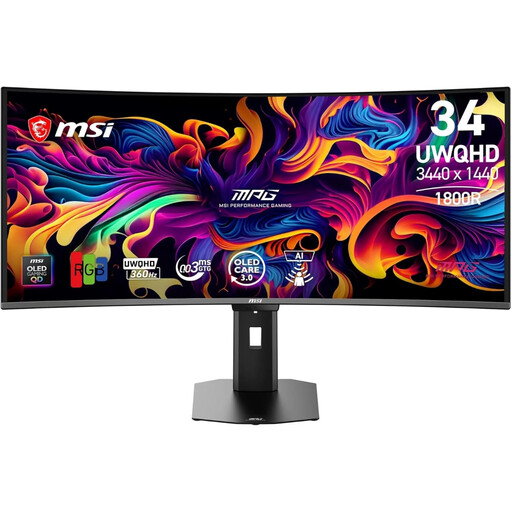
MPG 341CQR QD-OLED X36 34-inch Gaming Monitor
For a curved ultrawide setup, compare the stated resolution and connections with your PC or console.
The title lists 3440 × 1440 resolution, 360 Hz and 0.03 ms response time; the description lists HDMI 2.1 and DisplayPort 2.1a. Confirm the supported mode on the input you intend to use.
Joybuy
 No image available
LG UltraGear OLED 32GS95UV-B 32-inch Gaming Monitor
For a shared viewing position, consider whether the listed stand adjustments suit the people using the screen.
The title lists UHD 4K and dual modes of 4K 240 Hz or Full HD 480 Hz. The description lists HDMI 2.1, DisplayPort 1.4 and height, tilt, swivel and pivot adjustments. Check which mode the connected device and chosen input support.
Joybuy
Frequently asked questions
Does a PS5 need a 144 Hz or faster monitor?
No: PlayStation says PS5 120 Hz output is for displays and games that support 120 Hz. Check the intended resolution and refresh rate on the monitor’s HDMI input; a higher PC-focused maximum does not by itself establish a benefit for PS5.
Does an HDMI 2.1 label guarantee 4K 120 Hz or VRR?
No. HDMI Licensing Administrator says individual HDMI 2.1 features are optional, so check the exact modes and features listed for the monitor. PlayStation describes PS5 VRR use with HDMI 2.1 VRR-compatible displays.
Should I replace my HDMI cable before setting up a console?
Check the intended output mode and your existing cable first. PlayStation says older HDMI cables can also be used; for a setup requiring high-bandwidth HDMI modes, HDMI’s Ultra High Speed certification programme identifies tested cables. A new cable cannot make an unsupported monitor input support a mode.
How can I check what output an Xbox detects?
For Xbox Series X, Microsoft’s published instructions point to Settings, then General, TV & Display Options and 4K TV details to inspect detected 4K and HDR capabilities. Compare what the console detects with the monitor’s documented modes.
What should I check before fitting a monitor arm?
Compare the exact monitor’s mounting interface and dimensions with the proposed arm and available desk space. For example, Dell specifies a 100 mm VESA mounting interface for the G2724D; do not assume that measurement applies to another model.


