What matters when choosing
For survival games in a shared bedroom, settle desk fit and private listening before deciding how much screen detail and refresh capability your setup needs.
| Concern |
What to check |
Who this matters to |
| Desk fit and private audio |
Measure usable desk space, including the stand. Check for a headphone output and whether your intended connection carries audio. |
I need the screen to fit without taking over the desk, and I want to listen without disturbing my roommate. Around 31% of consumers put desk fit and private listening first. |
| Environmental detail |
Compare 1920 × 1080 Full HD with 2560 × 1440 QHD, and check whether your graphics setup can run your games at the resolution you choose. |
When I read maps or scan a game environment, extra on-screen detail matters more to me than a smaller display. Roughly 25% of consumers prioritise that detail. |
| Motion and variable refresh |
Check the monitor's refresh mode and VRR compatibility against your graphics hardware and connection. |
If my game frame rate varies, I care most about how motion looks and whether my system can use adaptive sync. Around 25% of consumers place motion and VRR first. |
| Connection and mode compatibility |
Confirm the graphics output and cable needed for the exact refresh mode; compare response-time figures only when their measurement methods match. |
I do not want to choose a monitor for a headline mode that my setup cannot enable. Approximately 19% of consumers make connection and specification checks their main concern. |
Joybuy monitor choices
These monitors cover compact Full HD choices and larger QHD screens for survival-game setups. Check desk space, the refresh mode your connection can run and your private-audio arrangement for the particular model.
 No image available
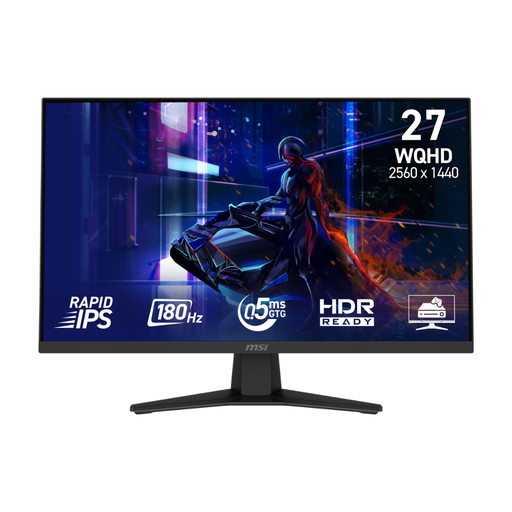
MSI MAG 274QF 27-inch QHD gaming monitor
Consider this for a QHD survival-game setup if a 27-inch screen fits your desk.
WQHD Rapid IPS display with a stated 180 Hz refresh rate and Adaptive Sync. Check the refresh mode available through your intended connection and confirm your private-audio route.
View on Joybuy
 No image available
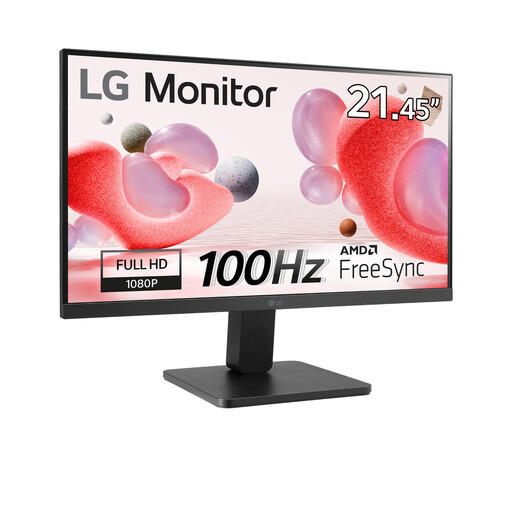
LG 22-inch Full HD VA monitor, 100 Hz
Consider the smaller screen if fitting a monitor onto the shared-bedroom desk matters more than choosing a larger QHD display.
Full HD VA monitor with a stated 100 Hz refresh rate and HDMI connection. Check how you will connect headphones for quiet play.
View on Joybuy
 No image available
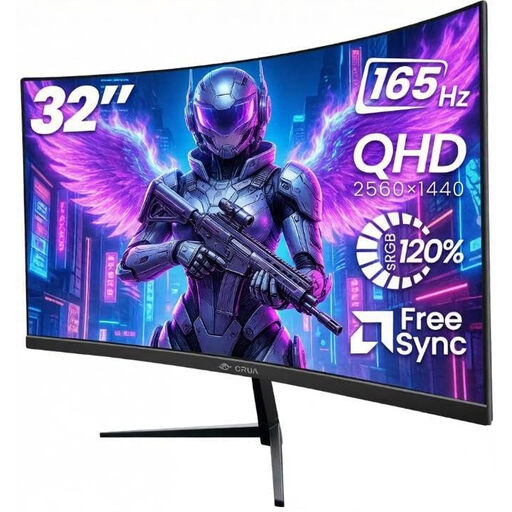
CRUA 32-inch 1500R curved QHD gaming monitor
Only consider this larger screen if you can accommodate its placement in the shared bedroom.
2560 × 1440 QHD, 165 Hz, Adaptive Sync and 100 × 100 mm VESA mounting are stated in its name. Check the connection required for your intended refresh mode and the exact connector you would use for private audio.
View on Joybuy
 No image available
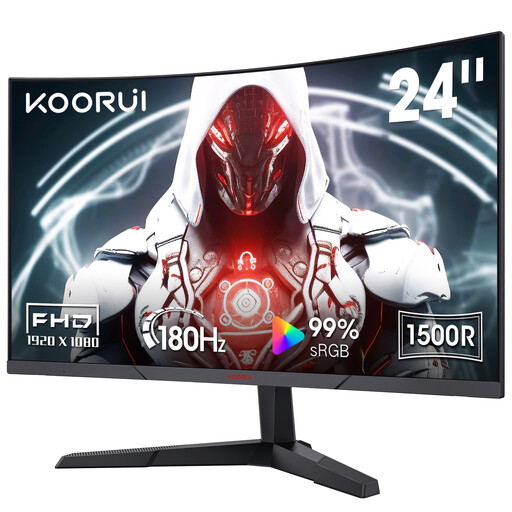
KOORUI MG24A12FV2 24-inch curved gaming monitor
This is a compact Full HD option to assess when desk space matters.
Its name specifies a 1080p VA display, 180 Hz refresh, 1500R curvature, Adaptive Sync and VESA compatibility. If headphones must connect through the monitor, confirm the exact audio connector before choosing it.
View on Joybuy
 No image available
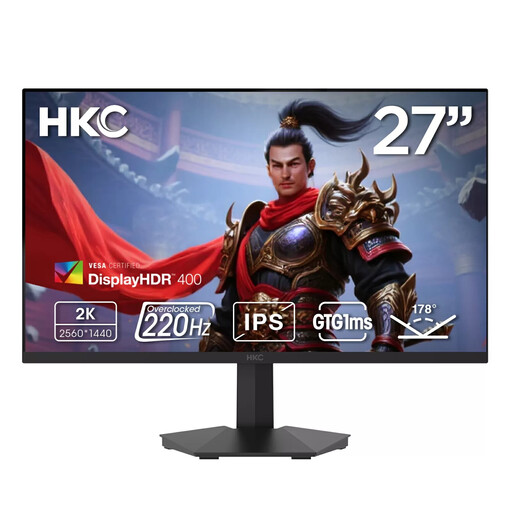
HKC G27H2DPro 27-inch QHD gaming monitor
Consider this QHD option if you have room for a 27-inch display and want to check a higher stated refresh rate.
Its name specifies 2560 × 1440 Fast IPS and 220 Hz. Confirm which connection supports the refresh mode you intend to use and how you will listen privately.
View on Joybuy
Frequently asked questions
Should I choose 24-inch Full HD or 27-inch QHD for survival games in a shared bedroom?
Choose the compact Full HD route when desk space is your priority; choose 27-inch QHD when you have room and want more pixels for environments and interfaces. ASUS UK Store lists a 23.8-inch 1920 × 1080 example, while LG UK lists a 27-inch 2560 × 1440 example. Check what your graphics setup can run at your preferred settings.
How can I keep game audio private?
Use headphones rather than relying on monitor speakers. If you plan to plug them into the monitor, check that the exact model has an earphone or headphone output and that your chosen source connection carries audio to it.
When does FreeSync or G-SYNC Compatible matter?
Variable refresh rate is worth checking when game frame rates vary and your graphics setup is compatible. AMD says FreeSync synchronises display refresh with a compatible graphics card's frame rate; NVIDIA describes G-SYNC Compatible displays as validated for a basic variable-refresh-rate experience. Check support for the exact monitor, graphics hardware and connection.
Will an advertised 200 Hz monitor mode work with my current cable?
Not necessarily: LG UK specifies that the 27GS75QN-B needs a DisplayPort 1.4-capable graphics card and DisplayPort 1.4 cable for its optional 200 Hz overclock mode. Its native refresh specification is 180 Hz, so check your output and cable before relying on the higher mode.


