What to check before choosing
For a UK console player considering a move to PC, settle these questions before selling equipment or choosing a computer.
Prebuilt gaming desktop
Choose when: You have room for a separate screen and peripherals and want an assembled PC.
Trade-off: Allow for a suitable monitor, keyboard, mouse and other equipment that is not already part of your setup.
Self-build gaming PC
Choose when: You want to select and assemble components yourself.
Trade-off: You take on component compatibility checks, assembly and troubleshooting.
Gaming laptop
Choose when: You need one computer that can move between locations or cannot accommodate a permanent desktop setup.
Trade-off: Check the exact laptop GPU, screen, weight, power adapter and external-display connections; similarly named desktop and laptop GPUs are not a confirmed performance match.
Keep the console
Choose when: Your important purchases remain in the console ecosystem or you prefer your existing TV setup.
Trade-off: Changing a display or accessory does not create PC game entitlements; check the multiplayer terms for the games you play.
Refurbished or used hardware
Choose when: You can assess the exact configuration and condition and check the seller’s terms before buying.
Trade-off: Wear or modifications may not be obvious, so inspect the equipment and confirm what is included.
| Concern |
What to check when buying |
Who this matters to |
| Games and progress |
List must-play titles, storefront entitlements, cross-progression rules and friends’ multiplayer platforms. Microsoft says Xbox Play Anywhere covers supported digital purchases, not every title. |
I want to keep the games and progress I already use, so I would check each title before trading in the console. Around 28% of consumers prioritise retaining games and progress. |
| Game performance |
Choose the games and display first, then compare the exact CPU, GPU, memory and storage. Look for evidence for the particular game before expecting a resolution or frame rate. |
I care about how particular games look and respond on my screen, rather than a product-family name. Around 22% of consumers put game performance first. |
| Complete setup |
Check your screen, connections, keyboard, mouse or controller, audio equipment, power sockets and desk space against the exact listing. |
I need to know whether the computer and equipment will fit the space and setup I already have. Around 22% of consumers prioritise having a complete, workable setup. |
| Switching cost and condition |
Consider the whole setup and confirm the trade-in offer after assessment. For used hardware, check condition, included parts and the seller’s returns and warranty terms. |
I want to understand the cost after any trade-in and avoid relying on an unconfirmed offer. Around 17% of consumers put net cost and used-hardware risk first. |
| Other computer tasks |
Name the applications you need and check operating-system compatibility, ports, storage and where you will use the computer. |
I want one purchase to cover gaming and specific computer tasks I already have. Around 11% of consumers prioritise non-gaming use. |
Brands and platforms to consider as reference points
These examples relate to specific PC configurations or console terms; their inclusion is not an endorsement or an indication of Joybuy availability.
HP
HP’s UK listing for the OMEN 35L GT16-0049na specifies a Core Ultra 7 265F, RTX 5060 Ti 16 GB, 32 GB RAM and 1 TB SSD.
- HP describes this model’s case as tool-less and upgrade-oriented.
- Those details apply to this configuration and manufacturer description; they do not establish measured game performance or describe every OMEN model.
Lenovo
The UK listing for Legion Tower 5 part number 90YJ002GUK specifies a Ryzen 7 7800X3D, RTX 5070 Ti 16 GB, 32 GB RAM and 1 TB SSD.
- The listing gives configuration details for a specific desktop tower.
- Its stated 850 W power supply and one-year courier-or-carry-in warranty apply to this part number, not to every Legion PC.
MSI
MSI’s specification for Katana 15 B13UDXK describes a 15.6-inch FHD, 144 Hz display.
- The listed configuration combines a built-in screen and keyboard with an RTX 3050 Laptop GPU.
- MSI notes that specifications may vary by scenario; confirm the complete retail variant. The listed weight is 2.25 kg.
Sony PlayStation
Sony describes the PS5 Digital Edition as disc-free, making existing game discs a relevant part of a console decision.
- Sony says PlayStation Plus memberships include online multiplayer.
- Check the terms for the games you play; a general platform description does not establish access for every individual title.
Joybuy gaming PC options
These Joybuy listings cover prebuilt gaming desktops and gaming laptops for a move to PC gaming. Compare each exact configuration and decide whether a built-in screen or a separate desktop setup better fits your space.
 No image available
CyberPowerPC JOYB1010 Gaming Desktop PC
This prebuilt desktop is a fixed-setup route to PC gaming; check the exact listing’s configuration and included equipment against your games and existing display.
Joybuy
 No image available
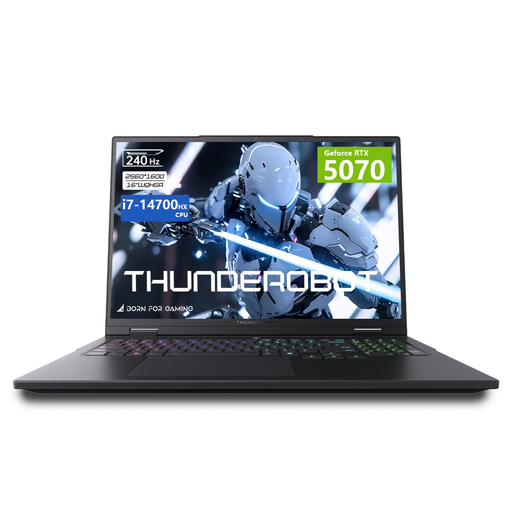
Thunderobot 16 Gaming Laptop, i7-14700HX, RTX 5070, 32GB, 1TB, 240Hz
The built-in screen and keyboard suit a laptop setup when you do not have a permanent monitor arrangement.
Intel Core i7-14700HX; RTX 5070; 32GB RAM; 1TB storage; 16-inch 2560 × 1600 display with a 240Hz refresh rate.
Joybuy
 No image available
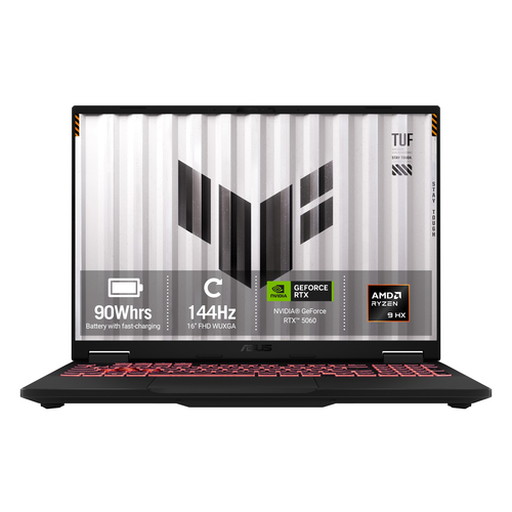
ASUS TUF Gaming A16 FA608PM-TU091W, Ryzen 9 8940HX, RTX 5060, 16GB, 1TB
This laptop has an integrated 16-inch screen and UK English keyboard, so compare its built-in display with the screen setup you already own.
Ryzen 9 8940HX; RTX 5060 Laptop GPU; 16GB DDR5; 1TB SSD; 16-inch WUXGA, 144Hz display; Windows 11 Home.
Joybuy
 No image available
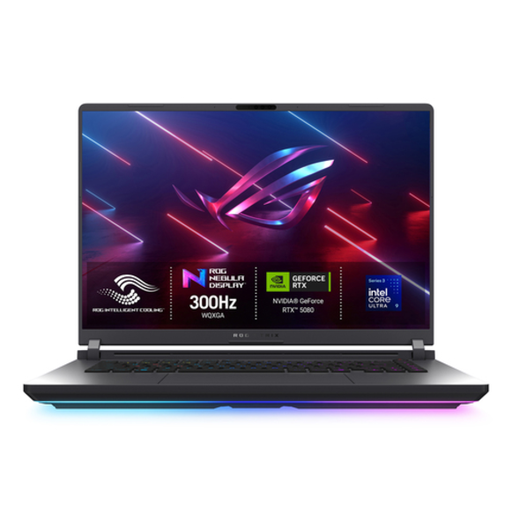
ASUS ROG Strix G16 G615LW-TS262W, Core Ultra 9 290HX Plus, RTX 5080, 32GB, 1TB
The integrated display and keyboard make this a laptop option to compare if you do not want a separate monitor setup.
Core Ultra 9 290HX Plus; RTX 5080 Laptop GPU; 32GB DDR5; 1TB SSD; 16-inch WQXGA, 300Hz display; Windows 11 Home.
Joybuy
 No image available
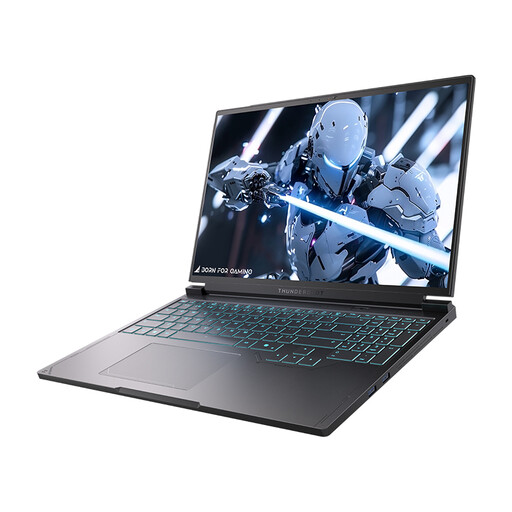
Thunderobot Radiant S16 5060 Gaming Laptop, Core i7-13650HX, RTX 5060, 16GB, 1TB
The built-in 16-inch screen and keyboard are relevant if you want a laptop rather than a permanent desktop arrangement.
Intel Core i7-13650HX; RTX 5060 Laptop GPU; 16GB DDR5; 1TB SSD; QHD+ 240Hz display.
Joybuy
Gaming PC and console FAQs
Will my console purchases and saves work on a new PC?
Check each game individually. Microsoft’s Xbox Play Anywhere benefit covers supported digital games bought through its specified stores and supports progress across compatible devices; it is not a rule for every Xbox or PlayStation game.
Do I need to budget for a monitor and accessories?
For a desktop, check which screen, input and audio devices you already have, then confirm the listing’s contents and connections. A laptop may include its own screen and keyboard, but check the exact configuration before deciding whether you need an external display.
Can I rely on a console trade-in quotation to fund the PC?
Do not commit to spending against an unconfirmed offer. Ask when the figure becomes final, whether an assessment can change it, and whether the proceeds are cash or voucher.
What should I do before handing over a console?
Back up what you need, check account and save-transfer arrangements for your games, and remove personal data before handing over the device.
What UK protections apply if I buy a used gaming PC?
The Consumer Rights Act 2015’s consumer-goods provisions concern contracts between a trader and a consumer; do not assume the same framework applies to a private sale. UK Government guidance warns that wear or modifications in used products may be hard to spot. Check the seller’s status, the stated condition and the actual terms that apply to your purchase.


