What should you check before buying?
The key priorities are keeping games ready to play, confirming platform compatibility, archiving titles and making room for recordings.
| Concern |
What to check when buying |
Who this matters to |
| Games ready to play |
Confirm where your game can be installed and launched. PlayStation Support and Xbox Support specify different playable locations for current console games. |
I want the games I play often to stay installed and launch from the added storage; around 36% of consumers put ready-to-play capacity first. |
| Platform compatibility |
Check the exact console or PC, drive protocol and physical fit. Nintendo UK specifies microSD Express for Switch 2 game storage; an M.2 slot alone does not confirm NVMe support. |
If I am upgrading a particular PC or console, I want to confirm the slot and protocol before choosing a drive; around 29% of consumers prioritise platform fit. |
| Game archiving |
Check whether the drive stores games or also launches them, and how titles are moved back when needed. PlayStation Support says PS5 games cannot launch from USB extended storage. |
I can transfer a game before playing it, so keeping more titles archived locally matters more than launching every title from the external drive; around 21% of consumers prioritise library archiving. |
| Gameplay recordings |
Check the platform’s capture-export method and file-system requirements. PlayStation Support distinguishes USB media export from USB extended game storage. |
I keep clips as well as games and need a suitable place to store or export them; around 14% of consumers put recording storage first. |
Joybuy product options
These Joybuy options cover Switch 2 microSD Express storage, internal NVMe and SATA SSDs for compatible systems, PS5-described NVMe storage and external game archiving.
 No image available
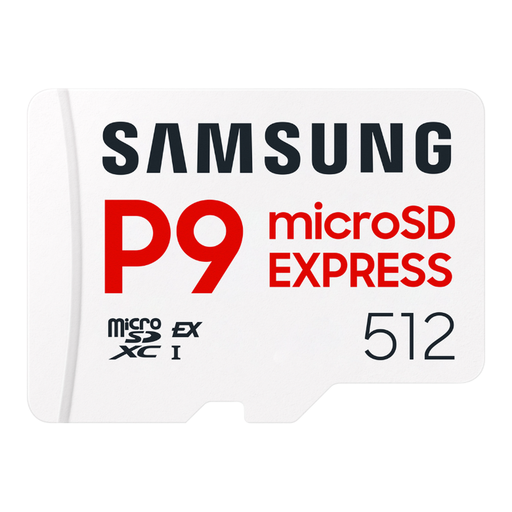
Samsung P9 Express microSD 512GB
For Switch 2 storage, the listing identifies this as a microSD Express card compatible with the console.
512GB; microSD Express.
Check the intended console and card standard before buying.
View on Joybuy
 No image available
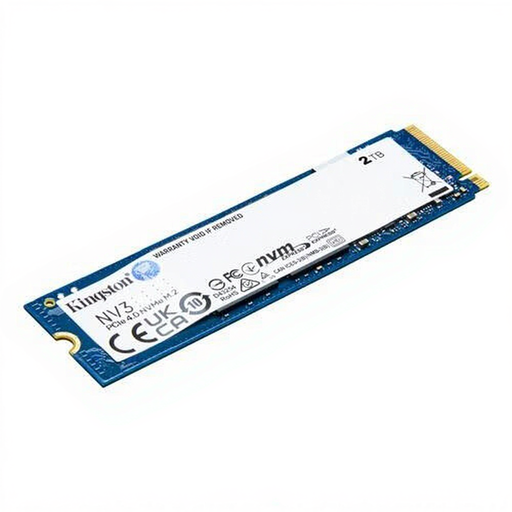
Kingston NV3 2TB M.2 2280 NVMe SSD
For adding internal storage to a compatible PC, the listing describes this NVMe SSD for gaming and large files.
2TB; M.2 2280; PCIe Gen 4x4 NVMe.
Check that the motherboard supports PCIe Gen 4x4 NVMe M.2.
View on Joybuy
 No image available
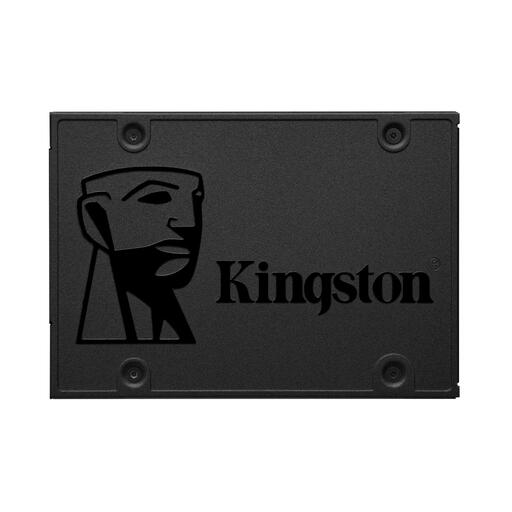
Kingston A400 480GB 2.5-inch SATA SSD
For a PC with a compatible 2.5-inch SATA bay, the listing describes this SSD for desktop and notebook use.
480GB; 2.5-inch; Serial ATA III; TLC.
Installation requires a compatible bay and SATA data and power connections.
View on Joybuy
 No image available
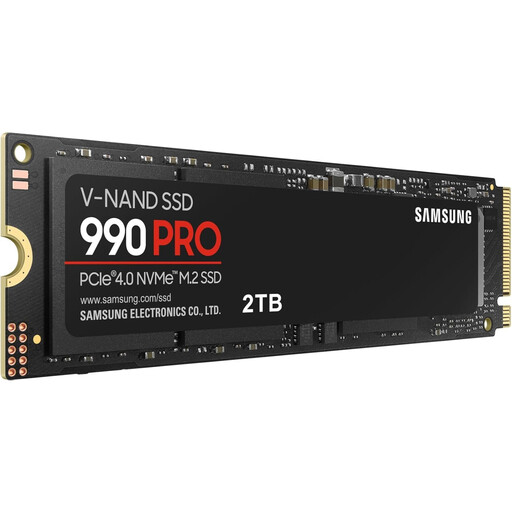
Samsung 990 PRO 2TB PCIe 4.0 NVMe SSD
The listing describes this SSD for PS5 and PC game storage; confirm that the device supports the drive before choosing it.
2TB; PCIe 4.0; NVMe; M.2 2280.
Check the full console requirements and drive fit before installation.
View on Joybuy
 No image available
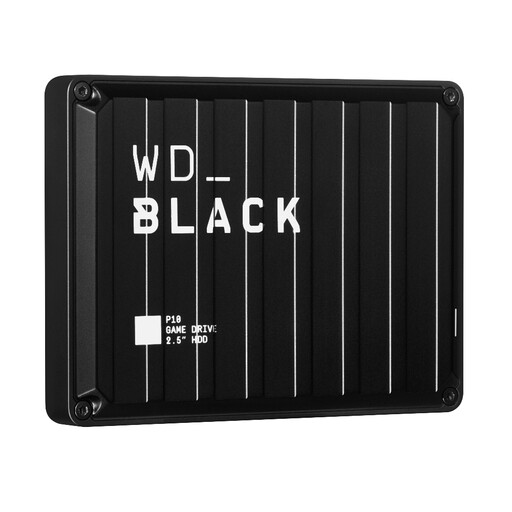
WD_BLACK P10 Game Drive 4TB
For keeping a larger console library for later transfer, the listing describes this external drive for archiving PS5 and Xbox Series X|S games.
4TB; external hard drive; USB 3.2 Gen 1.
The listing says PS5 and Xbox Series X|S games are archived rather than played directly from the drive; supported PS4 and Xbox One games can be played from it.
View on Joybuy
Gaming storage FAQs
Can I play PS5 games directly from an external USB SSD or hard drive?
No. PlayStation Support says PS5 games stored on USB extended storage must be moved to console storage or a compatible M.2 SSD before play. Supported PS4 games can be played from USB extended storage; PlayStation specifies SuperSpeed USB 5 Gbps or later and 250GB–8TB for that role.
What should I check before fitting an M.2 SSD in a PS5?
PlayStation Support specifies PCIe Gen4x4 M.2 NVMe, a supported form factor, 250GB–8TB capacity and effective heat dissipation; it recommends sequential reads of at least 5,500MB/s. M.2 SATA is unsupported. Check the current console instructions and the drive-and-heatsink dimensions before installation.
Can a USB SSD launch Optimized for Xbox Series X|S games?
No. Xbox Support says those games must be installed on the console’s internal SSD or its Storage Expansion Card to play. A qualifying USB drive can store Xbox games and apps, but that storage role is different from direct play of Optimized titles.
Can I use an original Switch microSD card for Switch 2 downloads?
Only if it meets the microSD Express standard. Nintendo UK says Switch 2 uses microSD Express for downloaded software and captures; game save data remains in system memory. The original Switch supports specified conventional microSD types instead.
Can one PS5 USB drive handle both game storage and exported clips?
Do not assume so. PlayStation Support distinguishes USB extended game storage from a FAT- or exFAT-formatted USB drive used to copy screenshots and clips. Formatting a drive for extended storage erases existing data, so check and preserve files before formatting.


