What should you check before buying?
Start with the games you want to launch without a transfer, then check the storage format your device accepts and how much room you want for less frequently played titles.
| Concern | What to check | Who this matters to |
|---|
| Playing console games directly |
Match the drive to the console and game generation. For PS5, check the full M.2 requirements; for optimised Xbox Series X|S games, check the required installation location. |
I want to switch between current-generation games without copying them back to the console. Around 33% of consumers put direct play first when choosing storage for a growing digital library. |
| Archive space |
Decide which games can wait for a transfer or redownload. For PS5 USB extended storage, PlayStation specifies a 250 GB–8 TB drive supporting SuperSpeed USB 5 Gbps or later. |
Keeping less-played games locally matters more to me than launching them immediately; I can accept moving some back before play. For around 27% of consumers, archive capacity is the primary need. |
| PC library location |
Check the PC’s available drive slot and interface, then use the game launcher’s move tools where applicable. Back up important library files before a major move. |
I need a dependable location for installed PC games and would rather avoid an external drive disconnecting during use. Around 20% of consumers place PC library reliability first. |
| Nintendo card format |
Identify whether you have an original Switch or Switch 2; the latter requires microSD Express. Plan separately for save data, which Nintendo says stays in system memory on the original Switch. |
I want more room for Nintendo digital games without buying a card of the wrong type or assuming it will hold my saves. Card compatibility is the leading concern for around 20% of consumers. |
Joybuy storage choices
These choices cover Switch 2 card storage, internal SSDs to assess for a compatible PS5 or PC, and a USB drive for console archives. Whether a game can launch from added storage depends on the device and the exact drive arrangement.
 No image available
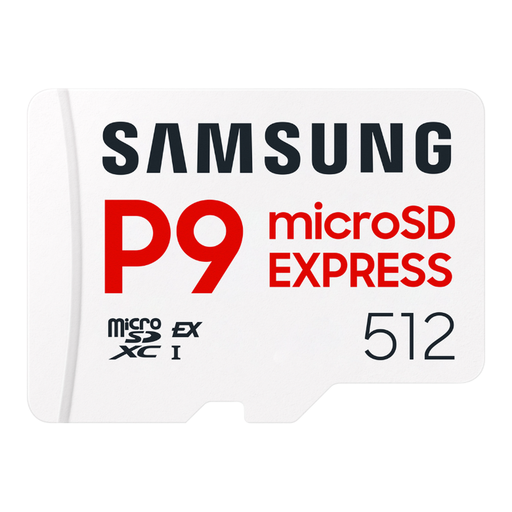
Samsung P9 Express microSD card, 512 GB
Consider this for a Switch 2 digital-game library: the P9 Express is a microSD Express card, the format Nintendo UK Support requires for Switch 2. This variant is 512 GB; confirm your console generation before choosing a card.
View on Joybuy
 No image available
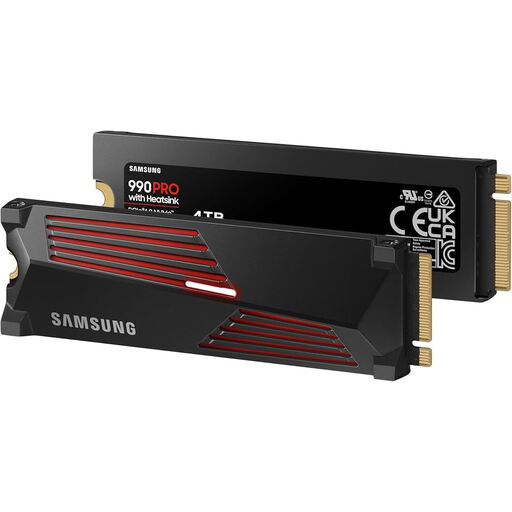
Samsung 990 PRO PCIe Gen 4.0 x4 NVMe SSD, 4 TB
A 4 TB internal-drive option for a compatible gaming device. For PS5 use, check this exact variant’s physical fit and heat-dissipation arrangement against PlayStation’s M.2 requirements; for PC use, confirm the available slot and interface.
View on Joybuy
 No image available
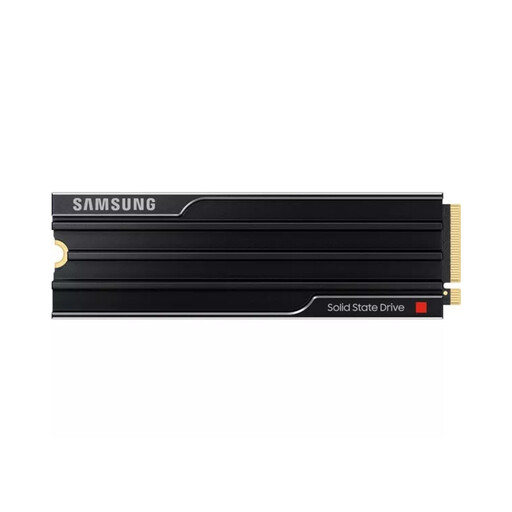
Samsung 990 PRO NVMe M.2 SSD, 1 TB
This 1 TB M.2 SSD is worth assessing when you want internal game-library expansion. Before using it in a PS5, confirm the exact variant’s interface, dimensions and cooling against PlayStation’s requirements; a PC also needs a compatible slot.
View on Joybuy
 No image available
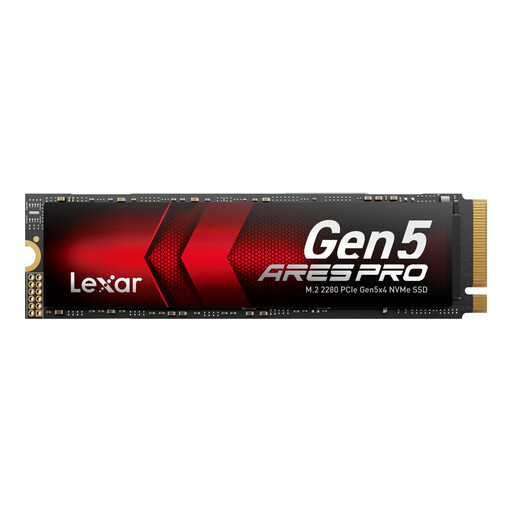
Lexar ARES PRO 4 TB Gen5 NVMe M.2 SSD
Consider this 4 TB PCIe 5.0 x4 internal SSD for a PC game library if your computer has a suitable M.2 slot. Check the host’s supported interface and physical fit; the drive’s listed interface alone does not establish how it will operate in a particular PC.
View on Joybuy
 No image available
Western Digital WD_BLACK P10 Game Drive, 6 TB
This 6 TB external drive suits an archive if you accept moving some games before play. PlayStation Support says PS5 games cannot launch from USB extended storage; Xbox Support requires optimised Series X|S games on the internal SSD or a Storage Expansion Card for play. Check the intended console’s USB-storage requirements before buying.
View on Joybuy
Common questions
Can I play PS5 games from an external USB drive?
No. PlayStation Support says PS5 games stored on USB extended storage must be copied back to PS5 console storage before play. PS4 games can be installed and played directly from PS5 USB extended storage.
What should I check for a PS5 internal SSD?
PlayStation Support specifies a PCIe Gen4x4 M.2 NVMe SSD with Key M, 250 GB–8 TB capacity, supported dimensions and effective heat dissipation; M.2 SATA SSDs are not supported. It recommends sequential read speed of 5,500 MB/s or faster, so compare the full requirements with the exact drive and heatsink arrangement.
Will a USB drive run Optimised for Xbox Series X|S games?
Xbox Support says optimised Series X|S games must be installed on the console’s internal SSD or a Storage Expansion Card to play. A compatible external drive can hold games for transfer when you want to play them.
Can I use an original Switch microSD card for Switch 2 games?
Do not assume an original Switch card will work for that purpose. Nintendo UK Support says Switch 2 requires microSD Express to save or load digital games, while the original Switch uses standard microSD card formats.
Should I keep my main Steam library on an external hard drive?
Steam does not recommend external hard drives for installed games because they may have performance issues or disconnect unexpectedly. If your PC supports another internal drive, you can create an additional Steam library location and move installed games; back up important library files before a major move.


